The landscape of web accessibility has seen a significant advancement with the introduction of the ariaNotify() method, a new feature defined by the WAI-ARIA 1.3 Specification. This innovative tool provides developers with a direct and programmatic way to trigger screen reader narration, addressing a long-standing challenge in creating dynamic and accessible web experiences. While ariaNotify() offers a streamlined solution compared to previous methods, its power and simplicity necessitate a careful and judicious approach to its implementation to avoid unintended negative consequences for users.
A New Dawn for Programmatic Narration
For years, developers seeking to inform users about dynamic content changes on a webpage have relied on ARIA live regions. These regions, marked by attributes like aria-live, aria-atomic, and aria-relevant, were designed to alert assistive technologies to updates on a page that might otherwise go unnoticed by users relying on screen readers. However, the practical implementation of live regions has been fraught with inconsistencies across different browsers and assistive technologies. This often led to a cumbersome development process, requiring developers to resort to intricate workarounds, including visually hiding elements solely to serve as notification channels.
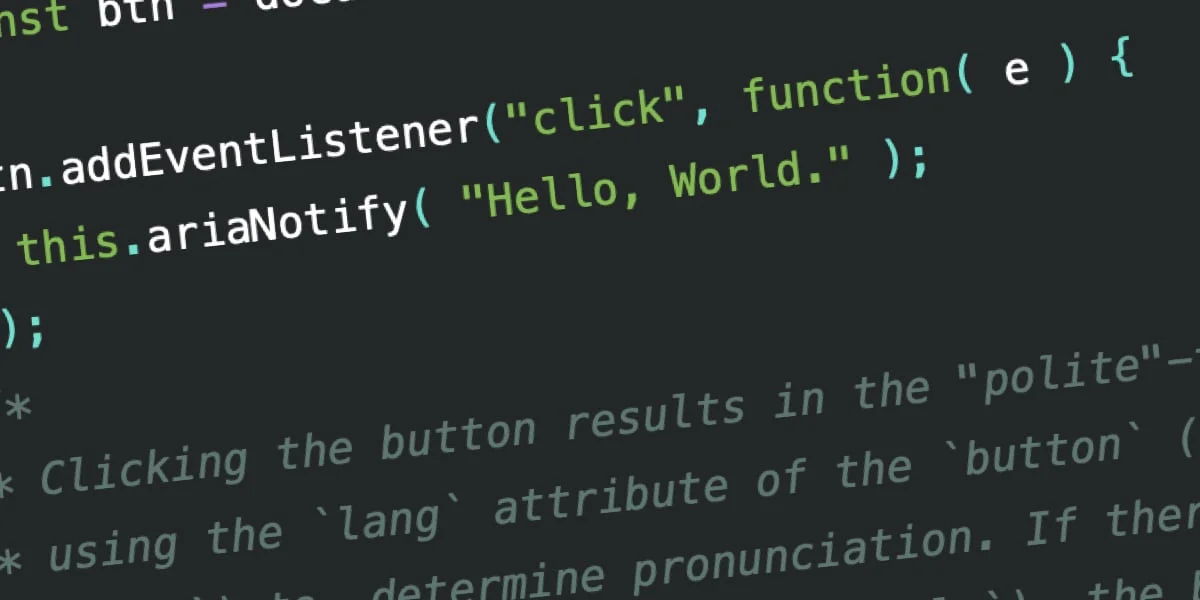
The ariaNotify() method, now available on both the Element and Document interfaces, fundamentally simplifies this process. With a straightforward syntax, developers can now programmatically trigger narration with a single line of code:
document.ariaNotify( "Hello, World." );This method accepts a string as its primary argument, representing the content to be narrated. An optional second argument, a configuration object, allows for further customization, most notably the priority of the notification. This represents a paradigm shift from the complex markup manipulation previously required.
The Legacy of Live Regions: A Necessary Evil
To fully appreciate the significance of ariaNotify(), it is crucial to understand the limitations of its predecessor, ARIA live regions. Historically, when content on a webpage changed dynamically—whether through user interaction or asynchronous loading—screen readers would not automatically inform the user of these alterations. Users could miss critical information or updates because their focus remained static while the page content evolved.
Live regions were introduced to bridge this gap. By applying an aria-live attribute to an element, developers could signal to assistive technologies that changes within that element should be announced. The aria-live attribute could be set to assertive, demanding immediate narration, or polite, requesting narration at the next opportune moment. Similarly, role="alert" and role="status" offered functionally equivalent, albeit more semantically specific, ways to achieve assertive and polite announcements, respectively.
Despite their theoretical promise, live regions suffered from significant practical drawbacks:
- Inconsistent Implementation: Browsers and screen readers exhibited wide-ranging inconsistencies in how they interpreted and announced changes within live regions, particularly concerning nested markup. This often necessitated stripping away semantically meaningful HTML to ensure reliable behavior, a counterintuitive practice in accessible design.
- DOM Dependency: For live regions to function reliably, the target element needed to exist in the Document Object Model (DOM) before the content to be narrated was introduced or modified. Dynamically injecting content simultaneously with a newly created live region or toggling visibility from
display: nonecould lead to timing issues, preventing the content from being announced at all. - Ambiguous Priority Levels: The specifications for
assertiveandpolitewere not always clearly defined or consistently implemented across all assistive technology and browser combinations, leading to unpredictable announcement behaviors. - Fundamental Mismatch with Modern Web Development: Live regions were primarily designed for situations where markup was added or removed. This did not adequately address common web interactions where content visibility was toggled using CSS properties like
display: none, a prevalent pattern in modern web design.
These limitations often forced developers into creating elaborate, visually hidden "notification areas" within the DOM, updated programmatically with text to be announced. While this approach achieved the goal of narration, it introduced its own set of problems: semantically divorced content floating in the accessibility tree, potential for confusing context, and the burden of extra maintenance and testing for an invisible feature. This "Rube Goldberg" contraption of accessibility workarounds underscored the need for a more direct and robust solution.
ariaNotify(): A Direct Line to the User
The ariaNotify() method directly addresses these historical challenges by providing a dedicated API for programmatic narration. It bypasses the need for complex ARIA attribute configurations and DOM manipulation, offering a clean and efficient way to deliver spoken information to users.
Language Inference and Priority Control:
A key feature of ariaNotify() is its intelligent handling of language. When called on the document object, it utilizes the lang attribute of the <html> element to determine the language of the notification. If no lang attribute is present on the <html> element, the browser’s default language is used. Conversely, calling ariaNotify() on a specific element leverages the lang attribute of that element or its nearest ancestor, providing a more granular control over pronunciation and language-specific nuances.
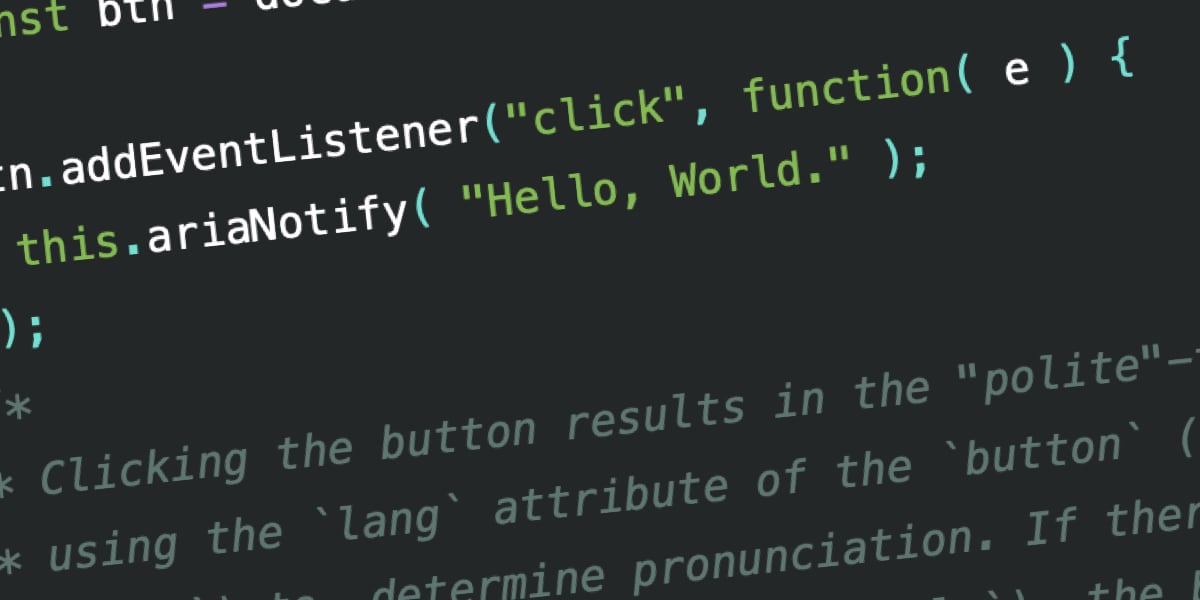
// Example of document-level notification
document.ariaNotify( "Hello, World." );

// Example of element-level notification
const button = document.querySelector(".announce-button");
button.addEventListener("click", function()
  this.ariaNotify( "Hello, World." );
);
Beyond language, ariaNotify() allows developers to specify the priority of the announcement:
// High priority announcement
this.ariaNotify( "Important update available!",  priority: "high"  );
By default, notifications are set to priority: "normal", which functions similarly to aria-live="polite" or role="status". Setting priority: "high" allows the notification to potentially interrupt current narration, akin to aria-live="assertive" or role="alert". This explicit control over priority further enhances the developer’s ability to manage user experience.
Early Adoption and Emerging Data
Initial testing of ariaNotify() in browsers like Firefox indicates promising results. While some early implementations might not yet fully account for lang attributes, the core functionality of triggering narrated messages is robust. User feedback and testing with leading screen readers such as JAWS, NVDA, and VoiceOver have begun to illustrate the practical impact of this new API.
For instance, early observations show that ariaNotify() generally delivers on its promise of immediate and clear narration. However, the nuances of how priority: "high" truly interrupts or how lang attributes are processed are still being refined and documented across different assistive technology environments. As of early reporting, the pronunciation of non-English phrases can sometimes be inconsistent, suggesting that while the API is a significant leap forward, further development and standardization are expected.
The Temptation of Overuse: A Cautionary Tale
The introduction of such a powerful and easy-to-use tool as ariaNotify() naturally raises concerns about its potential for misuse. The accessibility community has long grappled with the "three stages of learning ARIA":
- The "If I can just add this ARIA attribute…" stage: Developers attempting to fix accessibility issues by haphazardly applying ARIA attributes without a deep understanding of their implications.
- The "I can use ARIA to make anything accessible" stage: A phase where developers become overly reliant on ARIA, often overriding native HTML semantics and creating complex, brittle solutions.
- The "When to use ARIA, and when not to" stage: The mastery phase, characterized by a judicious and strategic application of ARIA only when native HTML elements or attributes are insufficient.
The W3C’s "First Rule of ARIA Use" underscores this principle: "If you can use a native HTML element or attribute with the semantics and behavior you require already built in, instead of re-purposing an element and adding an ARIA role, state or property to make it accessible, then do so."
ariaNotify(), while a welcome addition for specific use cases, carries a similar potential for misuse as the infamous window.alert() function. alert() provided a simple, albeit disruptive, way to present information to users. Similarly, ariaNotify() grants developers the power to speak directly to users through their assistive technology. This power, if wielded without careful consideration, can lead to an intrusive and frustrating user experience.
Consider a scenario where a user interacts with an element that expands to reveal more content. If this interaction is already clearly indicated by semantic HTML (e.g., a <button> with aria-expanded="true" or aria-expanded="false" attributes) or by the inherent behavior of native elements, triggering an ariaNotify() call to announce "Content revealed" would be redundant and add unnecessary noise. Such overuse can interrupt user flow, provide information the user already has, or even create a jarring experience akin to unskippable video game tutorials or constant pop-up notifications.
Furthermore, if the narrated instruction falls out of sync with the actual interaction—an invisible inconsistency that might not be caught by standard QA processes lacking dedicated screen reader testing—users could be subjected to confusing or contradictory information, leading to a breakdown in trust and usability.
Broader Impact and Implications
The introduction of ariaNotify() signifies a maturation of web accessibility standards. It acknowledges the need for more direct and effective communication channels between web applications and assistive technologies. This feature has the potential to:
- Enhance User Experience: For users who rely on screen readers,
ariaNotify()can provide crucial, timely information that might otherwise be missed, leading to more fluid and informed interactions with dynamic web content. - Simplify Development: It offers a significantly more straightforward approach to implementing notifications compared to the complex workarounds previously required with live regions.
- Promote Best Practices: By providing a dedicated API, it encourages developers to think more intentionally about when and why they need to provide explicit auditory feedback, steering them away from haphazard ARIA implementations.
However, the responsibility for its judicious use rests squarely on the shoulders of developers. The simplicity of ariaNotify() mirrors the simplicity of alert(), and with that simplicity comes the potential for annoyance and disruption. Developers must prioritize native HTML semantics and existing ARIA patterns before resorting to ariaNotify(). It should be reserved for situations where a critical piece of information needs to be conveyed programmatically and cannot be effectively communicated through other means.
As the web continues to evolve, the tools for ensuring accessibility must also advance. ariaNotify() represents a significant step forward, offering a powerful new capability. The true measure of its success will be in how thoughtfully and responsibly it is adopted by the development community, ensuring that this powerful new line of communication serves to enhance, rather than hinder, the user experience for all. The expectation is that developers will embrace this tool with the measured caution it warrants, ensuring that the promise of a more accessible web is fully realized.