For professionals offering WordPress maintenance services, encountering a website built by a predecessor is a common, often complex, scenario. The sheer diversity of themes, plugins, and custom code inherent in the WordPress ecosystem can transform taking over a site into an intricate puzzle. This challenge is amplified by the potential for unfamiliar development methodologies or even practices that deviate from established best standards. Furthermore, a site might have passed through the hands of multiple individuals, leaving behind a trail of undocumented changes. While fortunate circumstances might include comprehensive documentation, the reality for many is a solitary journey of discovery.
The critical imperative for any maintenance provider is a thorough understanding of the existing website architecture. This knowledge is the bedrock for optimizing performance, fortifying security, and, crucially, preventing unexpected disruptions that can damage client relationships. Before embarking on any maintenance tasks, a detailed investigation is paramount. This involves a systematic checklist of elements, ranging from the overtly apparent to the subtly hidden, all contributing to a holistic comprehension of how the client’s WordPress website functions.
Understanding the Core: Active Theme and Plugins
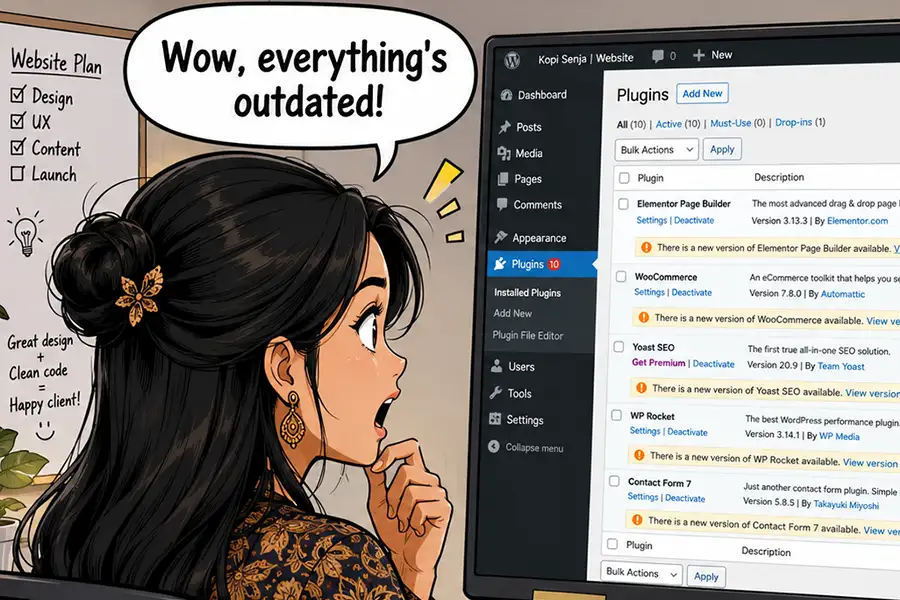
The initial and most evident step is to meticulously catalog the website’s active theme and installed plugins. This goes beyond simply noting their names. A crucial aspect of this assessment involves recording the specific version number of each component and the date of its last update. This granular detail can reveal outdated software, potentially exposing the site to security vulnerabilities due to unpatched exploits. The WordPress ecosystem is dynamic; as the core software, themes, and plugins evolve, compatibility issues can arise with older versions, leading to unpredictable errors and functional breakdowns.
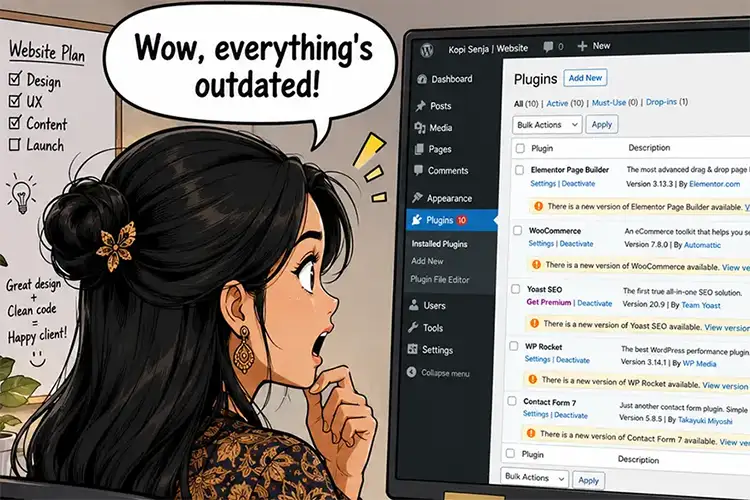
Furthermore, this review often uncovers plugins that are installed but inactive or redundant. These dormant components consume server resources, increase the attack surface, and contribute to unnecessary complexity. Clarifying the purpose of any unfamiliar plugins with the client is essential to determine their necessity and potential to be safely removed.
Beyond plugins, a deep dive into the active theme is required. Understanding whether it’s a classic or a block-based theme provides immediate context for its structure. The presence and nature of a child theme are also critical; modifications made directly to a parent theme can be overwritten during updates, leading to data loss or functional breakage. Inspecting the theme’s template files and code for any custom modifications or deviations from standard practices is vital for anticipating future maintenance challenges.
According to data from WordPress.org, as of early 2024, there are over 59,000 plugins available in their repository, with themes numbering in the thousands. This vastness underscores the potential for complexity and the need for diligent inventory management during site takeovers. A study by Sucuri Security in 2023 indicated that a significant percentage of compromised WordPress sites were due to outdated plugins and themes, highlighting the direct link between software currency and security.
Uncovering Hidden Functionality: Custom Code Integration
Custom code, whether integrated into theme files or developed as bespoke plugins, represents a significant area of investigation. While custom code can unlock unique functionalities, its implementation can vary widely in quality and methodology. Its presence is not always immediately obvious, making it a potential source of unforeseen issues when making changes to other parts of the site.
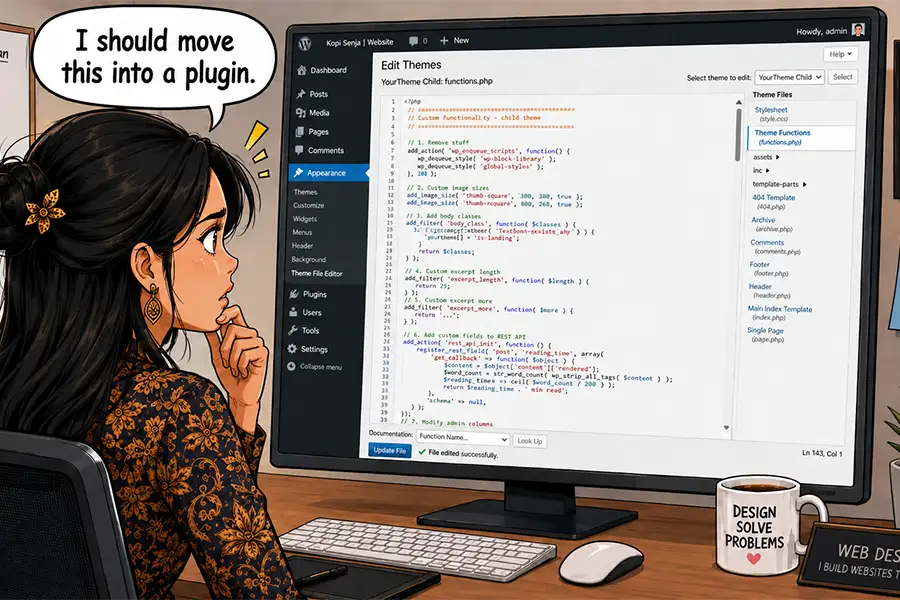
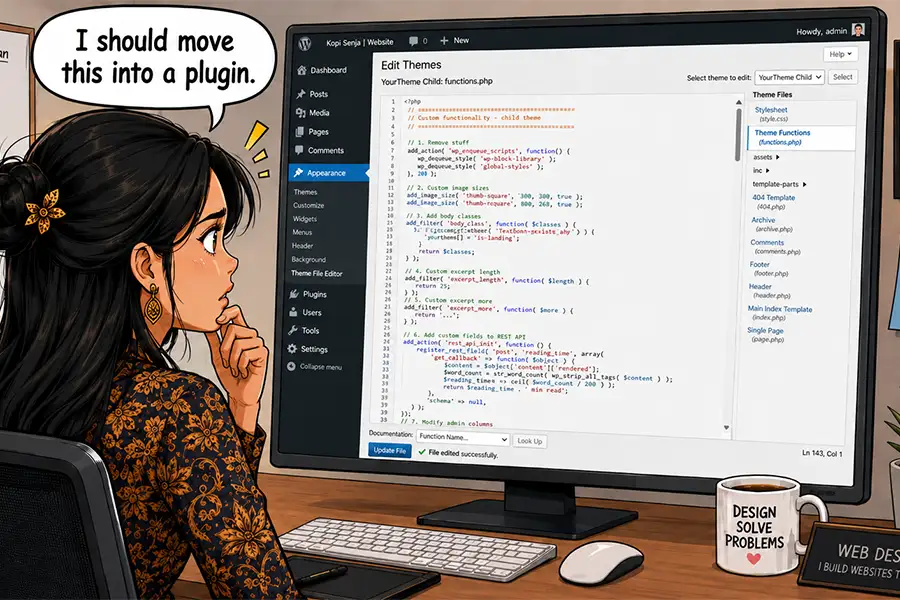
The functions.php file within a theme is a common repository for custom code snippets, often acting as a catch-all for small modifications. Developers might also create custom plugins, especially for proprietary features or integrations not available through standard plugins. If a plugin isn’t found in the official WordPress repository, it’s highly probable that it’s a custom-built solution. Another critical area to examine is the mu-plugins (must-use plugins) directory. These plugins are automatically activated and cannot be disabled from the WordPress dashboard, often housing essential custom functionalities.
Identifying and understanding the purpose of custom code is paramount. A seemingly innocuous snippet could be responsible for critical e-commerce functionalities, unique user role management, or specific content display logic. Deactivating a theme or a plugin without understanding its reliance on custom code can lead to site-wide failures. Leveraging AI tools, as suggested by industry experts, can assist in deciphering complex code snippets and identifying potential security risks or performance bottlenecks. The importance of custom code was underscored by a survey of WordPress developers, where over 70% reported regularly implementing custom code solutions to meet specific client needs.
The Foundation of Performance: Web Hosting and Server Configuration
The underlying web hosting environment plays a pivotal role in a website’s performance, security, and overall stability. Understanding the client’s hosting provider, the specific hosting package they are on, and the server’s configuration is therefore indispensable. Key factors to assess include the allocated resources, such as RAM and CPU cycles. Insufficient resources can lead to slow loading times, frequent timeouts, and even site crashes, directly impacting user experience and search engine rankings. Shared hosting environments, while cost-effective, can also pose risks, as the performance and security of one site can be affected by neighboring sites on the same server, increasing the potential for malware propagation.
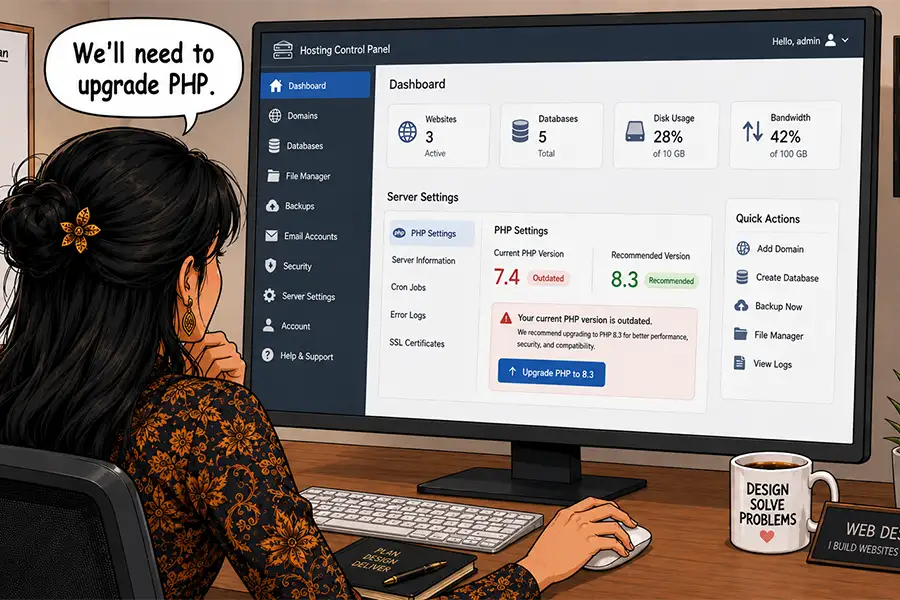
Crucially, the PHP version running on the server must be identified. Older PHP versions are not only less performant but also cease receiving security updates, leaving the website vulnerable. An upgrade to a more recent, supported PHP version is often recommended, provided that the existing theme and plugins are compatible. Compatibility testing is a non-negotiable step before initiating any PHP version upgrades.
Obtaining access to the hosting account is essential for managing server configurations and liaising with technical support. In cases where clients are hesitant to share full account credentials, many hosting providers offer specialized developer accounts that grant access to technical features without exposing billing or sensitive account information. This provides a secure and efficient way for maintenance providers to manage the server environment. According to industry reports, sites hosted on under-resourced or outdated server environments often experience significantly higher bounce rates and lower conversion rates.
External Dependencies: Third-Party APIs and Service Connections
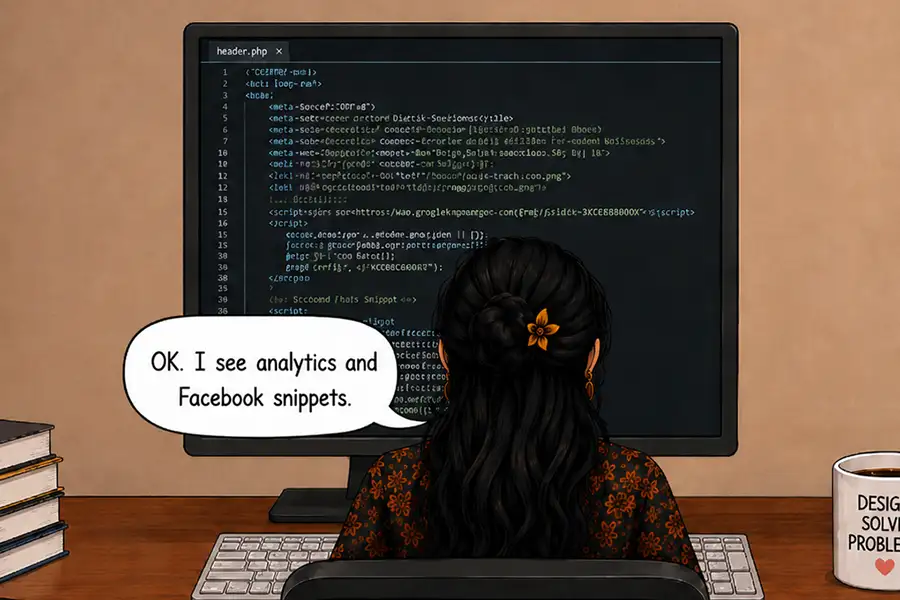
Modern websites rarely operate in isolation. They frequently integrate with a multitude of third-party services through Application Programming Interfaces (APIs) and Software as a Service (SaaS) providers. These connections can range from straightforward analytics platforms and social media feed widgets to sophisticated integrations with payment gateways, customer relationship management (CRM) systems, content delivery networks (CDNs), and marketing automation tools.
The implementation of these integrations can be varied and complex. Some may be managed through official plugins, while others might be embedded directly within theme files or developed as standalone web applications. In some instances, the presence of these integrations may not be immediately apparent within the WordPress administrative dashboard.
Thorough documentation of every third-party connection is vital, as these services are often integral to the website’s core functionality. Beyond functionality, these connections have significant implications for data privacy and compliance with regulations such as the General Data Protection Regulation (GDPR). Understanding which external services are interacting with the website is crucial for ensuring data security and user privacy.
Browser developer tools, particularly the Network tab, can be instrumental in identifying outgoing requests to external servers, revealing the full scope of API calls. Specialized privacy scanning tools can also help detect tracking scripts, cookies, and other elements associated with third-party data collection. The reliance on external APIs has become so pervasive that a recent survey indicated over 80% of e-commerce websites utilize at least one third-party API for enhanced functionality.
Domain Management and DNS Configuration
The management of a website’s domain name and its associated Domain Name System (DNS) records is another critical area to investigate, especially when considering a potential website migration or the integration of new services. Changes to DNS configuration are often required when moving a website to a new hosting provider, connecting to CDNs, implementing email delivery services, or verifying domain ownership for various third-party platforms.
Understanding who manages the client’s DNS records and where they are hosted is essential. In some organizational structures, an internal IT department might handle these tasks. However, for smaller businesses or individual clients, the responsibility might fall to the website maintenance provider. Maintaining accurate records of DNS management is prudent, as these records are fundamental for directing internet traffic to the correct server and ensuring the website is accessible. Any misconfiguration in DNS settings can lead to widespread connectivity issues and site downtime. The global DNS infrastructure handles billions of queries daily, underscoring the precision required in managing these records.
The Holistic Approach to Client Website Understanding
The inherent flexibility of the WordPress platform allows for virtually limitless possibilities in website design and functionality. However, this very extensibility means that knowledge of a site’s intricacies does not always seamlessly transfer to subsequent developers or maintenance providers. This lack of familiarity can significantly complicate maintenance efforts and increase the risk of critical oversights during redesigns or updates.
Therefore, dedicating time to thoroughly explore a website’s internal architecture is an investment that pays dividends. Understanding its hosting environment, the services it connects to, and the underlying code base is not merely a technical exercise but a fundamental aspect of providing superior service. Open communication with the client, seeking clarification on any uncertainties, is equally important.
The adage "the more you know, the better you can serve" holds particularly true in the realm of WordPress website maintenance. A comprehensive understanding of a client’s website can prevent costly errors, enhance security posture, optimize performance, and ultimately foster deeper trust and a stronger, more enduring client relationship. This proactive and detailed approach transforms potential maintenance challenges into opportunities for delivering exceptional value and ensuring the long-term success of the client’s online presence.