The evolution of digital content management has placed a premium on visual storytelling. For WordPress users—who power over 40% of the web—the challenge of displaying high-resolution imagery without compromising site performance remains a primary technical hurdle. While the native WordPress block editor has improved, professional-grade requirements such as responsive masonry layouts, lightbox functionality, and automated image optimization often necessitate the integration of third-party gallery plugins. These tools have matured from simple slide-show widgets into comprehensive media management ecosystems that facilitate everything from basic portfolio displays to complex e-commerce print-on-demand services.

The Technical Evolution of Image Galleries
In the early 2010s, image galleries were often static, resource-heavy additions that frequently contributed to "bloat," significantly increasing page load times. The modern era of web development, characterized by Core Web Vitals and Google’s shift toward mobile-first indexing, has forced developers to prioritize "lazy loading" and efficient image compression. Today’s leading gallery plugins are engineered to handle high-traffic environments by utilizing content delivery networks (CDNs) and asynchronous loading, ensuring that high-quality visual content does not penalize a site’s search engine optimization (SEO) ranking.
Strategic Selection: A Comparative Analysis of Market Leaders
The current market for WordPress gallery plugins is dominated by a few key players, each targeting a specific segment of the user base.

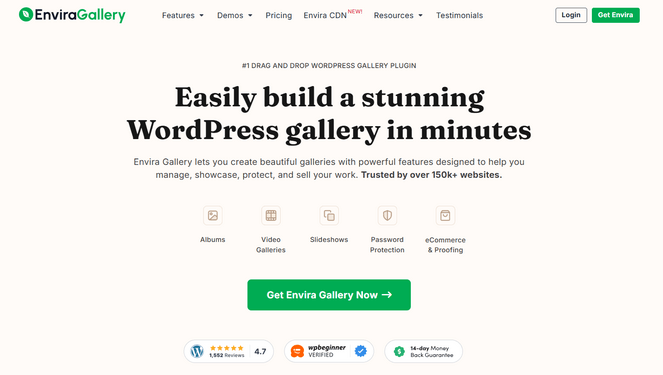
Envira Gallery remains the industry standard for general-purpose usage. By utilizing a drag-and-drop builder, it minimizes the barrier to entry for non-technical bloggers while maintaining a high degree of extensibility. Data indicates that its lightweight architecture is particularly effective for users prioritizing site speed, as it loads scripts only when necessary.

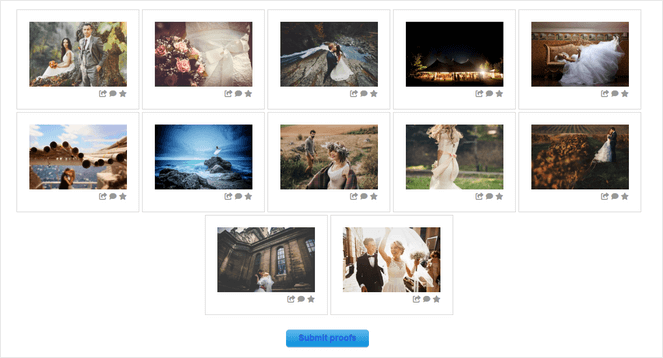
NextGEN Gallery, by contrast, caters to the professional photography market. Its significance lies in its departure from simple display functions to backend business management. By integrating automated print fulfillment—a process where orders are routed directly to professional labs—it provides a scalable solution for photographers who treat their blog as a primary point of sale.
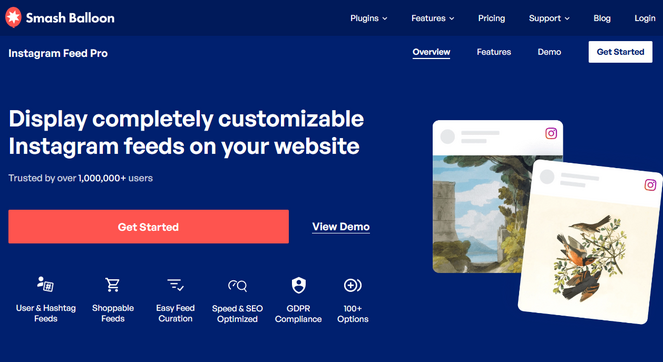
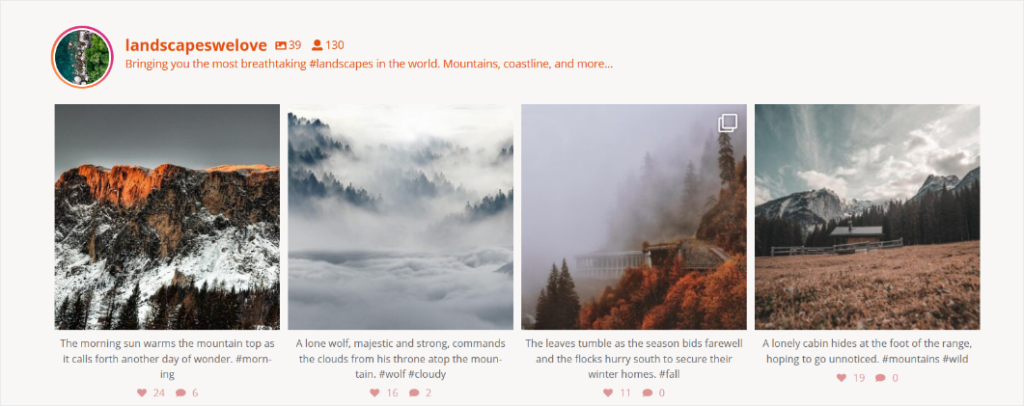
Smash Balloon Instagram Feed Pro represents a shift toward social media integration. As brands increasingly treat Instagram as their primary content hub, the ability to mirror that feed onto a self-hosted WordPress site has become a vital engagement metric. By automatically fetching updates, it maintains a "live" feel to a website, which serves as a powerful form of social proof for new visitors.
Comparative Data Overview
| Plugin | Core Demographic | Primary Utility | Performance Impact |
|---|---|---|---|
| Envira Gallery | General Bloggers | Speed & Ease of Use | Low |
| NextGEN Gallery | Professional Photographers | E-commerce / Printing | Moderate |
| Smash Balloon | Influencers / Brands | Social Synchronization | Low |
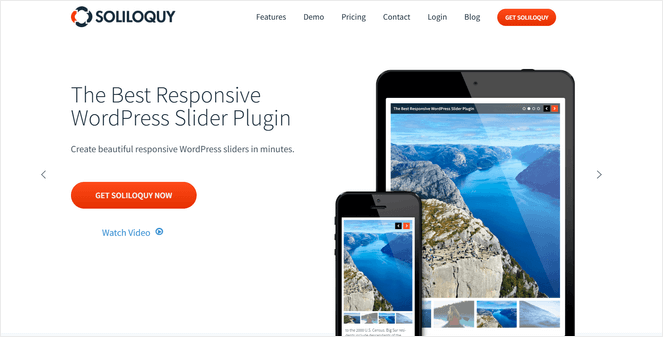
| Soliloquy | Marketing / Landing Pages | Interactive Sliders | Low |
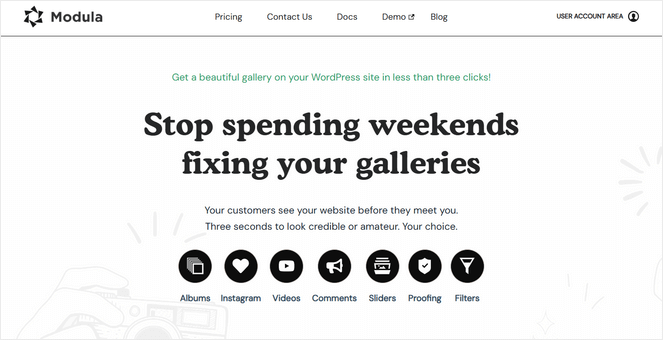
| Modula | Graphic Designers | Layout Customization | Moderate |
| FooGallery | Small Businesses | Simple Display | Low |
| Photo Gallery (10Web) | Budget-Conscious Users | Cost-Efficiency | Moderate |
Addressing the Performance Trade-off
A frequent concern among site administrators is the potential for gallery plugins to slow down page rendering. Analysis shows that the primary cause of latency is not the plugin itself, but the lack of image optimization by the user. Most reputable plugins now include built-in features that automatically resize images and implement lazy loading—a technique that defers the loading of non-visible images until the user scrolls to them.
Industry experts emphasize that users should avoid plugins that lack these optimization features. When selecting a tool, administrators should verify support for WebP file formats and compatibility with existing caching plugins like W3 Total Cache or WP Rocket.
The Rise of Monetization and Security
The integration of digital rights management (DRM) within gallery plugins marks a significant advancement in content protection. Features such as dynamic watermarking—which automatically applies an overlay to images—and right-click disabling are now standard in premium offerings like NextGEN and Envira. This level of protection is essential for content creators concerned about the unauthorized distribution of intellectual property.

Furthermore, the integration of payment gateways such as Stripe and PayPal directly into galleries has turned personal blogs into micro-marketplaces. This trend reflects a broader move toward the "creator economy," where photographers and artists are looking to bypass third-party platforms that charge high commission fees, opting instead for direct-to-consumer sales on their own domains.
Implementation and Best Practices
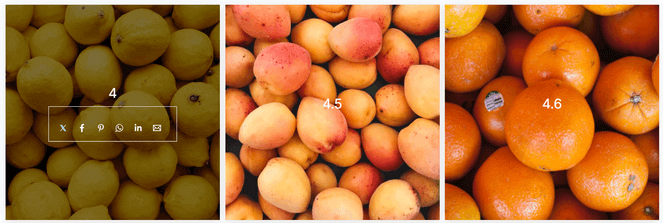
The transition from a default WordPress gallery to a professional plugin involves several key steps. First, it is recommended that users conduct a "site audit" to determine which images are critical to user engagement and which are purely aesthetic. This helps in choosing the right plugin—for instance, if the goal is to increase page views, a slider (like Soliloquy) may be effective. If the goal is to showcase a portfolio, a masonry grid (like Modula or FooGallery) is generally superior.
Once a plugin is selected, the following workflow is recommended:
- Preparation: Compress images using tools like TinyPNG or ShortPixel before uploading to the WordPress media library.
- Configuration: Set the plugin to use the "Thumbnail" or "Medium" size versions of the images for the initial display to ensure fast loading.
- Responsive Testing: Use browser developer tools to simulate mobile, tablet, and desktop views to ensure the gallery stacks correctly.
- Metadata: Populate the Alt Text and Title fields for every image. This is a critical step for accessibility and SEO.
Strategic Implications for Content Strategy
The selection of a gallery plugin should be treated as a long-term strategic decision. Because switching plugins often requires re-configuring hundreds of individual images, users are encouraged to choose a solution that offers a balance between current features and future scalability. For instance, a blogger currently focusing on simple displays might eventually need e-commerce capabilities. In such cases, choosing a "modular" plugin that offers add-ons or upgrades is preferable to a rigid, feature-limited plugin.

Final Assessment
The choice between these plugins rests on the specific objectives of the site owner. For the majority of WordPress users, the combination of ease-of-use, speed, and responsive design provided by Envira Gallery makes it the most balanced solution. However, for those operating at a professional level where revenue generation is a priority, the infrastructure offered by NextGEN Gallery remains unparalleled. As the digital landscape continues to emphasize high-fidelity visual content, the role of these plugins will only grow, serving as the essential bridge between raw creative assets and the final user experience.