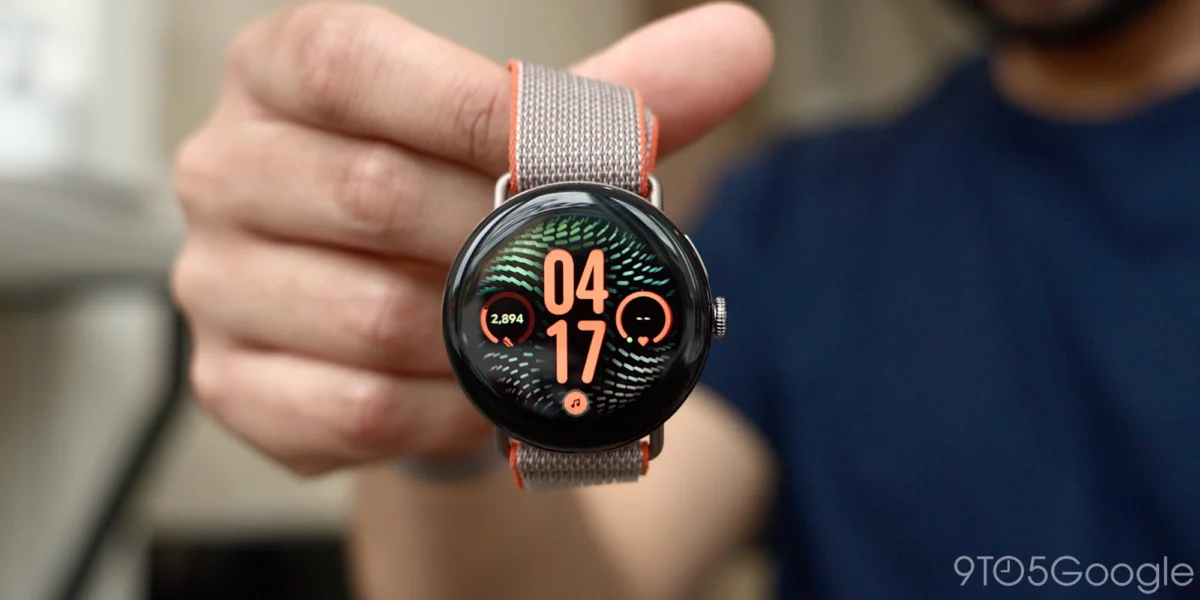
A growing cohort of Google Pixel Watch owners has begun reporting alarming instances of rapid battery depletion, with some devices shedding as much as 20% of their charge in a span of just a few hours. These anecdotal reports, surfacing primarily across community forums such as Reddit, suggest that recent software deployments may be placing an unexpected and unsustainable load on the hardware’s power management systems. While the issue does not currently appear to be a universal phenomenon affecting every device in the ecosystem, the consistency of the complaints across multiple generations of the wearable—including the Pixel Watch 2 and the latest Pixel Watch 4—warrants a closer look at the stability of Google’s recent firmware releases.
Chronology of Reported Battery Issues
The emergence of these complaints correlates with several recent software initiatives rolled out by Google throughout late 2026. The initial reports began appearing on Reddit in mid-October 2026, coinciding with the broader deployment of the September 2026 security and feature patch.
According to user logs shared in threads on the r/PixelWatch subreddit, the decline in performance is stark. One user noted that their Pixel Watch 2, which typically provided 48 hours of utility with the Always-On Display (AOD) feature disabled, is now failing to clear the 12-hour mark. Another user reported a similarly drastic drop on their Pixel Watch 4; a device that previously achieved 2.5 days of battery life is now struggling to remain powered for a full 24-hour cycle.
The inconsistency in the timing of these reports is a notable variable. While some users claim the degradation began immediately following the installation of the September update, others suggest they observed the behavior weeks prior, potentially linked to background synchronization processes or specific health-tracking features. This variance suggests that the culprit may not be a single monolithic update, but perhaps a confluence of background processes or a specific feature configuration that triggers higher power consumption on certain hardware revisions.
Potential Drivers: The Role of Gemini and Health Tracking
Technological analysts and power-users are focusing on two primary candidates as the potential source of the drainage: the integration of "Gemini Personalization" and the recent expansion of Google Health’s automated activity detection features.
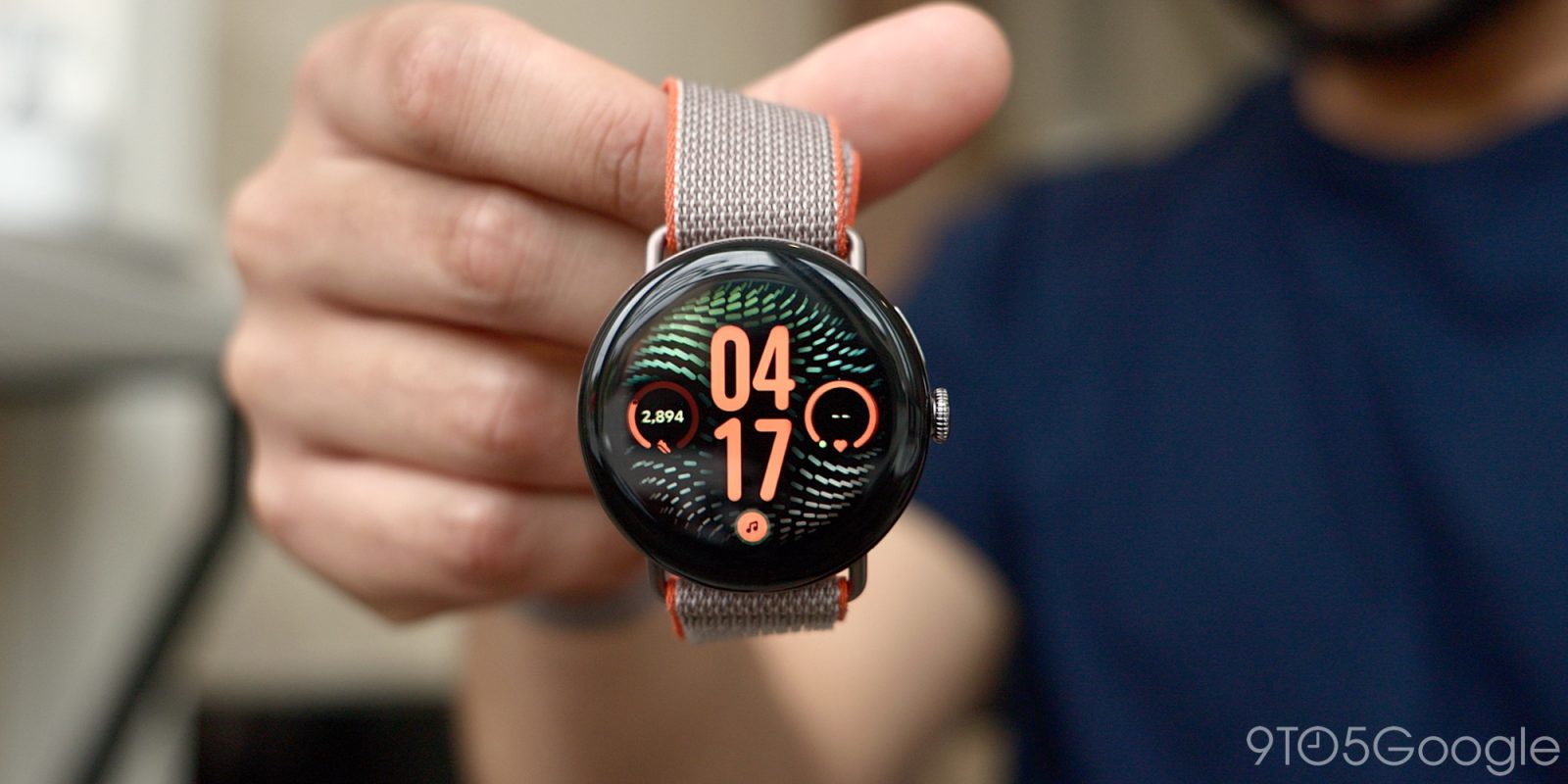
The September 2026 update introduced deeper Gemini integration to the Pixel Watch lineup. This feature is designed to leverage a user’s historical interaction data, including information from Gmail, Calendar, and other Google Workspace applications, to provide context-aware, personalized responses directly on the wrist. While this represents a significant leap in wearable utility, the computational overhead required to process this data—likely involving background indexing and localized machine learning inference—could theoretically exceed the power management thresholds of the Pixel Watch’s chipset.
Simultaneously, the recent Google Health update, which introduced enhanced automatic activity detection, represents a shift in how the watch monitors user movement. While continuous health tracking is a cornerstone of the Pixel Watch experience, any flaw in the sensor-polling algorithm can lead to what is known in the industry as a "wake-lock" issue. This occurs when a software process prevents the processor from entering a low-power "sleep" state, keeping the device active and drawing current even when the user is sedentary. If the new activity detection algorithms are failing to properly trigger these low-power states, the impact on total battery endurance would be immediate and significant.
Analysis of Power Management in Wearable Tech
The power budget of a modern smartwatch is extremely tight. Unlike smartphones, which have significantly larger battery capacities, a smartwatch must manage its energy across a display, Bluetooth/Wi-Fi radios, and a complex array of heart-rate and blood-oxygen sensors, all while maintaining a slim form factor.
A 20% drain over a few hours implies that the device’s power draw has increased by a factor of three or four compared to its intended baseline. When such spikes occur, they are rarely the result of a hardware failure, as hardware degradation typically occurs over years, not days. Instead, this points toward a "process loop" or a background service that is failing to complete its task or, worse, running continuously.
From a software engineering perspective, the complexity of maintaining parity across multiple generations of hardware—from the Pixel Watch 2 to the Pixel Watch 4—adds another layer of risk. Each generation utilizes different processor architectures and power management integrated circuits (PMICs). If a specific library or API call within the September update interacts differently with the architecture of the older Pixel Watch 2 than it does with the newer Watch 4, it could explain why the issue is reported across the product line, yet not by every single user.
Official Response and User Feedback
As of this writing, Google has not issued an official statement acknowledging the battery drain as a widespread "known issue." In many cases, support representatives from major tech firms are instructed to guide users through standard troubleshooting protocols first—such as clearing the cache, unpairing and re-pairing the device, or performing a factory reset—before acknowledging a potential software bug.

However, the lack of an official acknowledgment has not stopped the community from organizing. Users have begun compiling lists of active applications and settings to determine if disabling specific features—like "Hey Google" detection or the new Gemini prompts—mitigates the drain. Initial community testing suggests that for some, disabling high-overhead features provides temporary relief, confirming the hypothesis that the issue is rooted in software rather than physical battery degradation.
Broader Implications for the Pixel Ecosystem
This situation highlights the delicate balance Google faces as it pushes for more advanced artificial intelligence features on edge devices. By integrating LLM-based tools like Gemini directly into the Pixel Watch, Google is moving toward an "ambient computing" model where the watch becomes an active assistant rather than a passive notification mirror. However, if the cost of this intelligence is the loss of the device’s reliability as a daily-wear item, the trade-off may prove unacceptable for the average consumer.
The reliance on these features is a core part of Google’s competitive strategy against rivals like Apple and Samsung. If the Pixel Watch brand is to maintain consumer trust, the company must ensure that its software updates do not compromise the fundamental utility of the device. For many users, the primary requirement of a smartwatch is to reliably track health data and provide notifications for the duration of the day. When those functions are compromised, the perceived value of the hardware plummets.
Recommendations for Affected Users
Until a definitive patch is released, users experiencing excessive drain should consider the following steps:
- Monitor Battery Statistics: Navigate to the "Battery" section in the Pixel Watch app on the paired smartphone to identify if a specific application or service is consuming a disproportionate amount of energy.
- Review Recent Updates: Check for any pending system updates that might contain hotfixes or patches specifically addressing power management.
- Limit Background Activity: Disable unnecessary background permissions for apps that were recently updated.
- Report the Issue: Provide detailed feedback through the "Help & Feedback" section in the Pixel Watch app. Aggregate data is the most effective tool for internal engineering teams to identify and reproduce the bug.
Conclusion
The current battery issues affecting the Pixel Watch community serve as a cautionary tale for the rapid deployment of AI-centric software updates on constrained hardware. While the allure of "Gemini Personalization" and advanced activity tracking is strong, the foundation of the user experience remains the device’s ability to remain powered throughout the day.
As the situation develops, the industry will be watching to see how quickly Google can isolate the root cause and push a firmware correction. For now, users remain in a state of uncertainty, balancing the desire for the latest software features against the frustration of a device that requires multiple charges within a single 24-hour window. Given the historical responsiveness of Google’s software teams to feedback, it is expected that a diagnostic or a remedial update will follow as more data is collected from affected devices. In the meantime, the conversation continues in the forums, with users sharing their own data points in hopes of reaching a collective solution to what is currently one of the most frustrating hurdles for the Pixel Watch platform.