The landscape of website management is undergoing a significant transformation with the introduction of WordPress 7.0 and its groundbreaking Connectors API. This pivotal development marks the first time official, built-in AI integration capabilities are available directly within the core WordPress software, moving beyond the realm of third-party plugins that have long facilitated connections to various AI models. The implications for site owners, developers, and the broader WordPress community are profound, promising to reshape how websites are built, managed, and experienced.
For years, the WordPress ecosystem has seen a burgeoning interest in artificial intelligence. A multitude of plugins have emerged, offering users the ability to leverage powerful AI models like those from OpenAI and Anthropic for a range of tasks. These tools have demonstrated AI’s potential to assist with content creation, code generation, and even complex data analysis. However, these solutions have always operated as external additions, requiring separate installation and configuration, and often coming with their own unique integration challenges and costs.
The inclusion of the Connectors API in WordPress 7.0 represents a paradigm shift. It signifies a commitment from the WordPress core development team to embrace AI as a fundamental component of the platform, rather than an optional add-on. This integration is poised to democratize AI’s capabilities, making them more accessible to a wider audience and fostering innovation within the vast WordPress user base, which powers an estimated 43% of all websites on the internet.
The initial excitement surrounding this release is palpable, fueled by the anticipation of AI’s potential to streamline website management and, crucially, to enhance the onboarding experience for new users. The days of complex setups and steep learning curves may be numbered as AI begins to simplify intricate processes. As the WordPress community begins to explore the full spectrum of what this technology can achieve when harmonized with a leading content management system (CMS), a critical question emerges: Where does AI truly excel within the WordPress environment?
While theoretically, AI could be tasked with an expansive range of operations, from minor adjustments like changing a post title to ambitious feats such as generating entirely new plugins on demand, a pragmatic approach is essential. The practical application of AI within WordPress necessitates careful consideration of efficiency, cost, and the inherent strengths of both human and artificial intelligence.
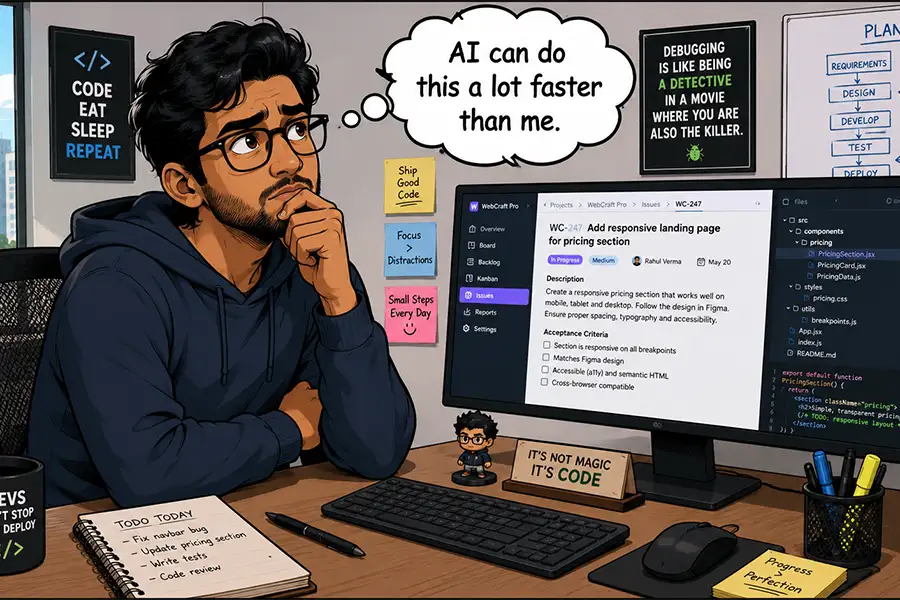
The first hurdle to widespread AI adoption in WordPress is practicality. It is undeniable that for simple, routine tasks, such as toggling a setting on a configuration page, relying on AI might be less efficient than a direct human interaction. The time spent crafting a prompt and waiting for an AI response could easily surpass the time it takes for a user to perform the action themselves. Furthermore, certain complex operations on live production websites carry inherent risks. Executing tasks that could potentially destabilize a live site without direct human oversight might be considered too dangerous or inefficient, even with AI’s processing power.
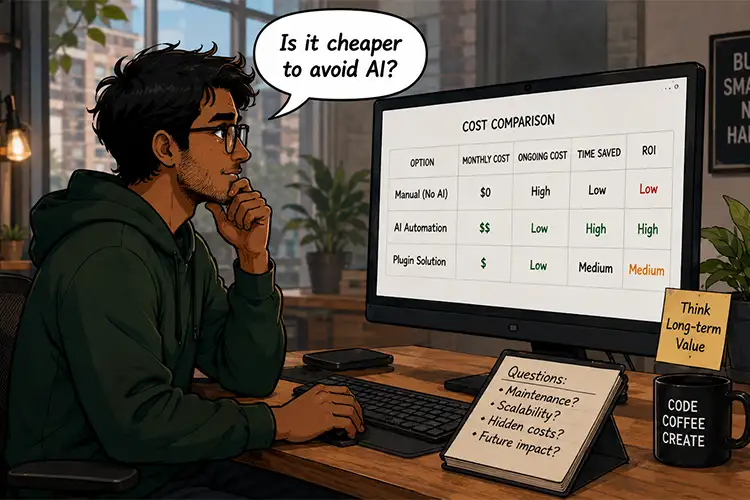
Another significant factor is the economic reality of utilizing AI. Many of the most powerful AI models are proprietary and operate on a token-based pricing structure. Connecting a WordPress website to services like those offered by Anthropic or OpenAI means incurring costs for every prompt submitted or automation executed. Consequently, a blanket approach to using AI for "everything" is likely to be prohibitively expensive for budget-conscious individuals and organizations. This economic constraint necessitates a strategic selection of AI applications that deliver demonstrable value and return on investment.
Developers and website owners are now faced with the crucial task of discerning how to maximize the benefits of AI integration. Before fully committing to AI-powered workflows, a series of probing questions should guide this decision-making process.
Can AI Perform the Task More Effectively or Efficiently?
The degree to which AI can outperform human capabilities within WordPress is intrinsically linked to the user’s existing expertise. An experienced WordPress professional, with years of navigating the platform’s intricacies, possesses a far broader skill set than a novice. The more time a user dedicates to understanding WordPress, the more adept they become at leveraging its features and overcoming its quirks.
The key lies in identifying specific tasks where AI demonstrably offers superior performance or efficiency. Mundane activities like inserting an image into a post or basic text formatting are likely to remain within the human domain, as the time saved by delegating these to AI would be negligible, especially for users comfortable with the fundamentals.
However, the landscape shifts dramatically when considering more advanced operations. The creation of intricate page layouts within the Block Editor, for instance, can become a complex endeavor where user experience plays a pivotal role. A seasoned web designer might effortlessly construct sophisticated layouts, while a beginner could find themselves at a standstill. In such scenarios, the decision to employ AI hinges on an individual’s comfort level and proficiency with the tools.
Where AI truly shines is in its capacity to execute tasks at scale. Consider the arduous process of auditing an entire website to identify all images lacking descriptive ALT text. For a human, this could consume many hours. AI, however, can rapidly scan the site, pinpointing these images and flagging them for review. While the final crafting of the ALT text might still benefit from human nuance, AI can significantly accelerate the initial identification and reporting phase.
It is also imperative to recognize that AI should not be viewed as a substitute for learning. Instead, it can serve as a powerful educational tool. AI can guide users through complex processes, explaining the steps involved and demonstrating how to utilize various WordPress features. In many instances, after AI has illustrated a particular workflow, users may discover they no longer require AI assistance for that specific task. This educational aspect is a potent, and perhaps underappreciated, use case for AI integration.
How Frequently is the Task Required?
The frequency with which a particular task needs to be performed is another critical determinant of AI’s utility. A one-off, complex operation, such as a deep code analysis to diagnose a persistent issue, could be an ideal candidate for AI intervention. The expenditure of a few AI tokens might be a small price to pay for the significant time and effort saved compared to manual investigation or relying on less efficient diagnostic methods.
Automation represents another compelling application. AI-powered automation can be scheduled and executed at any time, whether during the day or overnight, without complaint or fatigue. This capability is particularly valuable for repetitive tasks that require constant monitoring or execution. Moreover, AI models possess the potential to recognize evolving needs and adapt their automated processes accordingly, offering a dynamic and responsive solution.
The ultimate measure of AI’s value often lies in the time it saves human users. Consider the generation of custom data reports. Depending on the complexity and the specific data required, this process can be exceptionally intricate. AI, however, can interpret plain language requests, allowing users to describe their data needs in natural terms and then generating the desired reports automatically.
This efficiency extends to large-scale operations. Agencies and freelancers managing numerous websites can leverage AI as an additional resource, akin to a virtual assistant. Even seemingly minor tasks, such as troubleshooting a malfunctioning plugin, can be delegated to AI, allowing the human administrator to focus on more critical responsibilities.
Is There a Suitable Non-AI Solution Available?
The most significant consideration for many WordPress users is the existence of effective, non-AI alternatives. For a vast majority of tasks within WordPress, artificial intelligence is not strictly necessary. The platform has evolved over two decades to accommodate a wide array of functionalities through robust plugin architecture.
For nearly every conceivable need, a dedicated plugin exists. These plugins can manage automations, facilitate data exports, and handle a multitude of other website management tasks. Historically, these plugins have been the backbone of WordPress extensibility, allowing users to customize and enhance their sites without relying on external AI services.
A non-AI plugin remains a perfectly viable and often preferable option. Users can typically achieve the desired functionality, benefit from predictable costs, and have access to human support when issues arise. This provides a level of certainty and reliability that is highly valued by many website owners.
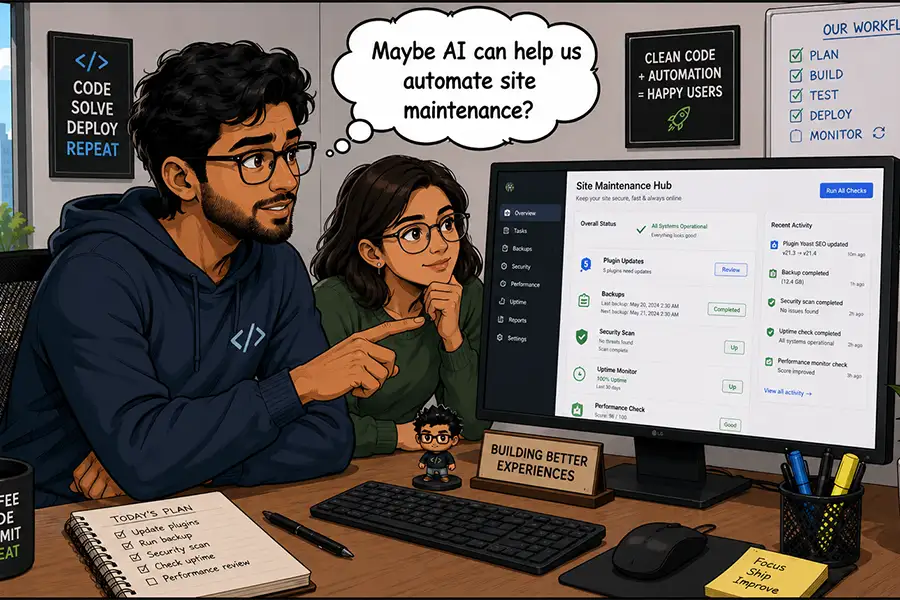
However, it is also true that plugins cannot cater to every niche requirement, and some may present a steep learning curve, demanding coding expertise to unlock their full potential. In these specific scenarios, where off-the-shelf solutions fall short or are overly complex, the integration of AI becomes a logical and beneficial choice. AI can offer a more intuitive and accessible path to achieving desired outcomes, particularly when custom solutions or advanced problem-solving are required.
The advantages of AI, such as its speed and seamless integration capabilities, are undeniable. Yet, in many instances, a well-established plugin will provide a perfectly adequate and cost-effective solution. The decision ultimately rests on a thorough assessment of individual needs and a determination of which approach offers the most appropriate fit.
AI in WordPress: A Powerful Ally, Not a Universal Panacea
The most captivating aspect of AI integration within WordPress may lie not in the technology itself, but in how users choose to implement and leverage it. The WordPress CMS underpins an extraordinarily diverse range of websites, from personal blogs to sprawling corporate multisite networks. This inherent versatility translates into an almost limitless array of potential use cases for AI.
The integration of AI into the WordPress dashboard holds the promise of benefiting users across the entire spectrum of technical proficiency. The core challenge, however, is identifying those specific tasks that align most effectively with an individual’s workflow and objectives. This decision is often more personal and context-dependent than it might initially appear.
The recommended approach is to actively experiment with this new suite of AI tools. Users should proactively seek out ways AI can enhance their productivity and streamline their operations. Concurrently, meticulous tracking of AI token usage is essential to ascertain which applications provide the most significant value to their personal or professional workflow.
The outcome of this exploration may vary. Some users might discover that AI dramatically boosts their productivity, enabling them to accomplish more in less time. Others may find that while AI is a helpful tool, it is not a mandatory component for all aspects of their website management, allowing them to judiciously reserve AI for tasks where it offers the most compelling advantages. Ultimately, the decision of how and when to integrate AI into the WordPress experience rests entirely with the user. This era of AI-powered WordPress is not about a one-size-fits-all solution, but about empowering users with intelligent tools to shape their digital presence more effectively.