
Adobe Lightroom Mobile has solidified its position as the industry-standard software for professional and amateur photographers who require high-level editing capabilities on the go. Since its integration into the Adobe Creative Cloud ecosystem, the mobile version has undergone significant iterations, evolving from a basic touch-interface tool into a comprehensive powerhouse capable of handling RAW image files, complex color grading, and non-destructive editing. As of 2024, the application serves millions of users, ranging from mobile-first content creators to professional photographers who use the platform to perform initial culls and base edits before transferring files to their desktop workstations.
At the core of this mobile workflow is the use of "presets"—pre-configured sets of adjustments that can be applied to an image with a single tap. These presets serve as a foundation for consistency, allowing photographers to apply specific exposure, contrast, saturation, and white balance settings across entire galleries. By automating the technical heavy lifting, presets enable creators to maintain a cohesive visual identity, a critical requirement for social media branding and professional portfolios alike.
The Evolution of Mobile Editing and Workflow Efficiency
The rise of mobile editing software marks a distinct shift in photography history. In the early 2010s, mobile photography was synonymous with simple filters—fixed, non-adjustable overlays that often degraded image quality. The introduction of Lightroom Mobile fundamentally changed this by offering the same "Develop Module" engine used in Lightroom Classic. This allows for parametric editing, where the original image data remains untouched while instructions for changes are saved as metadata.
From a productivity standpoint, the implementation of presets represents a paradigm shift. For a wedding photographer or a travel blogger, manually adjusting hundreds of images for color consistency is a labor-intensive task. By utilizing a curated set of presets, a user can batch-process images with a standard "look" in seconds, reclaiming hours of time previously spent on repetitive adjustments. According to industry data, photographers who utilize standardized preset workflows can increase their post-processing output by up to 40% without compromising on the quality of the final export.

Categorizing Professional-Grade Mobile Presets
The current ecosystem of free, high-quality presets covers a wide spectrum of aesthetic styles. These are categorized based on their intended use case, lighting environment, and subject matter:
1. Travel and Landscape Aesthetics
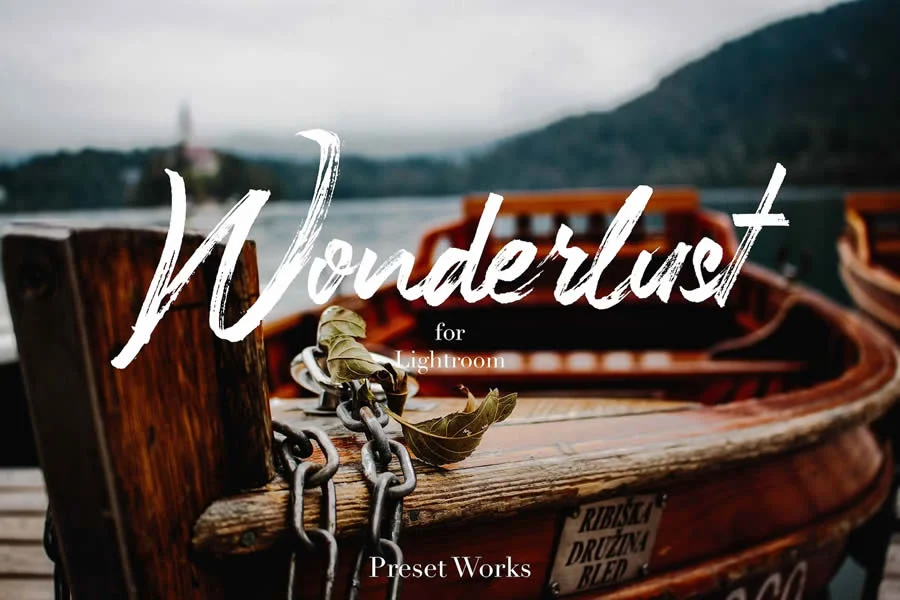
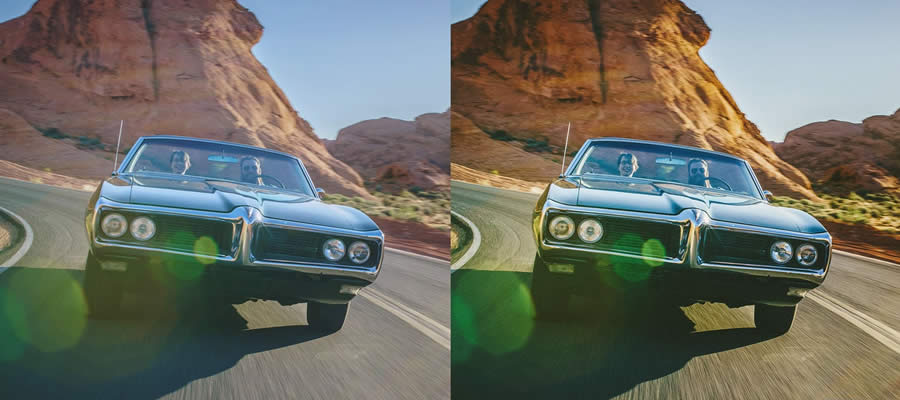
The "Wonderlust" and "Road & Travel" collections are designed to enhance outdoor photography by emphasizing natural light, sharpening details in foliage, and balancing the dynamic range between skies and foregrounds. Similarly, the "Landscape Lightroom Mobile" set, which includes over 35 distinct variations, provides the granular control necessary to pull out textures in mountain ranges or the soft hues of a sunset. These presets often utilize tone curve adjustments to create a "film-like" depth that is difficult to achieve manually on a small screen.
2. Cinematic and Moody Tones
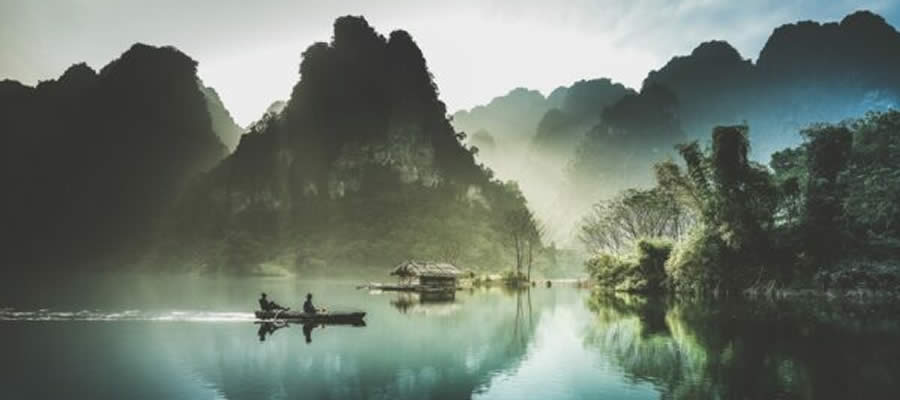
Presets such as the "Cinema Effect," "Film Grade," and "Moody Light" focus on desaturation, shadow recovery, and the manipulation of the color wheel. These styles are heavily inspired by modern color grading in the film industry, often shifting greens toward teal and oranges toward warmer gold tones. The "Orange & Teal" preset is perhaps the most iconic example of this, offering a high-contrast look that separates subjects from their backgrounds through color theory.

3. Lifestyle, Fashion, and Social Media Trends
Modern content creators often rely on the "Instagram" or "Blogger" style presets. These focus on skin tone preservation, brightening shadows, and creating a soft, clean, or "airy" aesthetic. The "Indoor Fashion" and "Groovy Wedding" presets exemplify this approach, ensuring that portraits look polished and professional, even when the original raw file was captured in challenging indoor lighting conditions.

4. The Retro and Analog Revival
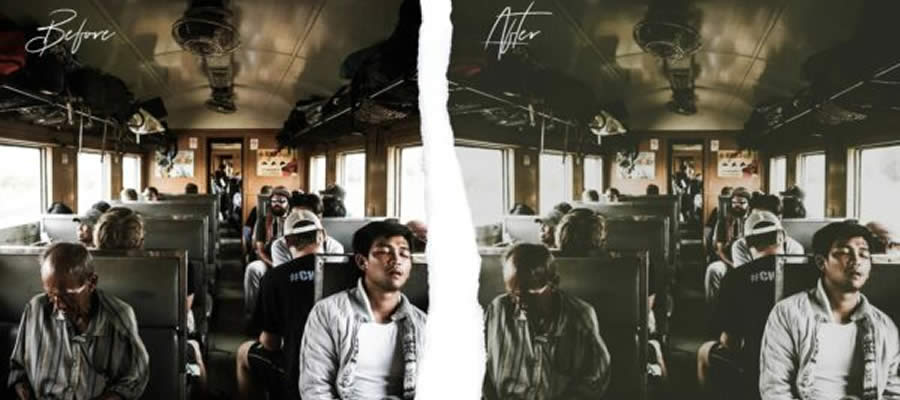
There is a significant movement toward the "film look," characterized by the inclusion of digital grain, muted highlights, and soft color shifting. Collections like "Film Pop" and "Introvert Retro" simulate the look of 35mm film stock, such as Kodak Portra or Fujifilm Superia. These presets are particularly popular for urban photography, where a grainy texture can add a sense of nostalgia or grit to contemporary street shots.

Technical Implementation and File Compatibility
The technical backbone of these presets is the DNG (Digital Negative) file format. Unlike XMP files used in desktop versions of Lightroom, DNG files carry both the image data and the preset’s development settings. When a user imports a DNG preset into Lightroom Mobile, the application reads the edit history and allows the user to copy those settings to their own photos.
To install these presets, users must generally follow a standardized protocol:

- Download: Acquire the DNG file from a reputable source.
- Import: Add the DNG file to the Lightroom Mobile library.
- Copy Settings: Open the DNG image, tap the "three dots" icon, and select "Copy Settings."
- Apply: Open the target photograph, tap the "three dots" icon, and select "Paste Settings."
This process ensures that the settings are applied non-destructively, meaning the user can always revert to the original raw file if the preset does not perfectly suit the specific lighting conditions of the new image.

Analytical Perspective on the Future of Presets
The proliferation of free presets has democratized high-end photography, allowing users without formal training in color science to produce professional-looking results. However, experts warn that over-reliance on presets can lead to a lack of individual creative development. The most effective way to utilize these tools is to view them as a "starting point" rather than a "final destination."

Adobe’s ongoing investment in Artificial Intelligence, through tools like "Adobe Sensei," suggests that the future of mobile editing will involve more adaptive presets. Instead of a static filter, future presets may use AI to identify the subject (e.g., "human face" vs. "sky") and adjust the settings dynamically. Currently, many advanced users are already combining these free presets with manual masking tools in Lightroom to create "hybrid" edits that are both efficient and unique to the specific scene.

Broader Impact on the Photography Industry
The widespread availability of these assets has had a measurable impact on the digital photography landscape. By lowering the barrier to entry, it has increased the baseline expectation for visual quality in social media, marketing, and personal blogging. Photographers are now expected to deliver high-quality, color-graded imagery regardless of whether they are using a full-frame DSLR or a modern smartphone.

Furthermore, the "free" model of preset distribution has created a vibrant secondary market for photographers and designers to showcase their skills. By offering high-quality free samples, creators build a reputation that can lead to lucrative partnerships, custom preset commissions, and educational ventures.
As the industry moves forward, the importance of these tools will only grow. With the hardware capabilities of mobile devices catching up to professional cameras, the software-driven "look" defined by these presets will continue to shape the visual culture of the digital age. Whether one is an amateur photographer looking to improve their holiday photos or a professional seeking to optimize their mobile workflow, the current library of free Lightroom Mobile presets offers an unprecedented level of accessibility to the art of professional image editing.








