The shift toward highly visual and structured professional documentation has placed Adobe InDesign at the forefront of career management tools for creative professionals and job seekers alike. Unlike standard word processors that rely on automated formatting, InDesign offers granular control over typography, leading, kerning, and grid systems. This precision is essential in a competitive job market where the aesthetic presentation of a resume often serves as the first indicator of a candidate’s attention to detail and technical proficiency. By utilizing professionally crafted templates, job seekers can leverage sophisticated design systems—previously reserved for publishing houses—to organize their professional narratives into clear, scannable, and visually arresting documents.
The Evolution of the Professional Resume
For decades, the standard resume was a static, text-heavy document optimized for legacy Applicant Tracking Systems (ATS). However, as the digital landscape has shifted toward portfolio-centric hiring, the demand for design-forward CVs has grown significantly. InDesign has emerged as the industry standard for this transition because it allows for the seamless integration of visual hierarchy, custom color palettes, and complex multi-column layouts that guide the recruiter’s eye toward key achievements.
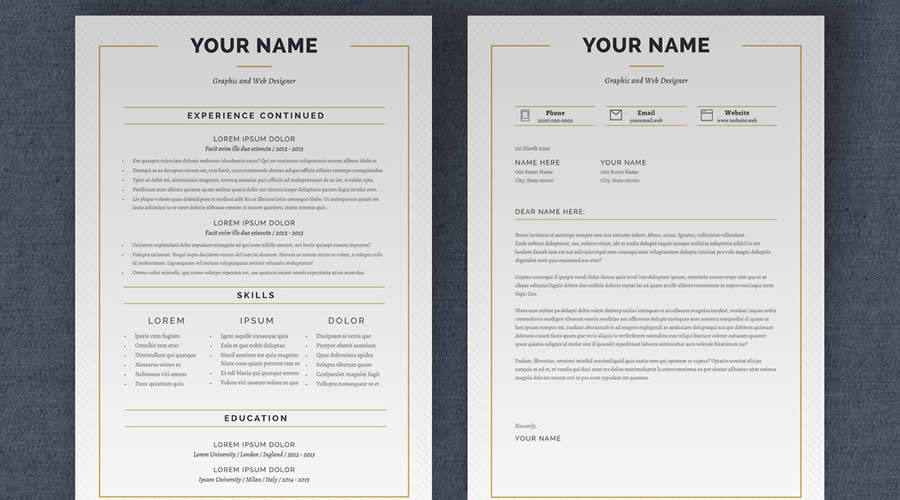
Industry data suggests that recruiters spend an average of six to seven seconds reviewing a resume before making an initial decision. Templates designed in InDesign address this constraint directly by emphasizing "white space" and "reading order," ensuring that critical data points—such as contact information, core competencies, and recent job history—are prioritized. The use of INDD and IDML file formats ensures that these documents remain scalable, allowing designers to transition from a digital, web-optimized PDF to a high-resolution print version for in-person interviews without losing fidelity.
Chronology and the Rise of Design-Integrated Hiring
The adoption of specialized design tools for personal branding accelerated between 2015 and 2020, as platforms like Behance and LinkedIn encouraged more visually expressive career profiles. Initially, professionals relied on basic templates; however, the limitations of these tools—often leading to "cookie-cutter" resumes—pushed users toward more robust professional layout software.
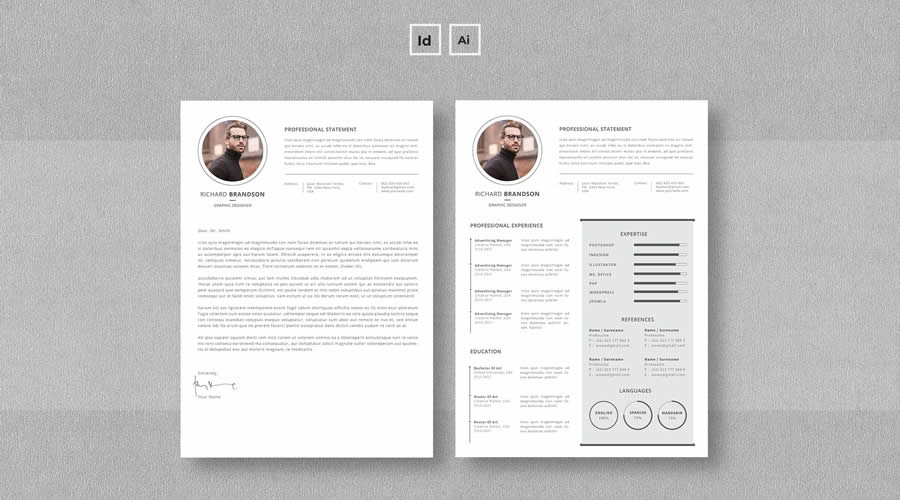
By 2022, the trend shifted toward "cohesive branding," where candidates began using matching sets—including resumes, cover letters, and business cards—to create a unified personal brand identity. This shift reflects a broader market trend where the "personal brand" has become as important as the professional history itself. Today, the availability of high-quality, pre-built InDesign templates has democratized this professional standard, allowing those without formal design degrees to produce work that rivals top-tier creative agencies.
Selecting the Right Asset for Your Career Path
When selecting an InDesign template, the primary consideration should be the target industry. A creative agency or a design studio will typically expect a highly bespoke, visually innovative resume, while a corporate entity or a government institution may require a more conservative, text-driven layout.
The Top-Tier Selection
The following templates represent the current market standard for versatility and design integrity:
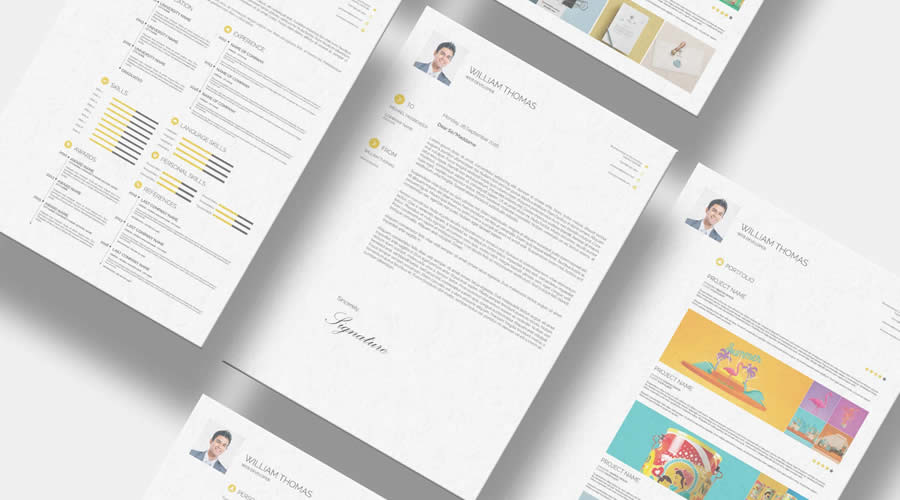
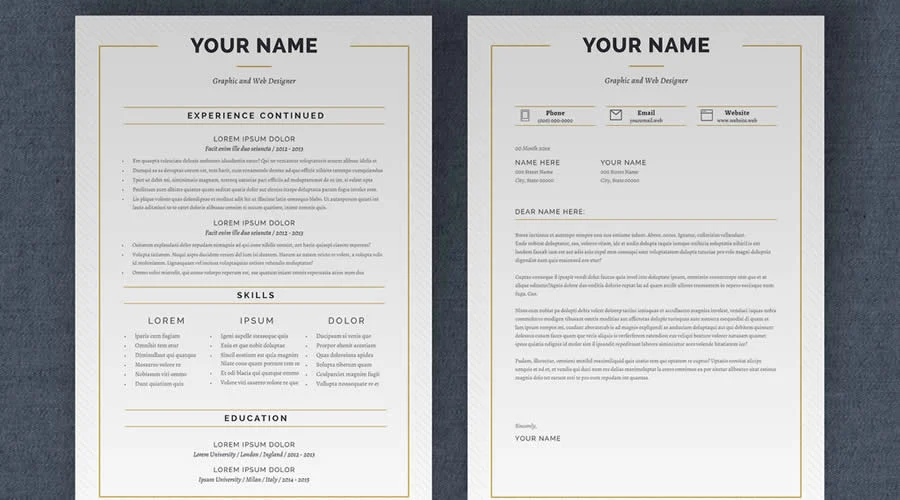
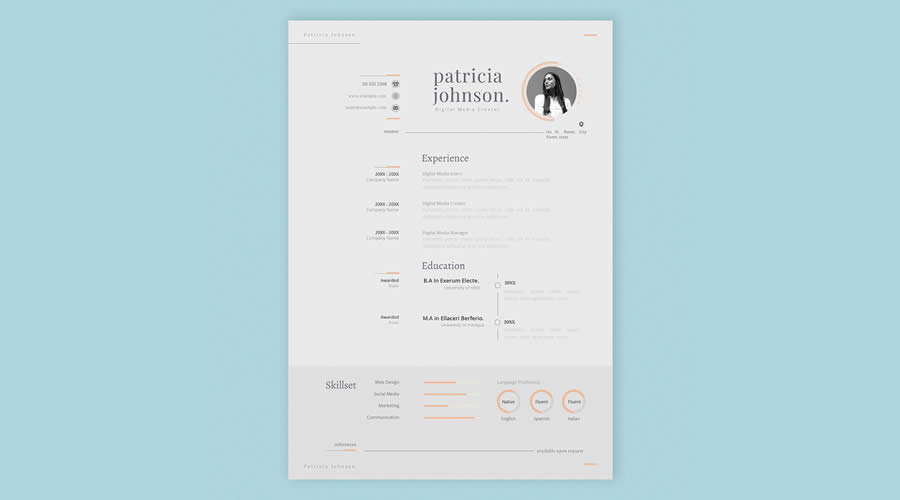
- Simple Resume & CV Template Vol. 6: Known for its clean aesthetic, this template provides a one-page layout that is ideal for professionals with a concise work history. It minimizes distraction, allowing the content to speak for itself.
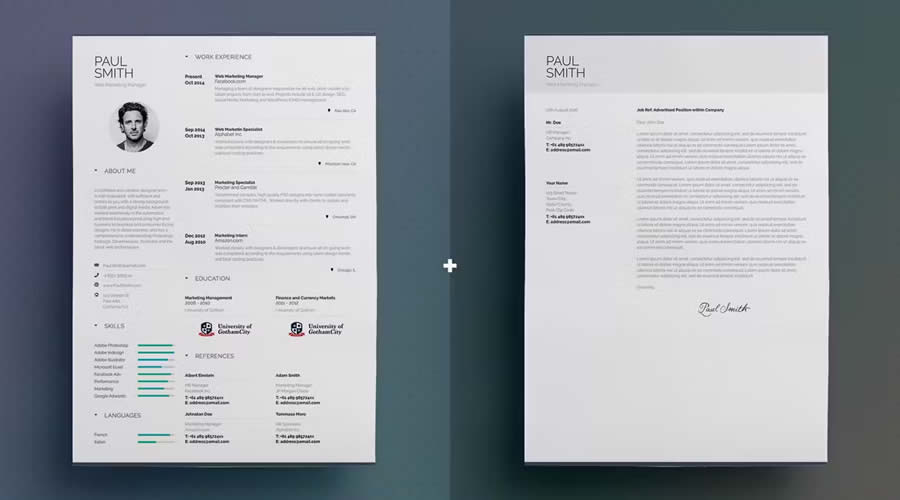
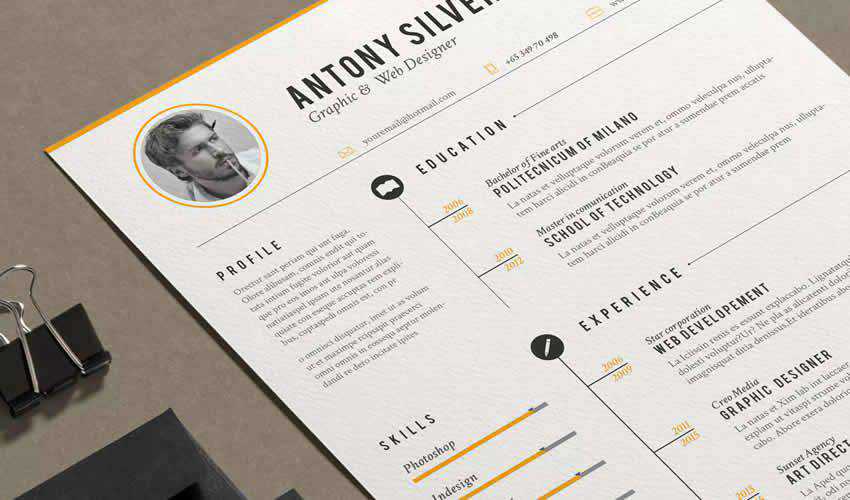
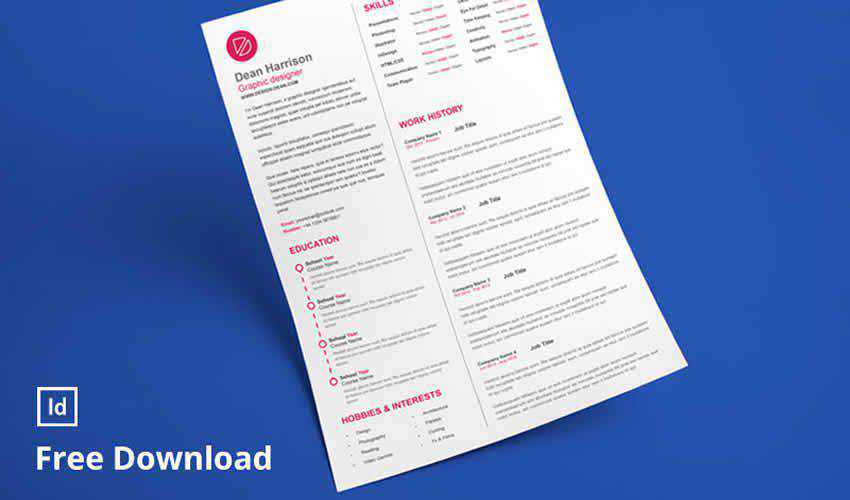
- Free Linear Resume Layout: This three-page template is an excellent choice for those with extensive experience who require additional room for professional development, certifications, and technical skill breakdowns without cluttering the primary view.
- Minimalist InDesign Resume Layout: Featuring compatibility across A4 and US Letter formats, this template is designed for global applicants. Its minimalist approach ensures that the document remains legible even when converted into various digital formats.
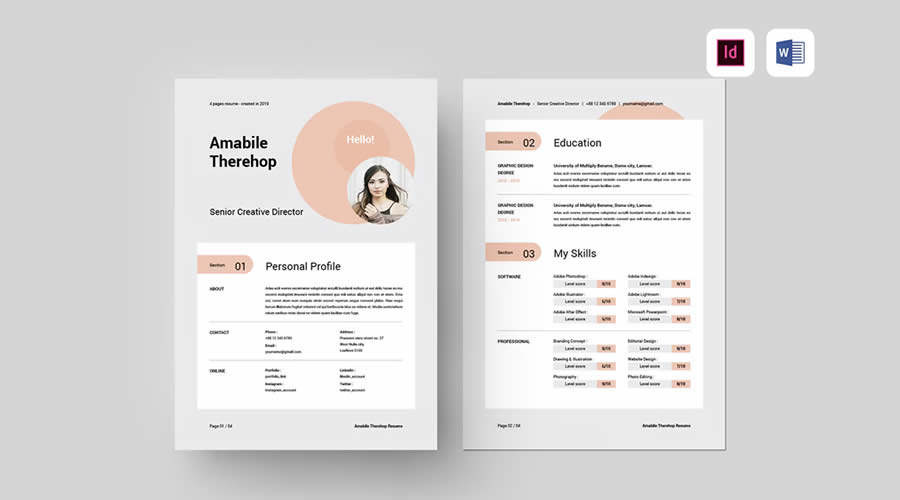
- Modern & Professional InDesign Resume Template: Spanning four pages, this layout is best suited for senior-level executives who require a comprehensive overview of their career milestones.
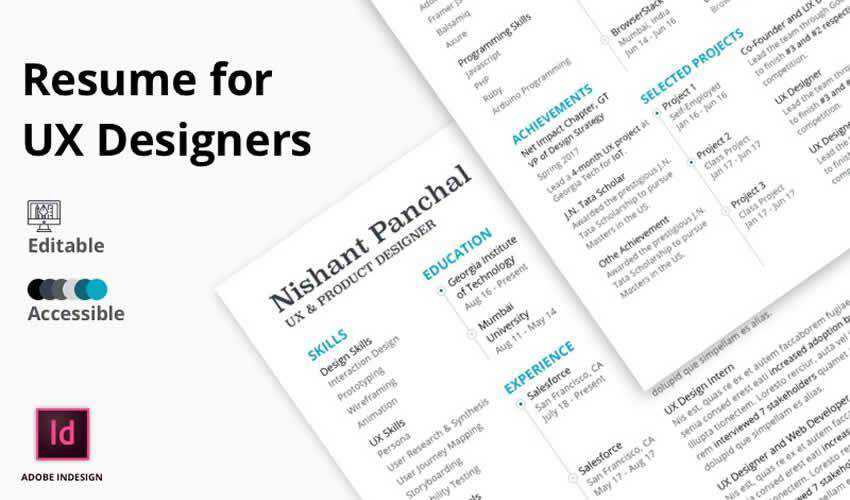
- UX-Focused Templates: Specifically built for User Experience designers, these templates emphasize information architecture, ensuring that the resume itself functions as a case study in clarity and navigation.
Technical Considerations: Working with INDD and IDML
The technical proficiency required to manage these files is relatively low, provided the user understands the fundamental structure of an Adobe InDesign package. When a template is downloaded, it often comes as a compressed folder. Users must ensure that all linked assets—such as custom fonts, icons, and graphic elements—are stored within the same directory as the INDD file to prevent "missing link" errors.

An IDML (InDesign Markup Language) file is a critical component for users working across different versions of the Creative Cloud. If a user is on an older version of the software, the IDML file acts as a bridge, ensuring that the layout remains intact. Furthermore, utilizing "Parent Pages" (formerly Master Pages) and "Paragraph Styles" is recommended for anyone planning to update their resume frequently. These features allow a user to change the font or color scheme across an entire multi-page document with a single click, ensuring consistent branding throughout the file.

Strategic Implications for the Job Seeker
The implication of using a professionally designed InDesign template is twofold: it improves the physical presentation of the candidate’s qualifications and subtly signals a level of digital literacy that is highly valued in the modern workplace. However, design should never supersede readability.
Industry analysts caution against the "over-designing" of resumes. A resume that is overly reliant on complex graphics or non-standard fonts may fail to parse correctly in automated recruitment portals. Therefore, the most successful resumes are those that use a "hybrid approach"—a layout that is visually striking yet structurally simple enough for automated systems to read. When submitting to online portals, it is advisable to ensure the text is selectable and not flattened into an image-only PDF.
Final Recommendations for Implementation
To maximize the effectiveness of an InDesign-based resume, follow this structured approach:

- Inventory Your Assets: Before opening a template, draft your content in a text editor. Knowing the length of your text will help you choose a template that fits your data volume, preventing the need for excessive resizing.
- Verify Licensing: Always check if the template includes commercial-use fonts or if you are required to purchase separate licenses. Using a "free" template with unlicensed premium fonts can lead to legal and technical complications.
- The "Version Control" Method: Keep the original template folder in a "Read Only" state. For every job application, create a copy of the folder, rename it with the date and company name, and tailor the content specifically for that role.
- Proofing for Hierarchy: Once your text is placed, review the visual hierarchy. Is the most important information—such as your latest role or primary skill—the first thing the eye lands on? If not, adjust the weight or size of your paragraph styles.
In summary, Adobe InDesign templates are more than just aesthetic upgrades; they are structural tools that enable a more professional, organized, and strategic approach to career management. By choosing a template that aligns with both your personal brand and the requirements of your target industry, you position yourself to make a lasting impression in a highly competitive job market. Whether you are a creative professional or a corporate executive, the precision offered by InDesign ensures that your professional history is presented with the clarity and authority it deserves.