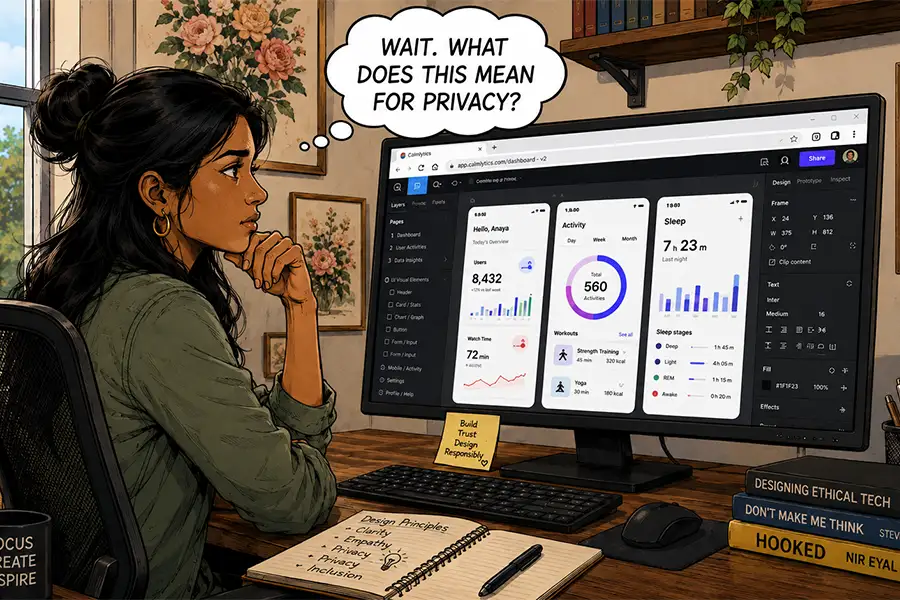
The modern professional workstation is undergoing a structural transformation that mirrors the broader shift toward cloud-centric computing. For decades, the ritual of setting up a new computer involved the installation of extensive software suites—from Adobe Creative Cloud to local development environments—to ensure a machine was fully equipped for professional tasks. However, as web standards evolve and browser capabilities expand, the reliance on localized desktop applications is facing its most significant challenge to date. This paradigm shift raises critical questions regarding workflow efficiency, data sovereignty, and the long-term viability of the traditional software model.
The Evolution of Browser Capability: A Historical Context
The trajectory of browser-based software can be traced back to the early 1990s, when the debut of browsers like Netscape Navigator fundamentally changed how information was accessed. Initially, these tools were designed exclusively for document retrieval. For over two decades, the "thin client" model struggled to compete with the robust, high-performance nature of native desktop applications. Native apps offered superior access to system resources, such as hardware acceleration, complex file management, and offline functionality, which were essential for professional design, engineering, and data analysis.
The transition began in earnest around 2010 with the rise of HTML5 and the subsequent modernization of JavaScript engines. These advancements allowed for the development of "Progressive Web Apps" (PWAs) and complex interfaces that could emulate desktop-level performance. By 2015, major tech corporations began shifting their business models toward Software-as-a-Service (SaaS) subscriptions, effectively tethering professional workflows to cloud-hosted environments.
Quantitative Shifts in Software Adoption
Recent market analysis indicates a sharp rise in the adoption of browser-native platforms. According to industry reports from 2025, cloud-based design and productivity tools have seen a compound annual growth rate (CAGR) of approximately 14% among creative agencies. This data suggests that firms are prioritizing the collaborative advantages of browser-based environments over the siloed, high-performance capabilities of traditional desktop software.

For instance, the rise of collaborative design platforms like Figma has disrupted the dominance of locally installed vector graphics software. By centralizing the design process, these tools have eliminated the "versioning nightmare" that historically plagued creative teams, where multiple files were passed back and forth via email. Today, real-time synchronization allows for instantaneous feedback, a feature that native apps have struggled to replicate without significant infrastructure investment.
The Security and Ownership Paradox
While the shift toward browser-based workflows offers unparalleled convenience, it introduces a complex array of security and ownership concerns. The core issue lies in the transition from local data control to third-party data stewardship.
When a user works entirely within a browser, their primary assets—be they codebases, design files, or financial records—are stored on servers managed by the software provider. This creates a single point of failure. If a provider faces bankruptcy, undergoes a catastrophic server failure, or suffers a data breach, the end user has little recourse. Recent high-profile incidents, such as the 2026 reports of cloud storage providers ghosting enterprise clients, have highlighted the vulnerability of businesses that rely solely on external infrastructure for data integrity.
Furthermore, the integration of Artificial Intelligence (AI) into these platforms has intensified privacy concerns. Many web-based applications now utilize user-generated content to train proprietary machine learning models. Unless explicit enterprise-grade protections are in place, there is a risk that sensitive proprietary data could be inadvertently indexed or utilized by the service provider’s algorithms, potentially exposing trade secrets or personal identifiable information (PII).
Comparative Analysis: Browser vs. Desktop
To understand the current state of professional computing, one must evaluate the trade-offs inherent in each environment:

- Accessibility and Collaboration: Browser-based tools are inherently superior. They allow for cross-platform functionality, enabling a workflow that transitions seamlessly from Windows to macOS or even mobile devices. This is a critical advantage for distributed global teams.
- Performance and Hardware Utilization: Desktop applications retain the advantage when dealing with high-intensity tasks, such as 4K video rendering, 3D modeling, or complex simulation. Native software can access the full extent of a workstation’s CPU and GPU, whereas browsers are limited by sandboxing and memory management protocols.
- Customization and Control: Desktop software allows for a deeper level of granular control. Users can often modify scripts, install plugins that interact directly with the OS, and manage files without latency. This level of autonomy is often missing in browser-based interfaces, which are typically designed with a "one-size-fits-all" user experience.
The Institutional Response and Future Outlook
Industry leaders are currently adopting a "hybrid" approach to manage these risks. While creative and administrative tasks are increasingly offloaded to the cloud, high-stakes industries—such as media production, cybersecurity, and advanced engineering—maintain a "local-first" policy for sensitive workflows.
Major software developers, including Adobe and Microsoft, have responded to this trend by offering hybrid models: desktop applications that feature cloud-syncing capabilities. This allows professionals to leverage the power of their local hardware while enjoying the collaborative benefits of the cloud. However, this creates a "best of both worlds" scenario that is often accompanied by increased subscription costs, further complicating the financial implications for freelancers and small businesses.
Strategic Implications for the Professional Sector
For the individual professional, the decision to migrate fully to the browser should be based on a rigorous risk assessment. If the priority is real-time collaboration and speed of delivery, browser-based tools are clearly the preferred choice. However, if the priority is long-term data archival, absolute privacy, and maximum system performance, the traditional desktop model remains indispensable.
The professional landscape is no longer binary; it is a spectrum of accessibility versus control. As web standards continue to mature, it is probable that the line between browser and desktop will continue to blur, perhaps eventually leading to a future where the operating system itself is little more than a gateway to a browser. Until that future is fully realized, however, the prudent professional will continue to balance the convenience of the cloud with the security and reliability of the local machine. The choice, ultimately, rests on the specific requirements of the work, the sensitivity of the data, and the risk tolerance of the organization.
As we look toward the next generation of computing, the debate is not whether browsers will replace desktop apps, but rather how we will define the "workspace" in an era where the hardware is secondary to the connection.