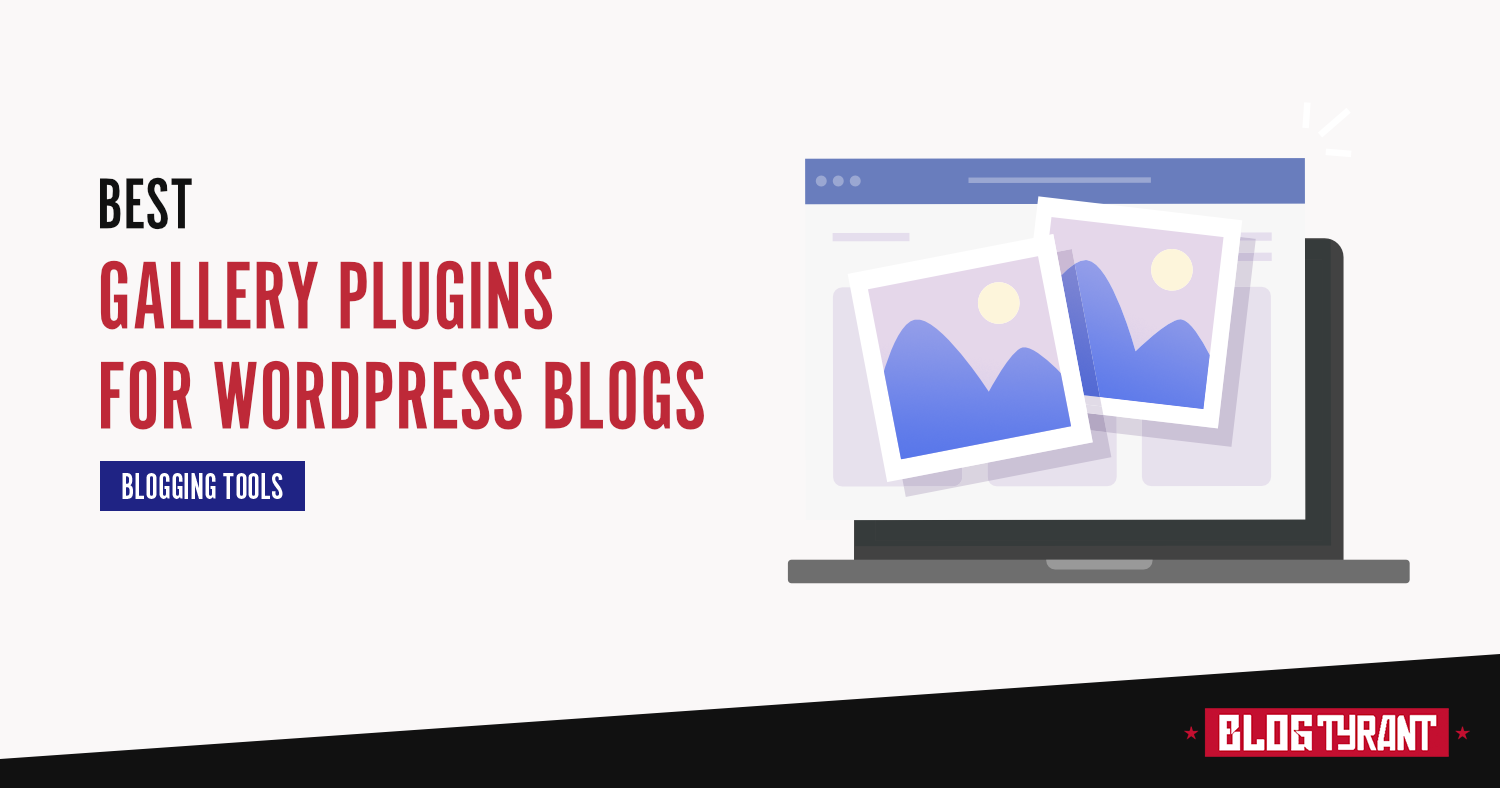
The evolution of digital content consumption has shifted dramatically toward visual-first storytelling. For WordPress users—ranging from independent lifestyle bloggers to enterprise-level media outlets—the ability to present high-resolution photography in a structured, performant, and aesthetic manner is no longer a luxury but a fundamental requirement for user engagement. While the core WordPress platform includes native gallery functionality, it remains limited in scope, often failing to meet the demands of modern web performance standards, mobile responsiveness, and advanced user interface requirements.
The transition from simple image grids to professional-grade galleries represents a significant technical hurdle for many site administrators. Data from web performance audits suggests that unoptimized image galleries are among the leading causes of increased page load times, which directly correlates with higher bounce rates and diminished search engine rankings. Consequently, the selection of a robust, lightweight, and feature-rich gallery plugin has become a critical decision in the technical stack of a successful blog.
The Technical Evolution of WordPress Media Display
Historically, WordPress users relied on static, hard-coded HTML to display images. With the introduction of the block editor and the subsequent rise of dedicated gallery plugins, the landscape changed. These plugins have evolved to serve specific niches, from high-speed lazy loading to sophisticated e-commerce integrations.

Current market trends indicate that professional photographers, food bloggers, and e-commerce entrepreneurs are the primary drivers of demand for specialized gallery software. According to industry analysis, websites that utilize dynamic, responsive masonry-style grids see an average increase in time-on-page metrics by approximately 22% compared to those utilizing standard, non-responsive single-image layouts.
Comparative Analysis of Leading Gallery Solutions
The marketplace currently features a variety of solutions, each catering to different operational needs. Selecting the appropriate tool requires an analysis of server resource consumption, mobile adaptability, and third-party integration capabilities.
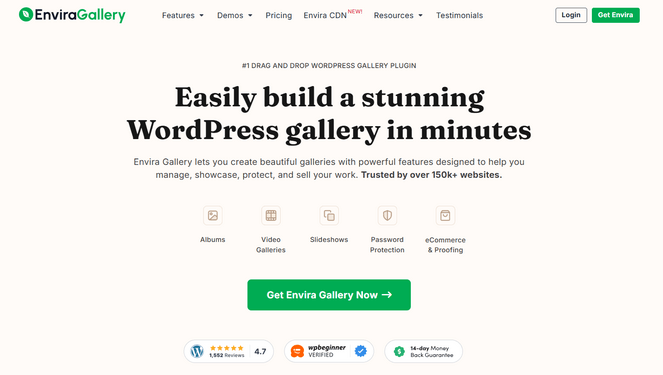
1. Envira Gallery: Balancing Performance and Utility
Envira Gallery has emerged as a standard-bearer for performance-focused image management. By utilizing a "drag-and-drop" interface, it abstracts the complexity of CSS grid management for the end user. Its primary advantage lies in its asynchronous loading capabilities, which ensure that even image-heavy pages do not trigger significant latency. For publishers concerned with Core Web Vitals, the plugin’s ability to pre-generate thumbnails and implement native lazy loading provides a distinct advantage.
2. NextGEN Gallery: The E-commerce Powerhouse
For professional studios and photography-centric businesses, NextGEN Gallery represents the industry standard for monetization. Unlike plugins designed strictly for visual layout, NextGEN functions as a comprehensive digital asset management (DAM) system. Its architecture includes built-in print fulfillment services, which automate the workflow from order placement to lab processing. This integration removes the friction of third-party payment gateways, allowing for direct-to-consumer print sales, which is a vital revenue stream for many independent photographers.

3. Smash Balloon Instagram Feed Pro
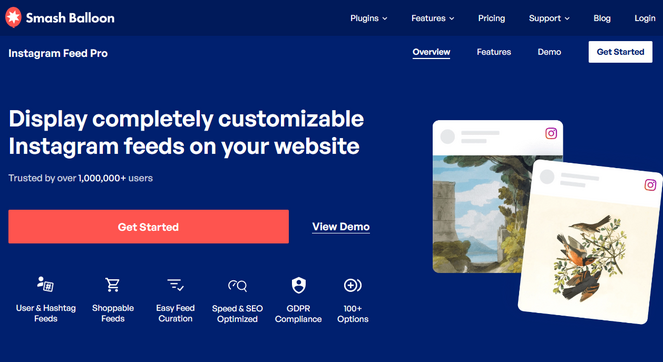
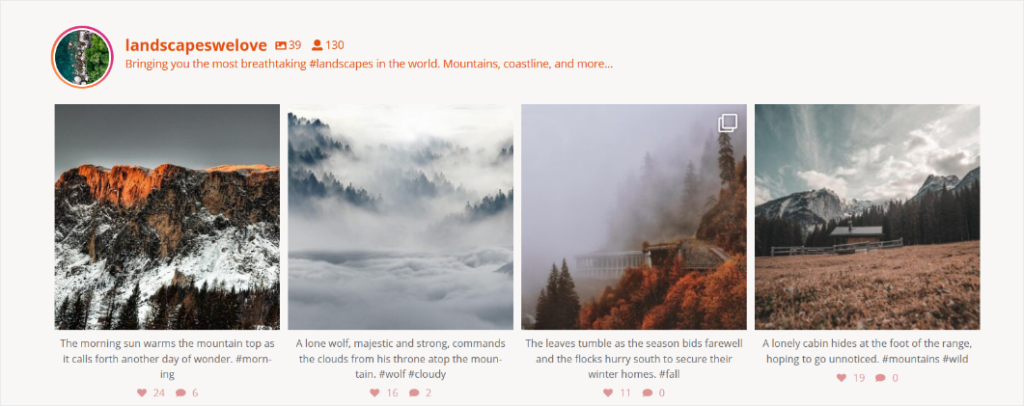
The rise of social media as a primary traffic acquisition channel has necessitated seamless integration between Instagram and WordPress. Smash Balloon stands out by enabling real-time content synchronization. Rather than manually uploading images to a CMS, users can bridge their Instagram API to their site. This creates a "self-healing" gallery that updates automatically, ensuring that site content remains current without manual intervention. From a marketing perspective, this provides a critical link between social following and website traffic.
4. Soliloquy: Optimizing for Dynamic Content
While many plugins focus on grid layouts, Soliloquy specializes in slider-based carousels. The technical benefit of this approach is the ability to showcase a high volume of images in a restricted physical space. Its "Dynamic Addon" feature is particularly noteworthy, as it allows administrators to pull in featured images from blog posts or custom post types automatically. This feature is widely used by news portals to cycle through trending content, effectively maximizing the utility of the site’s "above the fold" real estate.

5. Modula: Advanced Customization and Layout Control
Modula differentiates itself through its "Custom Grid" functionality. While most plugins force images into a standardized container, Modula allows for granular control over individual image sizing and arrangement. This is essential for brands that require a specific, bespoke aesthetic that deviates from standard grid patterns. By offering fine-grained control over hover effects and transition animations, it allows for a highly polished user experience that is often found on high-end design agency websites.
6. FooGallery: Streamlined Simplicity
For administrators prioritizing a simplified user interface, FooGallery provides a balance between functionality and ease of use. Its hallmark is the live-preview editor. Unlike plugins that require a "save and refresh" cycle to view changes, FooGallery allows users to modify gallery settings in real-time. This reduces the development overhead for smaller teams and minimizes the margin for error when configuring complex gallery settings.
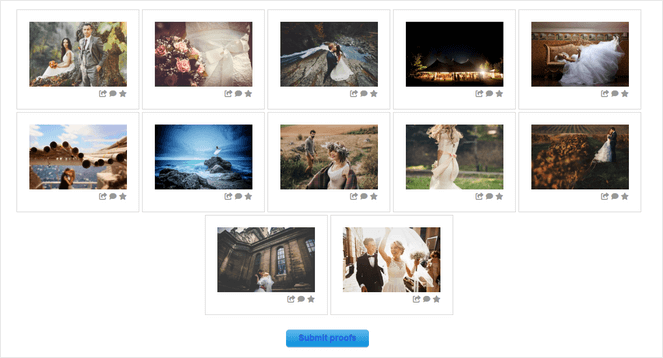
7. Photo Gallery by 10Web: Enterprise Features at Zero Cost
The freemium model of Photo Gallery by 10Web has made it a preferred choice for bloggers who require advanced functionality—such as watermarking and multi-layer album organization—without the recurring cost of premium subscriptions. Its inclusion of a built-in media protection layer is a significant feature, as it allows users to safeguard their intellectual property without needing to purchase expensive third-party security plugins.
Data-Driven Implications for Site Performance
When selecting a gallery plugin, administrators must account for the impact on server load. A key metric in current web development is the "Time to First Byte" (TTFB) and "Largest Contentful Paint" (LCP). Plugins that perform server-side image compression—such as those listed above—are essential for maintaining site speed.
Research indicates that users will abandon a site if it takes longer than three seconds to load. Plugins that fail to implement efficient caching or lazy loading effectively sabotage the site’s SEO potential. Consequently, the transition toward plugins that emphasize light, modern codebases is an ongoing trend. The industry is moving away from bloated, "all-in-one" plugins toward modular tools that only load the code necessary for the specific gallery being displayed on a given page.
Strategic Considerations for Implementation
For organizations looking to deploy these tools, the following checklist is recommended:
- Mobile-First Responsiveness: Verify that the plugin utilizes CSS media queries to adjust image sizing based on device viewport width.
- Media Protection: Determine if watermarking or "right-click" protection is required for your specific intellectual property needs.
- Monetization Workflows: If the objective is to generate revenue, prioritize plugins with native payment gateway integrations (Stripe, PayPal) rather than manual billing methods.
- SEO Metadata: Ensure that the plugin allows for the input of Alt-text and image descriptions for every image, as these are critical for Google Image Search indexing.
Future Outlook of WordPress Visual Media
As WordPress continues to transition toward a full-site editing experience (via Gutenberg), the role of gallery plugins is likely to shift toward deeper integration with native blocks. Future iterations of these plugins will likely prioritize headless CMS compatibility and enhanced support for WebP or AVIF image formats, which offer superior compression compared to traditional JPEG or PNG files.
Ultimately, the choice of a gallery plugin should be dictated by the site’s primary objective. If the goal is community engagement through social feeds, Instagram integration is paramount. If the objective is professional print sales, a specialized e-commerce solution is required. For the average content creator, a performance-optimized, drag-and-drop solution remains the most efficient pathway to balancing aesthetic quality with technical site health. By aligning the choice of technology with the specific requirements of the content strategy, publishers can significantly improve the professional appearance and functional performance of their digital platforms.