
Following the successful integration of the Spark-to-Task functionality earlier this month, Google has initiated a comprehensive interface redesign for the Gemini application on Android devices. This update, which prioritizes organizational efficiency and user accessibility, aligns the mobile experience with the recent rollout of the Gemini 4 Argon release across iOS, macOS, and web platforms. The changes reflect Google’s ongoing strategy to unify the Gemini ecosystem, ensuring that power users—particularly those utilizing AI Ultra subscriptions—can navigate complex features with greater ease.
Architectural Changes to the Navigation Drawer
The most immediate visual change users will encounter is the reorganization of the application’s navigation drawer. Historically, the Gemini interface has struggled with "feature bloat," as the rapid expansion of AI-driven tools necessitated more menu space. To mitigate this, Google has relocated the search function to the top-right corner of the interface, freeing up space in the main drawer for more frequently accessed navigational elements.
The "New chat" button remains the primary anchor of the drawer, serving as the interface’s starting point. However, the "Library" function has been moved to a more prominent position alongside the "New chat" option, rather than being sequestered at the bottom of the drawer. This design choice is intended to improve the workflow for users who frequently toggle between current conversations and saved historical data.
To prevent the drawer from becoming visually overwhelming, Google has implemented a "More" expansion system. The interface now displays a curated list of the five most relevant items. For users on the standard tier, this includes primary chat management tools. For AI Ultra subscribers, the expanded list is significantly more robust, encompassing "New chat," "Library," "Images," "Scheduled," "Daily brief," "Customize," "Students," "Videos," and "Gems." By nesting secondary tools under the "More" expander, Google has successfully decluttered the primary workspace without sacrificing functionality.
Consolidation of the Settings Menu
Beyond the visual changes to the navigation drawer, Google has fundamentally altered the architecture of the Gemini settings menu. In previous iterations, user preferences were fragmented, often requiring navigation between the account profile menu and a separate "Gemini Settings" dashboard. This dual-structure approach was frequently cited by power users as a point of friction, as it made it difficult to locate specific toggles for privacy, voice preferences, or task automation.
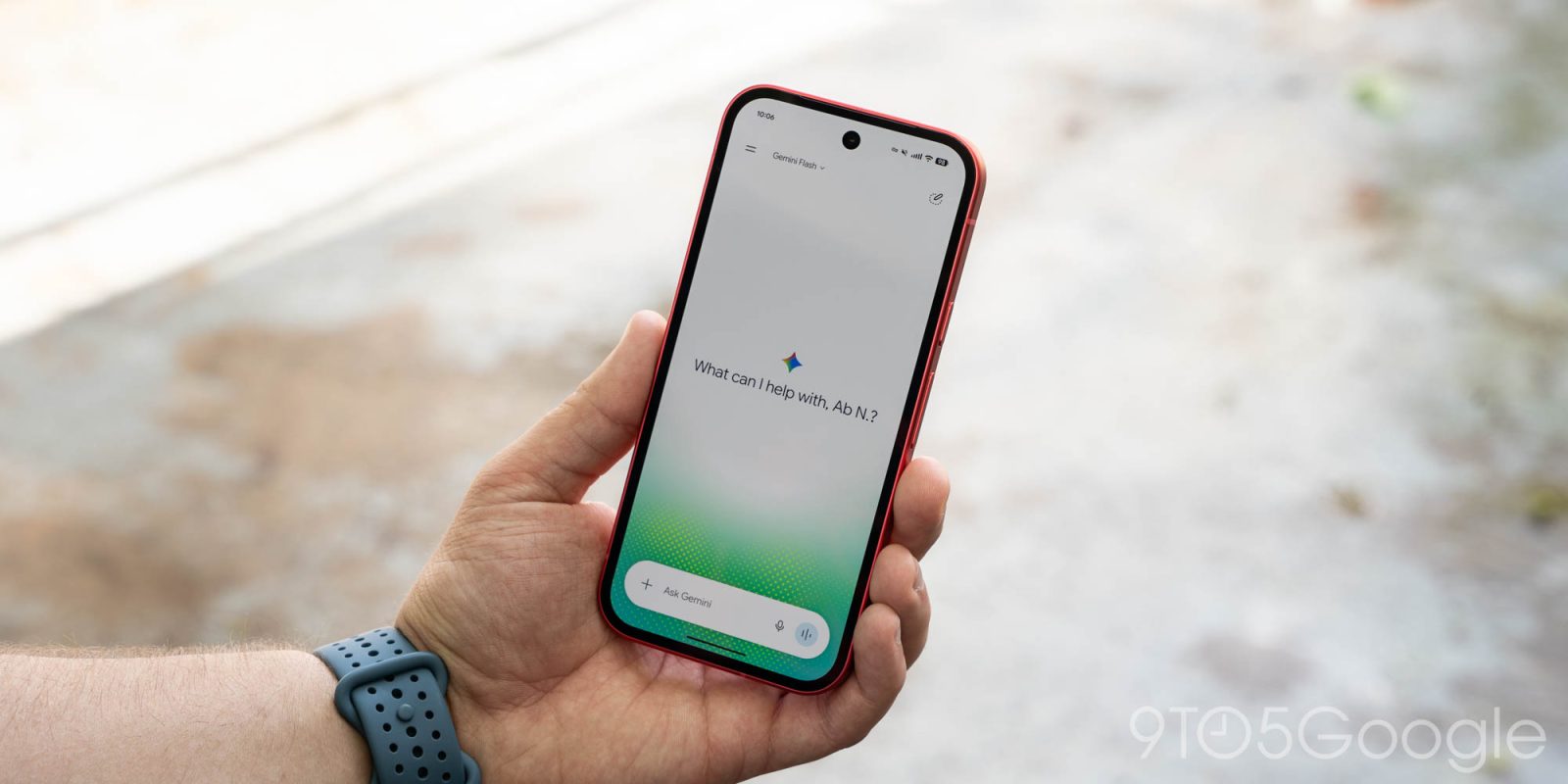
The new update consolidates all user-facing preferences into a singular, unified settings page. The account profile menu has been stripped of its functional settings responsibilities, returning to its core purpose: account switching, accessing help documentation, and providing feedback.
The revamped settings page is categorized logically to assist users in finding the correct toggle within seconds. The top section now explicitly displays "Manage account" and "Usage limits," providing immediate visibility into subscription status and remaining API or cloud-processing quotas. Below this, a comprehensive "Preferences" section houses critical controls:
- Notifications: Fine-grained control over alert frequency and type.
- Personal Intelligence: Toggles for personalized AI learning and data retention.
- Avatar: Customization of the Gemini persona.
- Task settings: Controls linked to the recent Spark-to-Task redesign.
- Theme: A long-requested addition that allows users to force light or dark modes independent of system settings.
- Skills & Voice: Dedicated sub-menus for fine-tuning the AI’s capability set and auditory output.
- Media & Device Controls: Integration points for smart home and multimedia ecosystem management.
- Cart and Orders: A new addition that tracks commerce-related interactions with the assistant.
- Gemini Notebook: A workspace for long-form content generation and research.
Chronology of the Gemini 4 Argon Rollout
This Android update serves as the final piece of a multi-platform deployment strategy initiated in mid-October 2026. The progression of these interface changes highlights Google’s commitment to rapid iteration cycles.
- October 12, 2026: Google introduces the Spark-to-Task redesign, which laid the foundation for more complex task-oriented workflows within the Gemini app.
- October 13, 2026: Launch of Gemini 4 Argon. This major version update introduced the new navigation and settings structure to the web, iOS, and macOS platforms, establishing a cross-platform design language.
- October 16, 2026: Introduction of the "Universal Cart" shopping icon, further signaling that the app is moving toward a more transactional and productivity-centric model.
- Late October 2026: Server-side rollout for Android users begins, bringing the mobile experience into parity with the desktop and Apple-ecosystem versions.
Data-Driven Implications for User Experience
The move to consolidate settings and refine the navigation drawer is supported by modern UI/UX principles, particularly the "Progressive Disclosure" design pattern. By hiding less-frequently used features—such as specific "Skills" or "Gemini Notebook" configurations—behind a "More" or secondary menu, Google reduces the cognitive load on the average user.
Data from the recent Gemini 4 Argon launch suggests that users on non-mobile platforms responded positively to the reduction in navigation density. Average session times remained consistent, but the "time to action"—the duration between opening the app and initiating a specific task—reportedly decreased. By applying these lessons to the Android environment, Google is attempting to solve the "fatigue" associated with feature-heavy AI interfaces.
Furthermore, the inclusion of "Usage limits" at the top of the settings menu is a notable shift toward transparency. As Gemini evolves into an AI Ultra-driven platform with complex computational costs, giving users clear visibility into their consumption patterns is a strategic move to build trust and encourage subscriptions.

Broader Impact on the AI Ecosystem
The shift toward a unified, task-centric design indicates that Google is positioning Gemini not merely as a chatbot, but as a central operating system for digital life. By integrating "Cart and orders" and "Task settings" directly into the core settings, the company is signaling that Gemini is intended to be the primary interface through which users interact with their digital commerce, schedules, and smart home devices.
Industry analysts suggest that this design evolution is a response to the increased competition from rival AI assistants that have begun to adopt similar "agentic" capabilities. Unlike early AI iterations, which were defined by conversational output, the current generation of Gemini is focused on execution. The interface redesign is the visual manifestation of this transition from "information retrieval" to "task execution."
Official Stance and Future Outlook
While Google has not released a formal press statement regarding this specific Android update, the documentation provided via the Gemini support portal indicates that the change is part of a broader "Harmonization Initiative." A spokesperson for the developer team has previously noted that the goal of the 4 Argon cycle was to "remove the friction between intent and action."
Looking forward, industry observers anticipate that the "Gemini Notebook" and "Gems" features will receive further enhancements as the company continues to refine the "Customize" aspect of the app. The current redesign provides the necessary infrastructure to scale these features without cluttering the main screen.
As the app continues to evolve, the integration of these features suggests that the next phase of development may focus on predictive interface adjustments—where the "More" menu dynamically reorders itself based on the user’s time of day, location, and historical usage patterns. For now, the current update represents a stable, highly organized, and professionalized interface that meets the needs of both casual users and power-hungry professionals.
In summary, the transition to the new Android interface is a clear sign that Google is no longer experimenting with the Gemini UI, but rather settling into a mature, utility-focused design language. By prioritizing clarity, logical categorization, and feature visibility, the company has effectively addressed the primary criticisms of earlier, more chaotic versions of the software. Users should expect this design to serve as the baseline for all future Gemini updates throughout the remainder of 2026 and into the next fiscal year.