A New Visual Standard for Multimodal Interaction
For users accustomed to the previous iteration of the Gemini camera, the update is immediately noticeable. Previously, accessing the camera via the "plus" icon in the prompt bar triggered a generic, full-screen viewfinder that felt disconnected from the conversation flow. This older implementation was largely utilitarian, offering little in the way of aesthetic integration or smooth transitions.
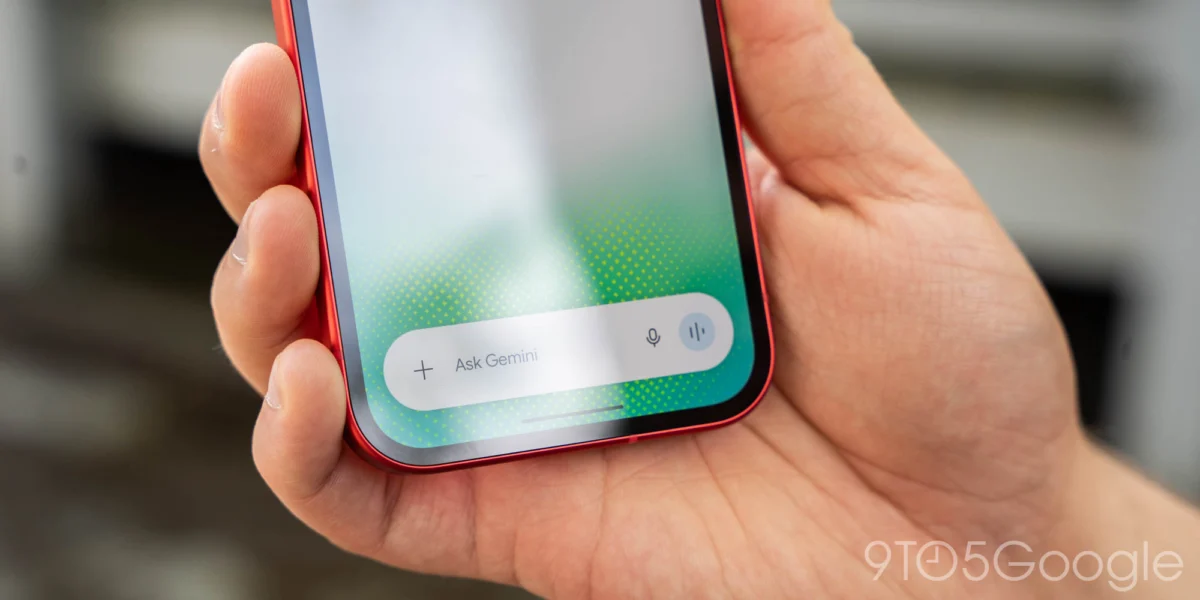
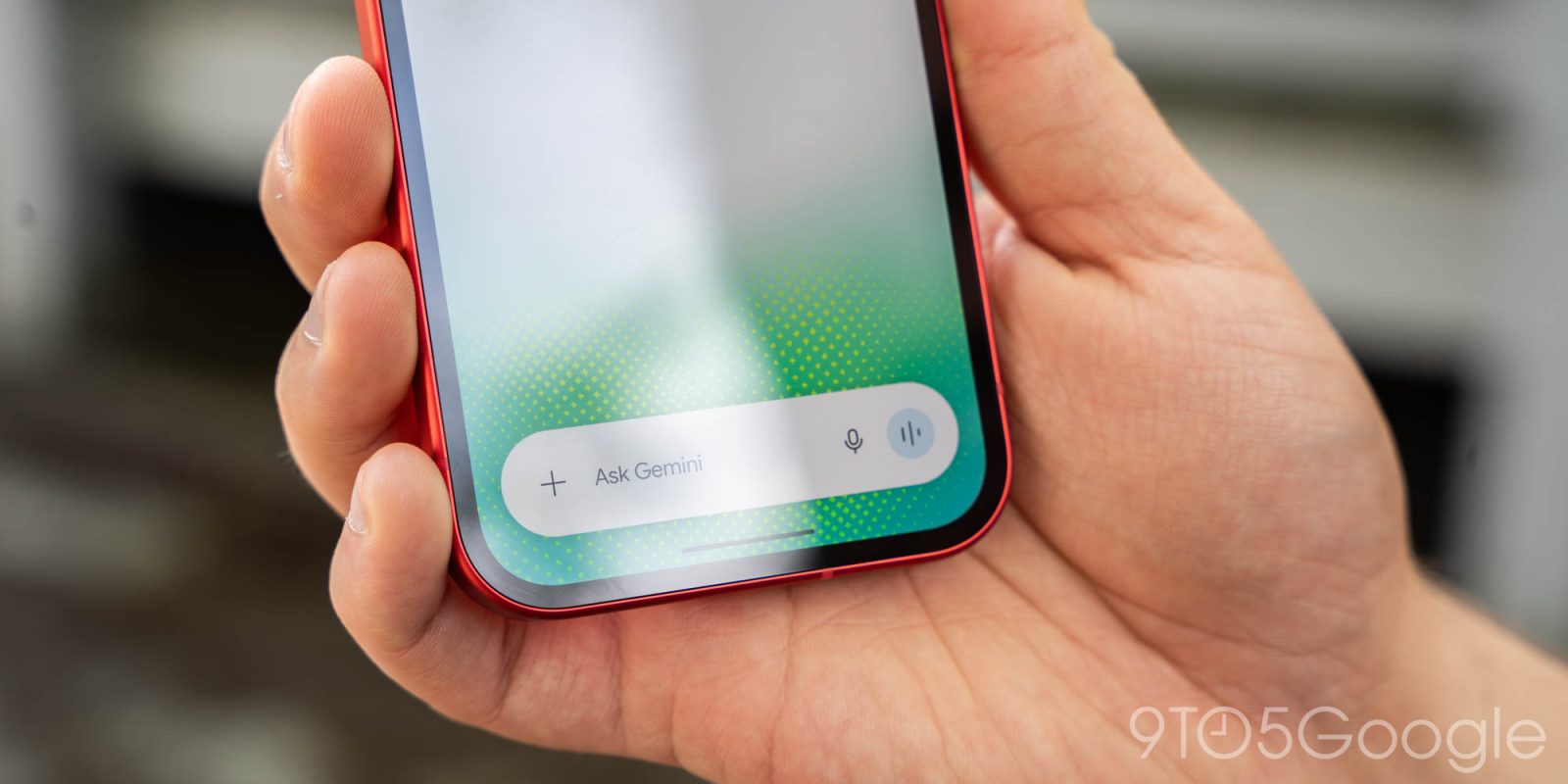
The redesigned interface, now rolling out across both beta and stable channels (version 17.76 and later), adopts a bottom-sheet approach. This design choice is not merely cosmetic; it is functional. When triggered, the camera interface emerges from the bottom of the screen with a highly refined animation, allowing the user to maintain context of their current chat thread. The interface can be dragged upward to occupy the majority of the display, offering a more immersive viewfinder experience, or collapsed with a simple downward swipe.
Furthermore, the design now extends to the edge of the device, reaching behind the system navigation bar for a seamless, immersive look. To the right of the shutter button, a three-dot overflow menu provides quick access to essential controls such as flash settings and the ability to toggle between the front and rear-facing cameras. This design language mirrors the implementation previously observed in the Gemini for iOS application, signaling a unified cross-platform strategy for Google’s flagship AI assistant.
The Evolution of Gemini’s Camera Integration
The evolution of the Gemini camera reflects the broader trajectory of mobile AI development. When Google first integrated Gemini into the Android ecosystem, the focus was primarily on text-based query performance and the replacement of the legacy Google Assistant. As the model transitioned toward a multimodal architecture, the necessity of fluid camera integration became paramount.
Chronologically, the deployment of this feature follows a steady rhythm of iterative updates:
- Early 2024: Initial integration of Gemini into Android, primarily as a text-to-text assistant with limited image processing capabilities.
- Mid-2024: Expansion of "Gemini Vision," allowing users to upload existing photos from their gallery to ask questions about content.
- Late 2024: Introduction of the live camera viewfinder, which initially relied on the basic, full-screen interface.
- November 2026: Widespread rollout of the redesigned, bottom-sheet camera UI across Android, following a successful pilot on iOS.
This timeline underscores Google’s commitment to "Multimodal AI," a paradigm where the model is not restricted to one type of input. By treating the camera as a primary "sensor" for the AI, Google is positioning Gemini as a real-time assistant that can interpret the physical world as easily as it can parse a document or a snippet of code.
The Integration of Gemini Omni 1.2 Flash
The camera redesign is accompanied by a broader suite of updates aimed at enhancing user engagement, most notably the introduction of GIF creation capabilities. Powered by the Gemini Omni 1.2 Flash model, this feature allows users to generate custom GIFs directly within the chat interface.
The integration of Gemini Omni 1.2 Flash represents a shift toward more lightweight, high-performance models designed for instantaneous feedback. According to documentation, the "Flash" designation implies a focus on low-latency inference—essential for features like real-time image capture and animation generation. By moving away from traditional search-based GIF libraries toward generative motion, Google is attempting to provide a more personalized, context-aware experience. Users can now simply request, "Create a GIF of a cat drinking water in a cartoon style," and the model generates a unique asset, effectively bypassing the constraints of existing image databases.
Implications for Mobile AI and User Experience
The move toward a bottom-sheet UI and generative multimedia tools has significant implications for how users interact with their mobile devices. The primary goal of these updates is to minimize the "cognitive load" of switching between modes. By keeping the interface contained within the chat window, Google ensures that the user does not lose their place in a conversation, which is critical for long-form brainstorming or complex analytical tasks.

From a design perspective, this shift reflects a broader trend in mobile operating systems toward "componentized" interfaces. Rather than moving the user to a new application or a new screen, the system brings the necessary tools to the user’s current location. This aligns with Google’s ongoing effort to make Gemini the central "operating system" for the Android experience.
However, the transition also highlights the technical challenges inherent in managing high-fidelity AI models on mobile hardware. Maintaining a live viewfinder while simultaneously running an image-processing model requires significant power management. The use of the "Flash" series of models is a clear indicator that Google is optimizing for efficiency, ensuring that these features do not result in excessive battery drain or thermal throttling on mid-range devices.
Industry Context and Competitive Landscape
Google’s focus on streamlining the Gemini interface arrives at a time of intense competition in the AI assistant space. With Apple’s deeper integration of Intelligence across iOS and the ongoing development of OpenAI’s ChatGPT, the battle for user retention is increasingly fought on the ground of UI/UX friction.
Data from the mobile analytics sector suggests that users are increasingly intolerant of multi-step processes for simple AI tasks. If a user has to exit a chat, open a camera, save an image, and re-import it into a prompt, the likelihood of task abandonment increases significantly. By integrating the camera directly into the prompt flow with a high-fidelity interface, Google is attempting to solidify Gemini’s status as the most frictionless AI assistant on the Android platform.
Practical Considerations for Users
For users who are not yet seeing the update, Google recommends a few troubleshooting steps to ensure the application is correctly initialized. The most common fix for missing UI elements in the Google app is to perform a "Force Stop" of the application via the Android Settings menu, followed by a re-launch. This clears the current session cache and forces the application to re-check for server-side feature flags, which govern the availability of the new interface.

Additionally, users should ensure their app is updated to version 17.76 or higher via the Google Play Store. Because these updates are often pushed via server-side toggles, they may take several days to reach all global regions.
Looking Ahead: The Future of Multimodal Assistants
The combination of the redesigned camera UI and generative features like GIF creation suggests a roadmap that prioritizes "creative utility." As Gemini continues to evolve, we can expect to see more "inline" tools that allow for video editing, audio manipulation, and real-time document annotation without the need for external applications.
The shift toward Gemini Omni 1.2 Flash also hints at the future of on-device AI. As mobile hardware becomes more capable of running localized inference, the reliance on cloud-based processing may decrease for certain tasks, potentially leading to even faster, more responsive interactions. For now, however, Google is focused on refining the interface to ensure that the transition from a human-centric interaction to an AI-assisted one is as seamless as possible.
The ongoing transformation of the Gemini app from a simple chatbot into a multimodal command center is a testament to the rapid pace of innovation within the AI sector. By refining the mundane aspects of the user interface—such as how a camera is accessed—Google is building the foundation for a much more complex and capable digital future, one where the barrier between the physical world and the digital assistant is increasingly blurred.