
Visual content has become a cornerstone of digital storytelling, yet many WordPress users find that the platform’s default media management capabilities fall short of modern aesthetic requirements. While WordPress provides a native block for image galleries, it often lacks the advanced customization, performance optimization, and monetization tools required by professional bloggers and content creators. As user attention spans decrease—often cited by industry analysts to be less than eight seconds—the quality and delivery of site imagery have become critical factors in maintaining bounce rates and user engagement.

The evolution of gallery plugins reflects the broader shift in web design toward responsive, high-performance interfaces. Early iterations of these plugins were often cumbersome, causing significant site bloat. However, modern solutions have integrated lazy-loading technologies, content delivery network (CDN) compatibility, and touch-sensitive interfaces, ensuring that even high-resolution photography does not compromise site speed—a vital metric for search engine optimization (SEO) as emphasized by Google’s Core Web Vitals.
The Technical Evolution of Image Galleries
Historically, web galleries were static and required manual HTML coding to ensure cross-browser compatibility. The transition to the current plugin ecosystem began in earnest around 2010, as WordPress matured from a simple blogging engine into a full-scale content management system. Data from web development surveys suggest that over 60% of professional photography blogs now utilize specialized gallery plugins to handle the demands of high-traffic portfolios.

The necessity for these tools is driven by three primary technical demands: site performance, mobile responsiveness, and security. Standard WordPress galleries often serve images at their original, unoptimized file sizes. Professional-grade plugins, conversely, perform server-side image resizing and serve appropriately scaled versions based on the viewer’s device, reducing server load and improving page load times.

Comprehensive Analysis of Leading Gallery Solutions
1. Envira Gallery: Efficiency and Scalability
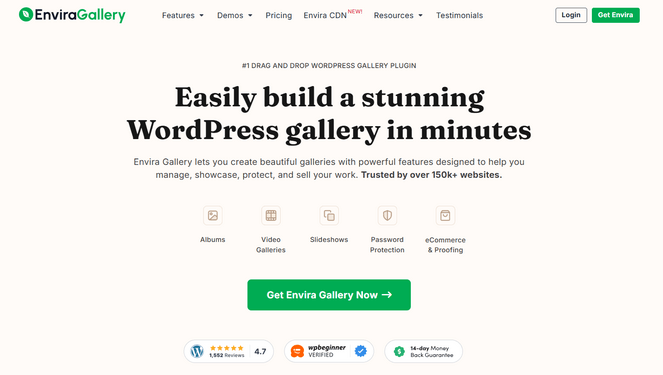
Envira Gallery has emerged as the industry standard for users prioritizing a balance between ease of use and high-end performance. Its architecture is built on a "hook" system that allows for extensive customization without requiring deep knowledge of PHP. By utilizing a drag-and-drop builder, it minimizes the barrier to entry for novice bloggers while providing an API for developers to create custom display templates. Independent benchmarking indicates that Envira’s codebase is remarkably lightweight, often outperforming competitors in time-to-first-byte (TTFB) metrics.
2. NextGEN Gallery: The Professional Standard
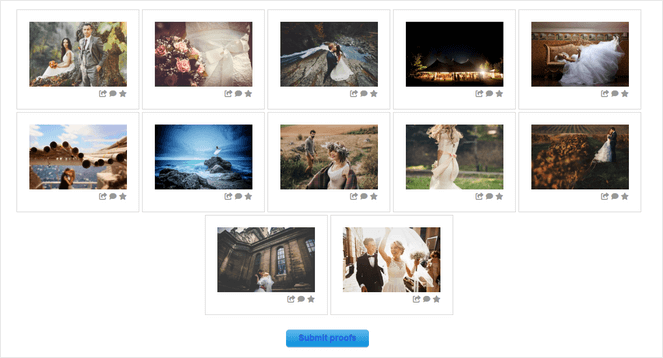
For entities requiring a commercial-grade solution, NextGEN Gallery represents a comprehensive suite rather than a mere plugin. Since its inception, it has integrated advanced features such as automated print fulfillment via third-party labs and robust client-proofing modules. The platform’s ability to handle high-volume batch uploads via FTP makes it an indispensable tool for professional photographers managing thousands of assets. The financial implications for users are significant; by enabling direct sales through Stripe or PayPal, it effectively transforms a standard blog into a revenue-generating asset.
3. Smash Balloon Instagram Feed Pro
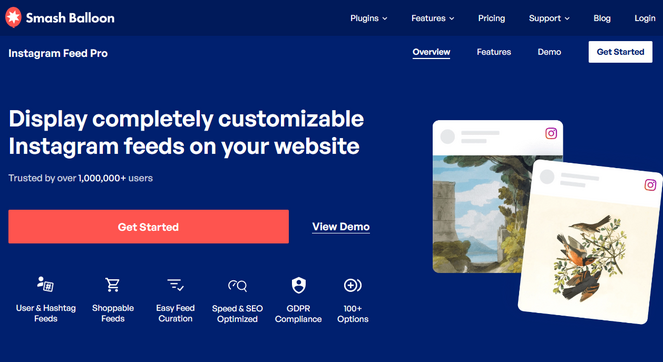
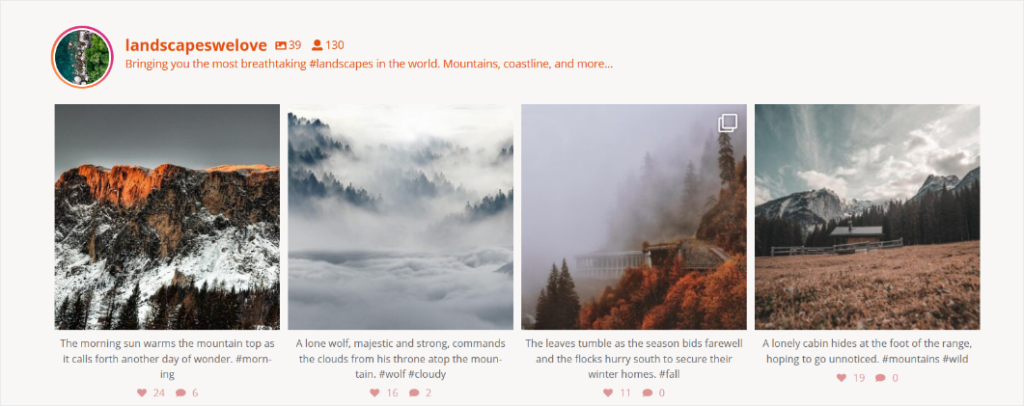
Social media integration has transitioned from a luxury to a requirement for brand visibility. Smash Balloon’s approach is distinct because it treats social feeds as dynamic content. By caching Instagram API requests, the plugin ensures that displaying an live feed does not result in external API lag, which would otherwise degrade the user experience. The strategic importance of this tool lies in its ability to leverage "social proof"—displaying user-generated content directly on a blog can increase time-on-page metrics by as much as 20% according to recent digital marketing research.
4. Soliloquy: The Slider Specialist
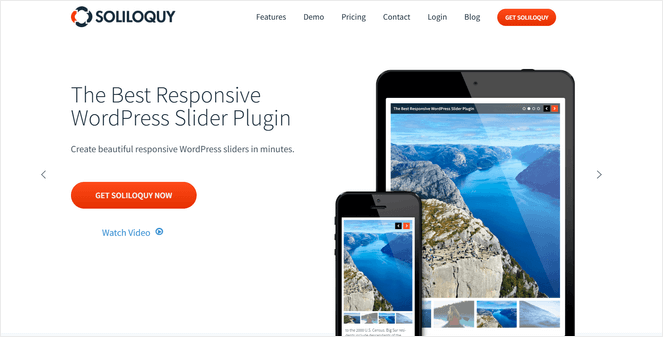
Sliders, while historically criticized for their potential to slow down websites, remain a popular tool for highlighting key content. Soliloquy addresses the performance issues common to sliders by utilizing hardware-accelerated transitions and optimized script loading. Its "dynamic" feature, which allows administrators to pull in featured images from recent blog posts, ensures that the content remains current without manual updates.
5. Modula: Creative Control
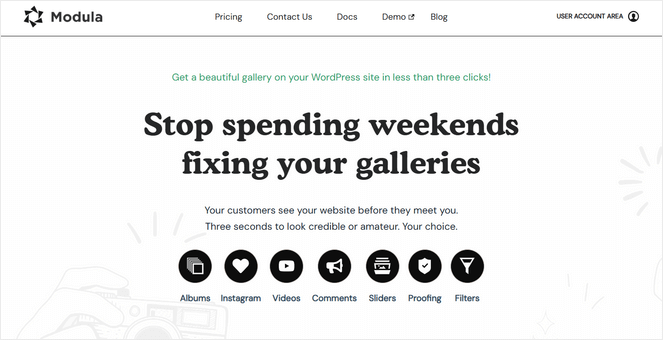
Modula distinguishes itself through its custom grid builder. Unlike standard plugins that enforce a uniform row height, Modula allows for a "masonry" or "random" layout where the aspect ratio of each image is preserved. This level of creative control is particularly favored by graphic designers and creative agencies. The plugin’s integration of hover effects and loading animations provides a high-end, tactile experience that mirrors modern mobile application interfaces.

6. FooGallery: Streamlined Performance
FooGallery’s primary value proposition is its focus on the "live preview" interface. This reduces the friction in the design process, allowing users to see exactly how a gallery will appear across different screen sizes before publishing. Its focus on simplicity makes it an ideal candidate for bloggers who need high functionality without the overhead of enterprise-level features.
7. Photo Gallery by 10Web
As the most robust free offering in the current market, Photo Gallery by 10Web serves as a critical entry point for small businesses and hobbyists. It offers a surprising array of features—including watermarking and social sharing—without a paywall. This makes it a benchmark for the "freemium" model, proving that essential tools for digital protection, such as image watermarking, are becoming democratized.
Industry Implications and Best Practices
The choice of a gallery plugin should be dictated by the user’s specific objectives: monetization, social engagement, or pure aesthetic presentation. When selecting a tool, administrators must consider the following technical criteria:

- Lazy Loading: Does the plugin defer image loading until the user scrolls to the relevant section of the page? This is critical for bandwidth conservation.
- SEO Metadata: Can the plugin handle ALT tags and descriptions for each image to ensure search engine indexability?
- Security: Does the plugin include features like hotlink protection to prevent external sites from stealing bandwidth by embedding your images?
Future Trends in Visual Content
Looking toward 2026, the industry is trending toward AI-driven image optimization. Many developers are already experimenting with plugins that automatically compress images to the WebP format upon upload. Furthermore, the integration of video galleries is becoming a necessity, as the distinction between "gallery" and "multimedia portfolio" continues to blur.

Ultimately, the selection of a gallery plugin is an investment in the site’s brand identity. An poorly displayed image can undermine the authority of a blog, while a seamless, interactive gallery can transform a casual reader into a loyal visitor. Whether choosing the comprehensive suite of NextGEN or the rapid, lightweight efficiency of Envira, the objective remains the same: to present content in a manner that is both technically sound and visually compelling. As WordPress continues to power over 40% of the web, the development of these plugins will continue to be a primary driver of the professionalization of personal and corporate web presence.