The evolution of video production has shifted significantly toward professional-grade accessibility, with Blackmagic Design’s DaVinci Resolve standing at the forefront of this transformation. As the industry moves away from high-cost proprietary software suites toward more integrated, open-ecosystem workflows, the demand for high-quality, pre-fabricated assets has skyrocketed. Video editors—ranging from independent content creators to professional broadcast technicians—now rely on templates to maintain competitive output speeds without sacrificing aesthetic integrity. By utilizing curated collections of free templates, creators can standardize their production pipelines, ensuring that title sequences, lower thirds, and motion graphics maintain a cohesive visual identity across varying project scales.
The Rise of DaVinci Resolve in Modern Post-Production
Since its acquisition by Blackmagic Design in 2009, DaVinci Resolve has transitioned from a specialized color-grading tool into a comprehensive Non-Linear Editing (NLE) platform that includes Fusion for visual effects and Fairlight for audio post-production. According to industry analysis, the software’s "all-in-one" approach has garnered a significant market share among professional editors who previously relied on disparate software packages. This shift has necessitated a robust marketplace for third-party assets, as editors seek to minimize the time-intensive process of manual keyframing and motion graphics design.
The reliance on templates is not merely a shortcut for novice editors; it is a strategic decision to maximize throughput. Industry data suggests that the use of modular templates can reduce project turnaround times by approximately 30% to 40%. By offloading the heavy lifting of complex motion design to pre-built assets, editors can focus on narrative structure, pacing, and color science—the core elements that define high-end production value.

Strategic Selection: What to Look for in a Template
Before integrating a template into a professional project, editors must conduct a rigorous assessment of the asset’s technical architecture. Not all templates are created equal, and performance bottlenecks often arise from poorly optimized nodes or excessive layer stacking.

When evaluating a template, professionals should prioritize:

- Modular Architecture: Can the template be deconstructed? A high-quality template allows for the easy modification of colors, font families, and animation duration without breaking the underlying Fusion composition.
- Performance Overhead: Does the template rely on complex 3D rendering that forces frame drops? In a high-pressure edit suite, a template that requires constant caching or proxy rendering is often more detrimental than helpful.
- Resolution Scalability: In an era where 4K and 8K workflows are increasingly standard, assets must be vector-based or resolution-independent to prevent pixelation during upscaling.
- Licensing Compliance: Many "free" templates are licensed under restrictive creative commons or personal-use agreements. Before utilizing assets in commercial client work, editors must verify the licensing terms to avoid copyright litigation.
Categorical Breakdown of Essential Assets
Opener Templates and Brand Identity
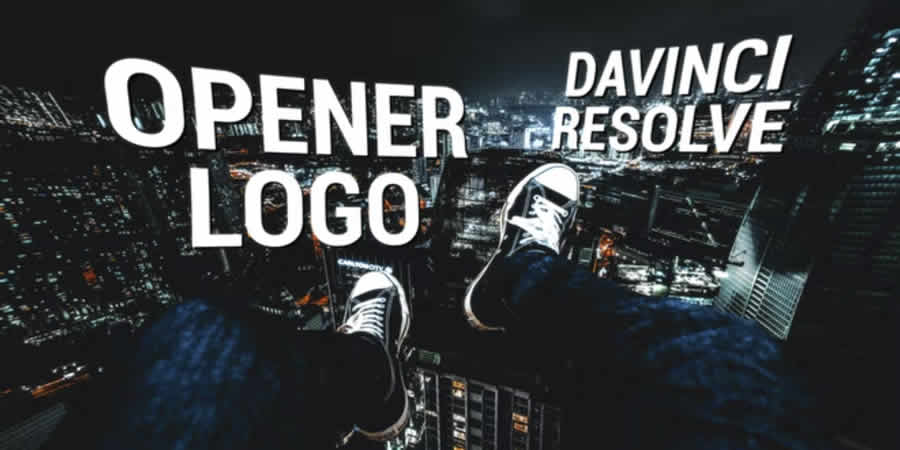
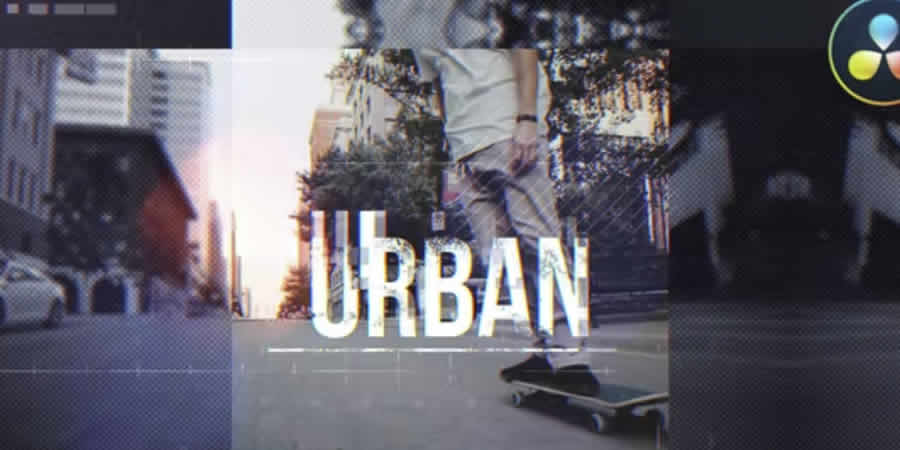
The "opener" serves as the visual signature of a video. It is the primary vehicle for establishing tone, pace, and brand authority. Modern corporate video trends favor clean, minimalist aesthetics, such as the "Modern Opener Logo" style, which utilizes negative space to draw focus to the brand mark. For high-energy content, such as sports or action-oriented cinematography, "Urban Opener" templates incorporate high-contrast transitions and rapid-fire cuts that mirror the kinetic energy of the footage.
Typographic Excellence: The Role of Titles
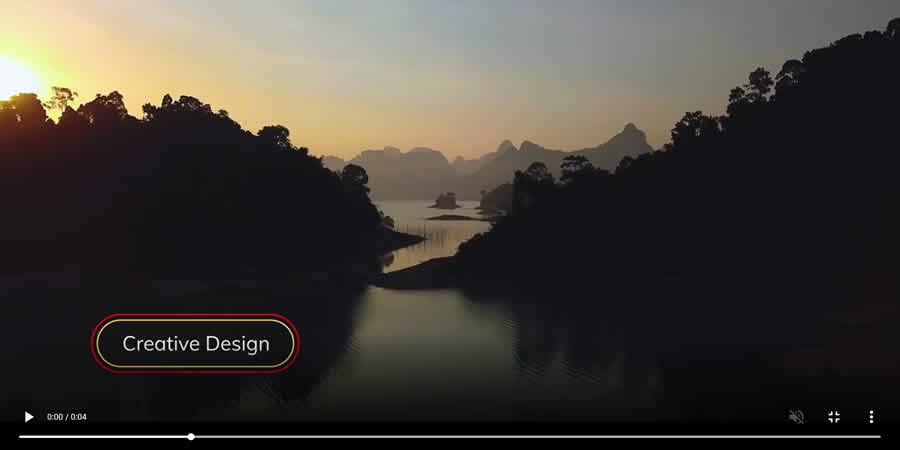
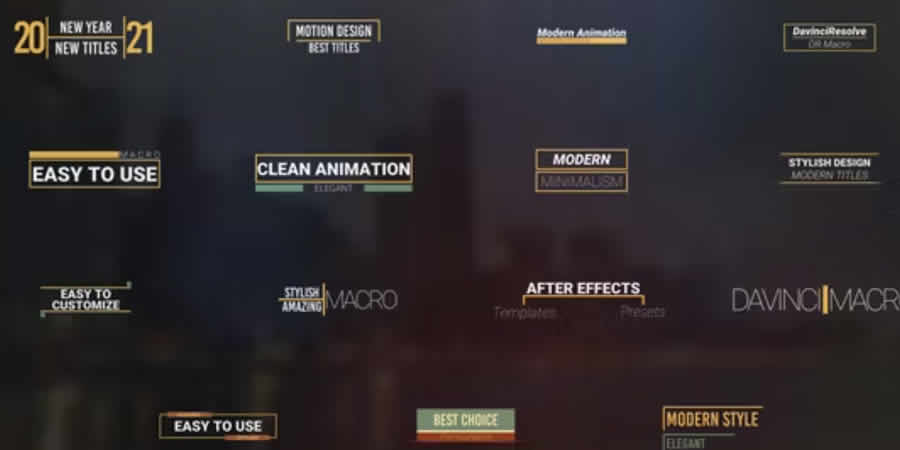
Typography is arguably the most critical element of visual communication in video. The industry has seen a move toward "Kinetic Typography," where text does not merely appear, but interacts with the scene through masking and tracking. Templates that utilize "Simple Video Masking" allow editors to place text behind foreground subjects, creating a depth-of-field effect that is synonymous with big-budget film production. These techniques, once reserved for specialized motion graphics artists, are now achievable for any editor utilizing high-quality templates.
Lower Thirds and Informational Overlays
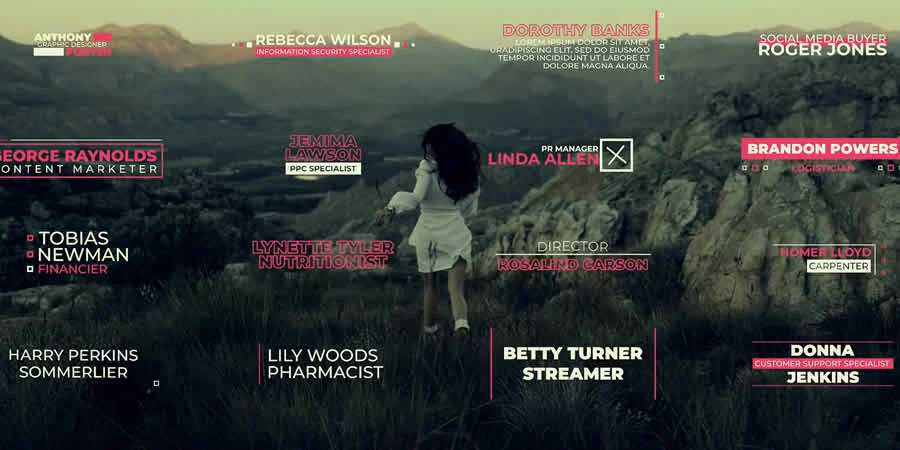
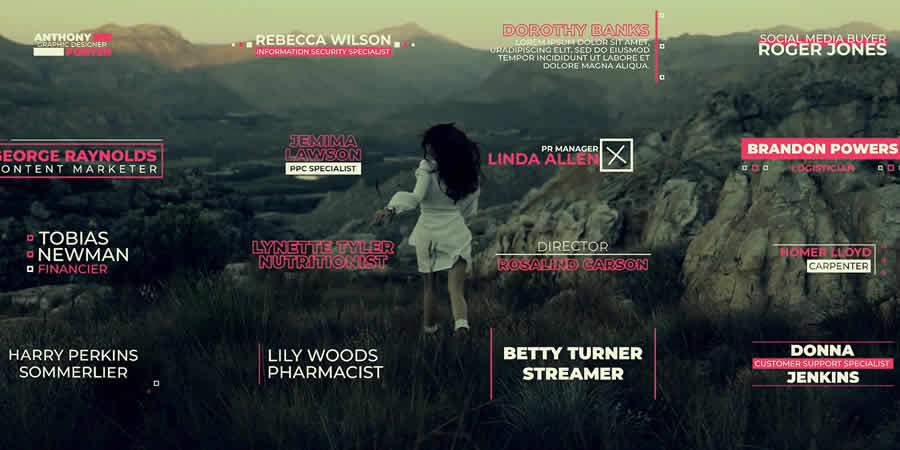
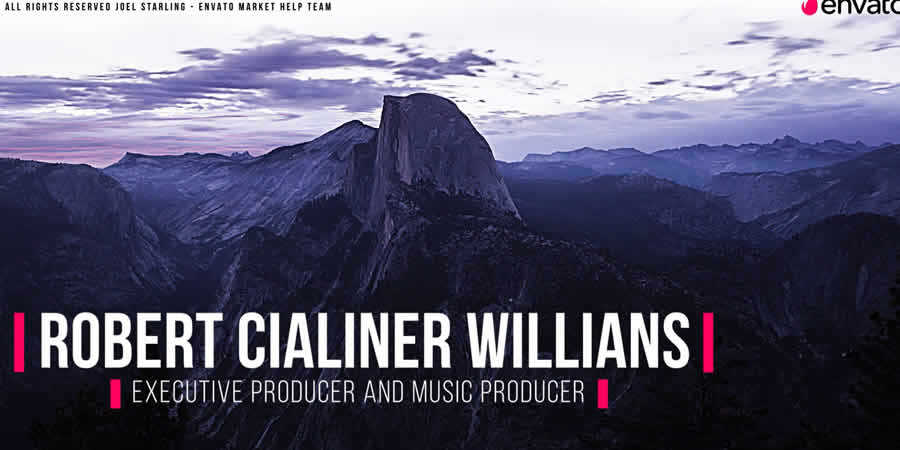
Lower thirds provide essential context—names, titles, or locations—without obstructing the primary subject matter. The shift here has been toward "Thin Border" and "Minimalist" designs. Overly ornate lower thirds are increasingly viewed as dated. Modern broadcast standards dictate that informational overlays should be subtle, readable, and perfectly timed to the speaker’s entrance.
Optimization and Performance Management
The integration of complex motion graphics, particularly those built within DaVinci Resolve’s Fusion tab, can significantly tax workstation resources. Even on high-end hardware, stacking multiple effects layers can lead to playback stuttering. To mitigate these performance issues, editors should adopt a workflow of "Pre-Rendering" or "Baking" graphics. By exporting the template as an Alpha-channel-compliant ProRes 4444 file, the editor can replace the resource-heavy node tree with a simple video file, effectively eliminating playback lag while maintaining the desired visual quality.
Industry Implications and Future Trends
The democratization of video editing tools via free templates has lowered the barrier to entry, but it has also raised the bar for what is considered "standard" quality. As more creators gain access to sophisticated transitions and motion graphics, the market is becoming increasingly saturated. Consequently, the value of a professional editor is no longer found in their ability to execute basic effects, but in their ability to curate and customize these assets to tell a unique, cohesive story.
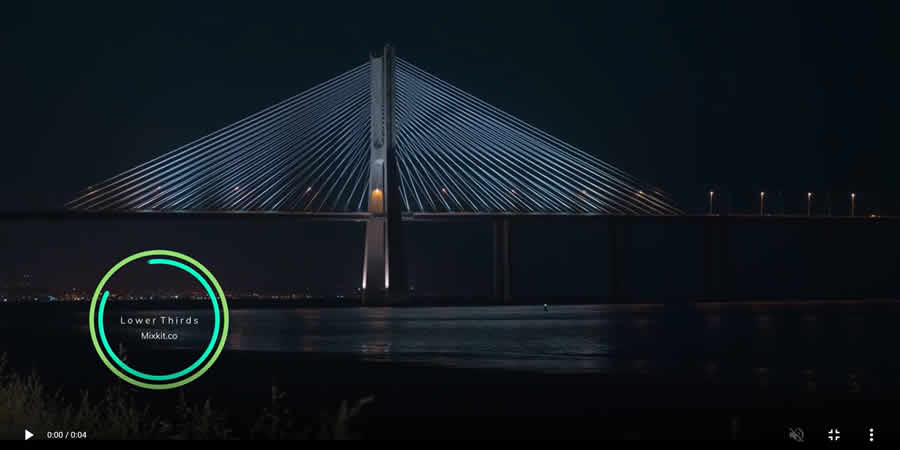
The future of this sector likely lies in AI-integrated templates. We are already seeing the early stages of "Smart Templates" that can automatically adjust to the duration of a clip or the color palette of the footage being edited. These advancements will continue to streamline the post-production process, allowing editors to spend less time on technical execution and more time on the nuances of visual storytelling.

Final Recommendations for Implementation
- Standardize Your Library: Do not download templates indiscriminately. Create a categorized local library of assets that match your brand or client style guides.
- Test Before Production: Always run a 10-second test render of any template to ensure it behaves correctly with your specific resolution and frame rate settings.
- Check Versioning: DaVinci Resolve updates frequently. Ensure that the template you are downloading is compatible with your specific version of the software, as older macros may fail to load in newer iterations of the platform.
- Maintain Consistency: When building a series, pick a "template suite." Using varied styles of transitions and titles can cause a project to look disjointed and unprofessional. A consistent aesthetic is the hallmark of a high-quality production.
By leveraging these free resources with a critical, professional eye, editors can elevate their work to match the visual standards of high-end advertising and cinema, ensuring that their projects are not only technically proficient but also visually compelling. The tools are available; the differentiator remains the creative intent behind their application.