The landscape of content creation is undergoing a profound transformation, driven by the insatiable global demand for video and the rapid advancements in artificial intelligence. What was once a specialized, time-consuming endeavor, often requiring significant technical expertise and expensive software, is now becoming accessible to a broader audience thanks to intelligent editing tools. As the volume of short-form video content on platforms like TikTok, Instagram Reels, and YouTube Shorts continues to skyrocket, creators – from individual entrepreneurs to large media houses – are seeking efficient solutions to streamline their workflows and maintain a consistent presence. The traditional hurdles of setting up cameras, speaking coherently on demand, and mastering complex editing software have long presented significant barriers. However, a new generation of AI-powered video editors is emerging to bridge this gap, promising to democratize video production and empower creators to bring their visions to life with unprecedented speed and ease.
Defining the AI Video Editor Spectrum: AI-Enabled vs. AI-Led
The burgeoning market of AI video editors can broadly be categorized into two primary types, though the distinctions are increasingly fluid as technology evolves. Understanding these classifications is crucial for creators to select the tool that best aligns with their workflow and desired level of control.
AI-Enabled Editors: Enhancing the Traditional Workflow
AI-enabled editors represent an evolution of traditional video editing software, integrating artificial intelligence features as powerful assistants within a familiar timeline-based interface. Tools such as CapCut, Adobe Express, and Veed fall into this category. Here, the human editor remains firmly in control of the timeline, making creative decisions and manipulating footage directly. The AI’s role is to automate specific, often tedious, tasks. This can include generating accurate captions from audio, automatically removing filler words ("um," "uh"), cleaning up background noise, intelligently reframing horizontal footage for vertical social media feeds, or even performing sophisticated background removal. For editors who already possess a foundational understanding of video editing or are keen to learn, these tools serve to significantly accelerate their workflow, allowing them to focus more on the creative aspects rather than the mechanical execution.
AI-Led Editors: The Autonomous Approach
In contrast, AI-led editors shift the paradigm by taking on the primary responsibility for the editing process based on plain-language instructions from the user. These tools are designed to execute complex edits with minimal direct manipulation of a timeline. The user describes their desired outcome – for instance, "cut the pauses, add dynamic captions, and extract the best 30 seconds for a social media reel" – and an AI agent interprets and performs the edit. The user then reviews the AI-generated rough cut, provides feedback for adjustments, and exports the final product. Platforms like Vyra and OpusClip exemplify this approach, with OpusClip notably pioneering this method for repurposing long-form content into bite-sized clips long before the term "agentic AI" became widespread. This model is particularly appealing to creators whose primary bottleneck is time or those who face a significant gap between their creative vision and their technical editing skills.
The Hybrid Model: Blurring the Lines
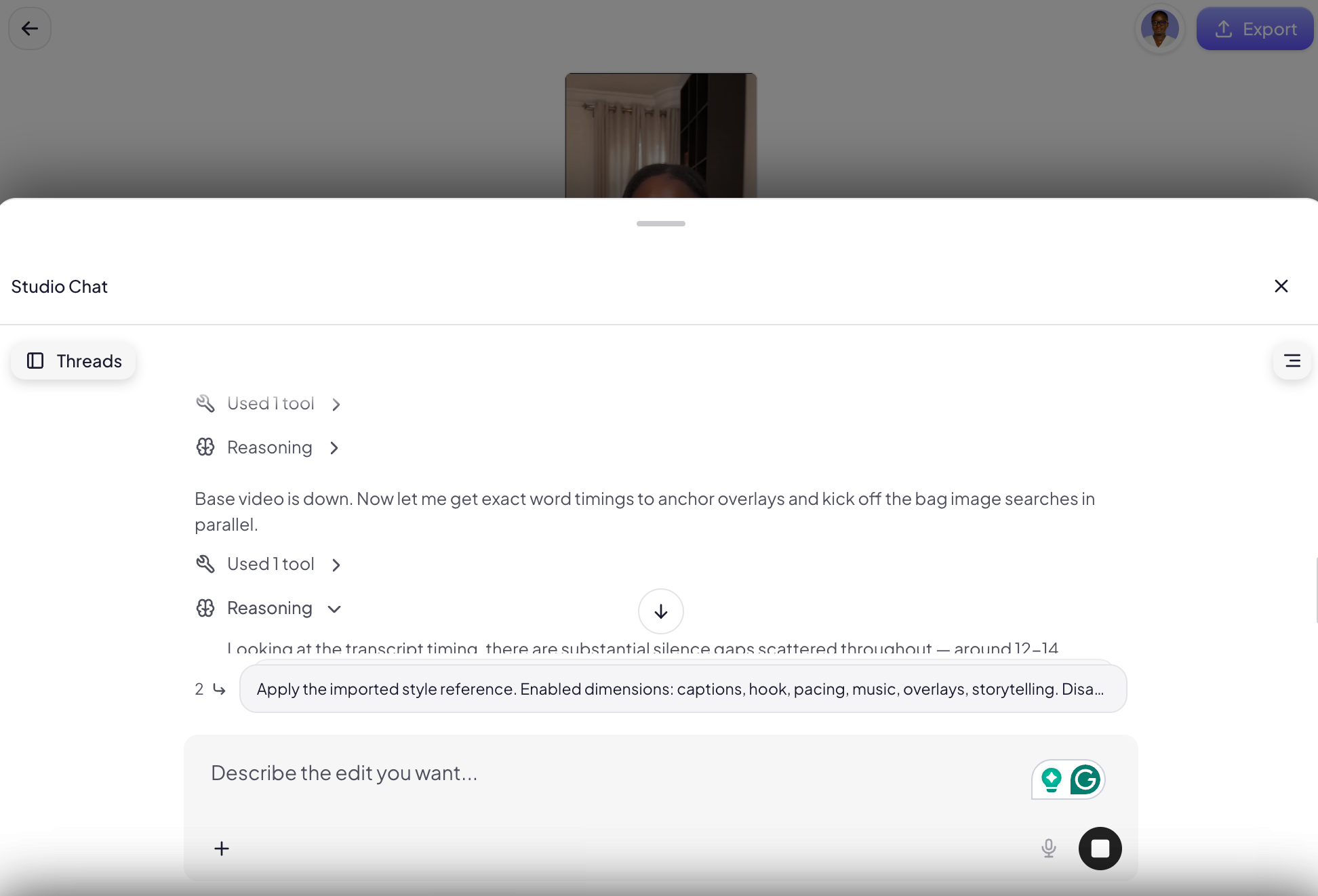
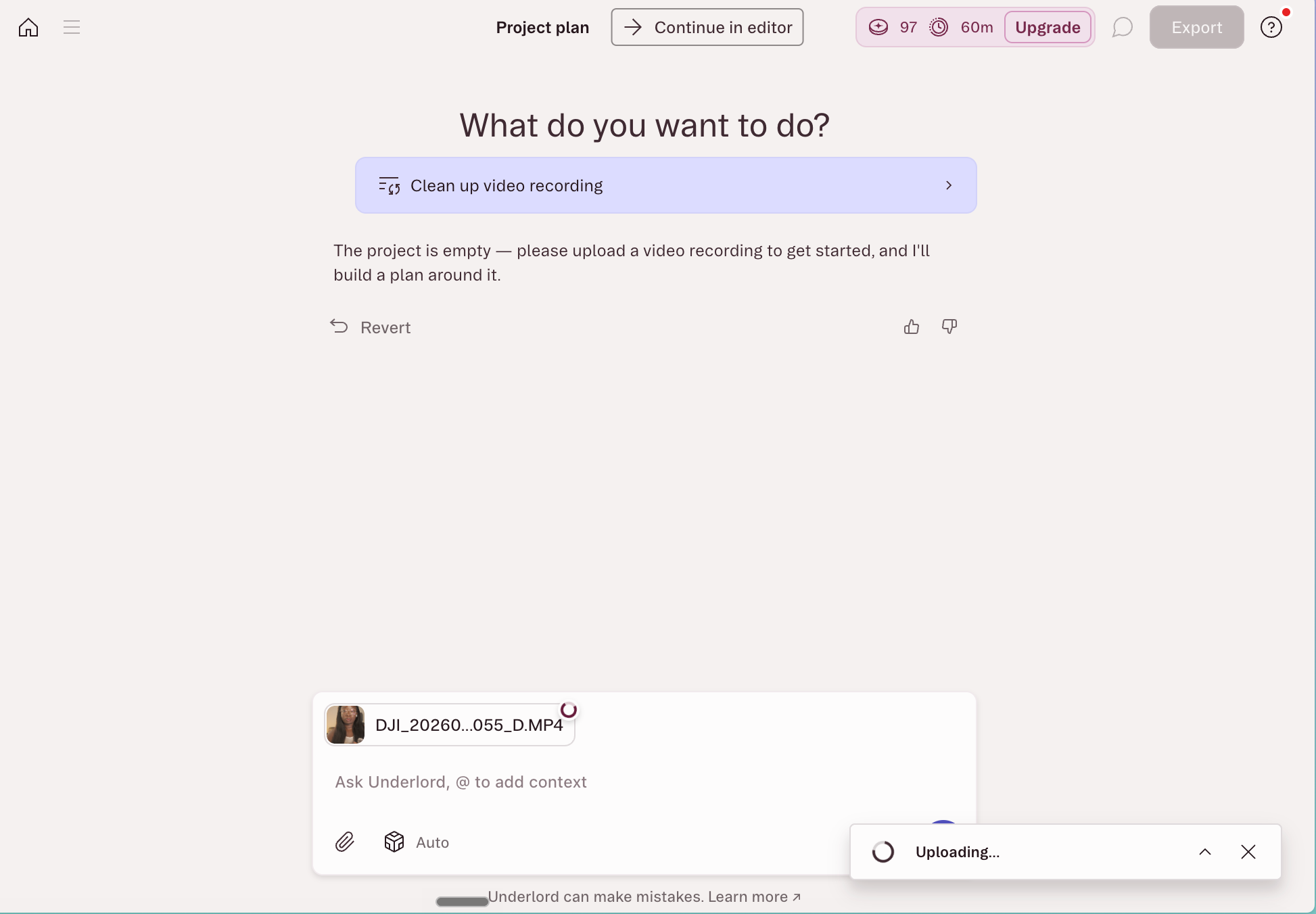
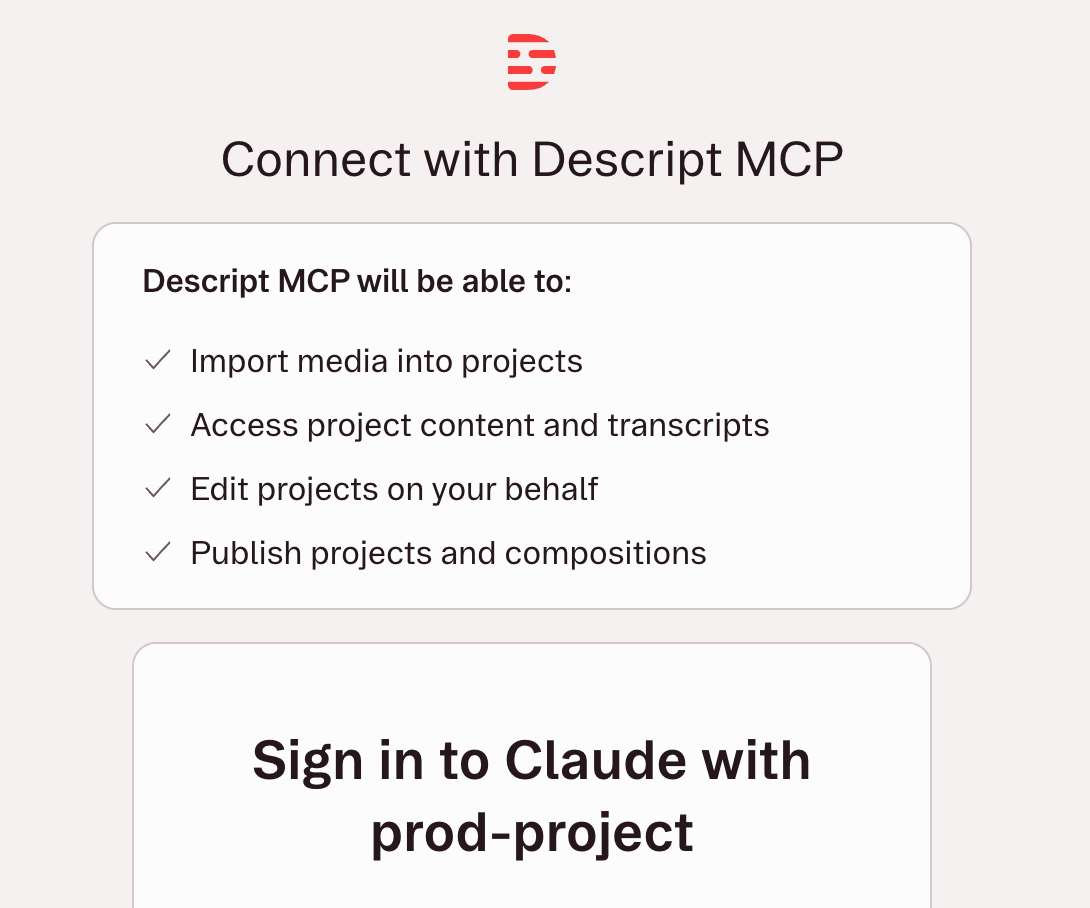
As AI capabilities mature, the distinction between these two camps is becoming increasingly blurred, creating hybrid models that offer the best of both worlds. Descript stands out as a prime example of this convergence. At its core, Descript is a transcript-based editor where editing text directly manipulates the video and audio timeline. It features an in-app AI co-editor, Underlord, capable of handling multi-step requests like filler word removal, audio enhancement (Studio Sound), and automatic captioning. Furthermore, Descript has recently integrated support for the Model Context Protocol (MCP), a standard that enables external AI assistants like Claude or ChatGPT to connect directly to the tool. This allows users to instruct an AI assistant from a chat window to perform edits, import media, run Underlord features, and export finished videos without ever opening the Descript application itself. This level of interoperability represents a significant step towards truly agentic content creation workflows.
Navigating the AI Editing Frontier: Best Practices for Creators
The advent of sophisticated AI video editors underscores a crucial lesson learned from other AI-powered creative tools: the bottleneck is no longer solely the tool’s capability, but rather the user’s ability to effectively communicate their vision. While natural language editing might seem to eliminate the need for editing knowledge, precision in instruction remains paramount.
Mastering the Language of Editing
To unlock the full potential of AI-led editors, creators benefit immensely from understanding fundamental video editing terminology. While formal film school training is unnecessary, a grasp of key terms can dramatically improve the accuracy and efficiency of AI-generated edits. For instance, instructing an AI to "add a J-cut into the b-roll" will yield a precise result in one pass, whereas a vague command like "make the transition feel smoother somehow" is likely to lead to iterative adjustments and frustration. Terms such as "jump cut," "L-cut," "J-cut," "b-roll," "cutaways," "safe zones" (for text and graphics), and "pacing" are invaluable. Compare "make the intro punchier" with "cut the first four seconds, open on the medium shot, add hook text in the top safe zone"; the latter provides the AI with actionable, specific directives, leading to a much closer first draft.
Cultivating a Creative Reference Library
Just as artists study masterpieces, video creators can train their AI editors by building an inspiration library. This involves meticulously studying videos, films, and social media content that resonate with their aesthetic or target audience. When a video captures attention, actively analyze its structure: where cuts are made, the duration of each shot, the style and placement of text overlays, and the overall rhythm. Saving these examples and annotating them with observations transforms them into a dual resource: a source of vocabulary for describing edits and a tangible reference point. Directing an AI-led editor with "Pace it like this" accompanied by a link to a reference clip is far more effective than pages of descriptive adjectives.
The Value of Manual Experience
Perhaps counter-intuitively, the fastest way to internalize editing vocabulary and develop an intuitive sense of what’s possible is to engage in manual editing, even if slowly and imperfectly. Manually editing two or three videos provides a tactile understanding of transitions, pacing, and visual storytelling. This hands-on experience, even with its initial struggles, helps solidify terminology and makes prompt engineering more intuitive. Furthermore, this practical knowledge is invaluable should a creator choose to outsource editing to a human professional, enabling clearer, more effective communication and direction. This foundational understanding ensures that creators can articulate their vision, whether to a human editor or an AI agent, with greater precision and confidence.
Spotlight on Leading AI Video Editing Tools: A Comprehensive Review
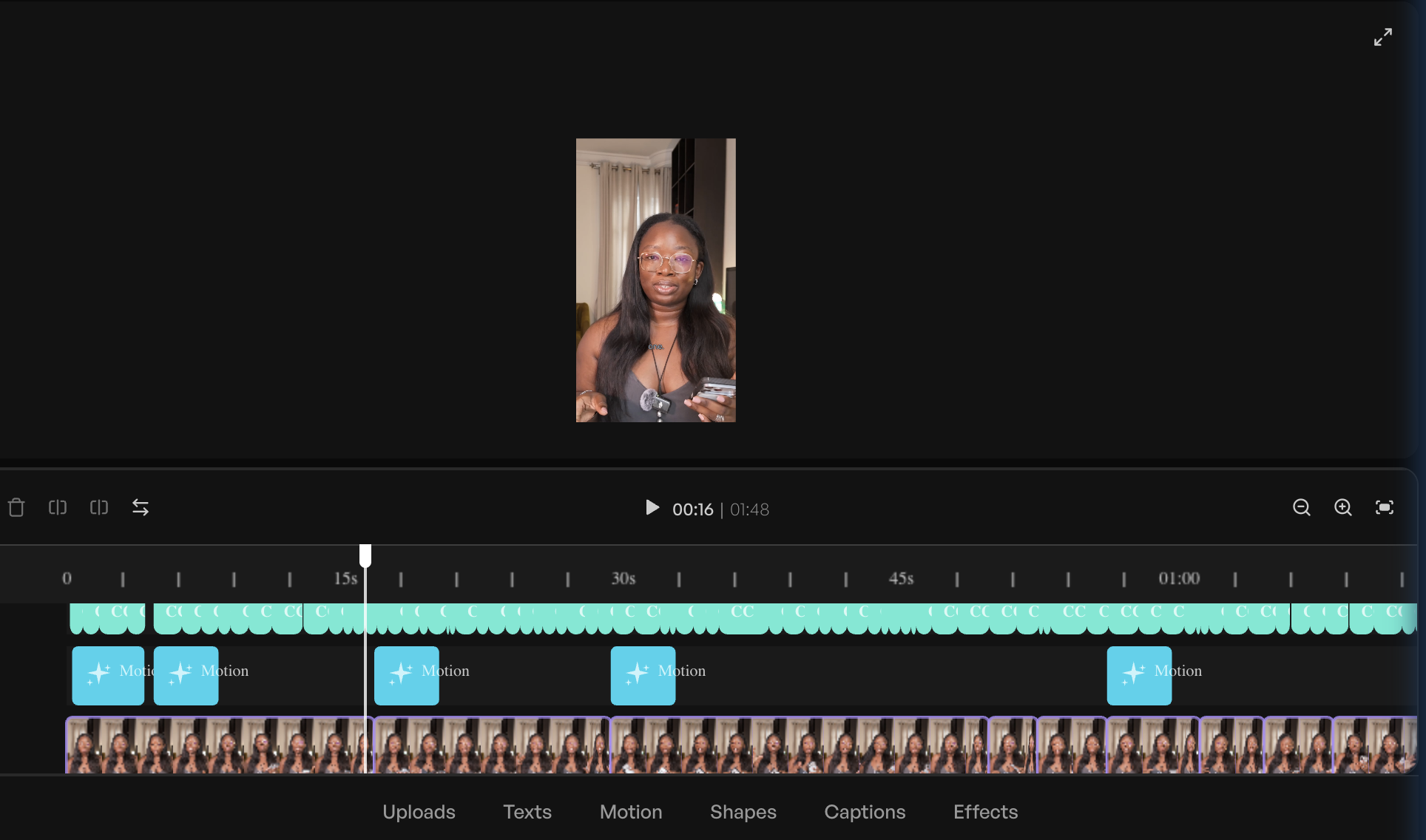
In an effort to provide a thorough understanding of the current market, a comprehensive review was conducted, testing various leading AI video editors with a consistent clip and editing brief. While screenshots can only convey so much, detailed notes highlight each tool’s strengths, limitations, and optimal use cases. The tools are grouped by their primary orientation – AI-led first, followed by AI-enabled.
AI-Led Innovators:
-
Vyra: The Agentic Pioneer
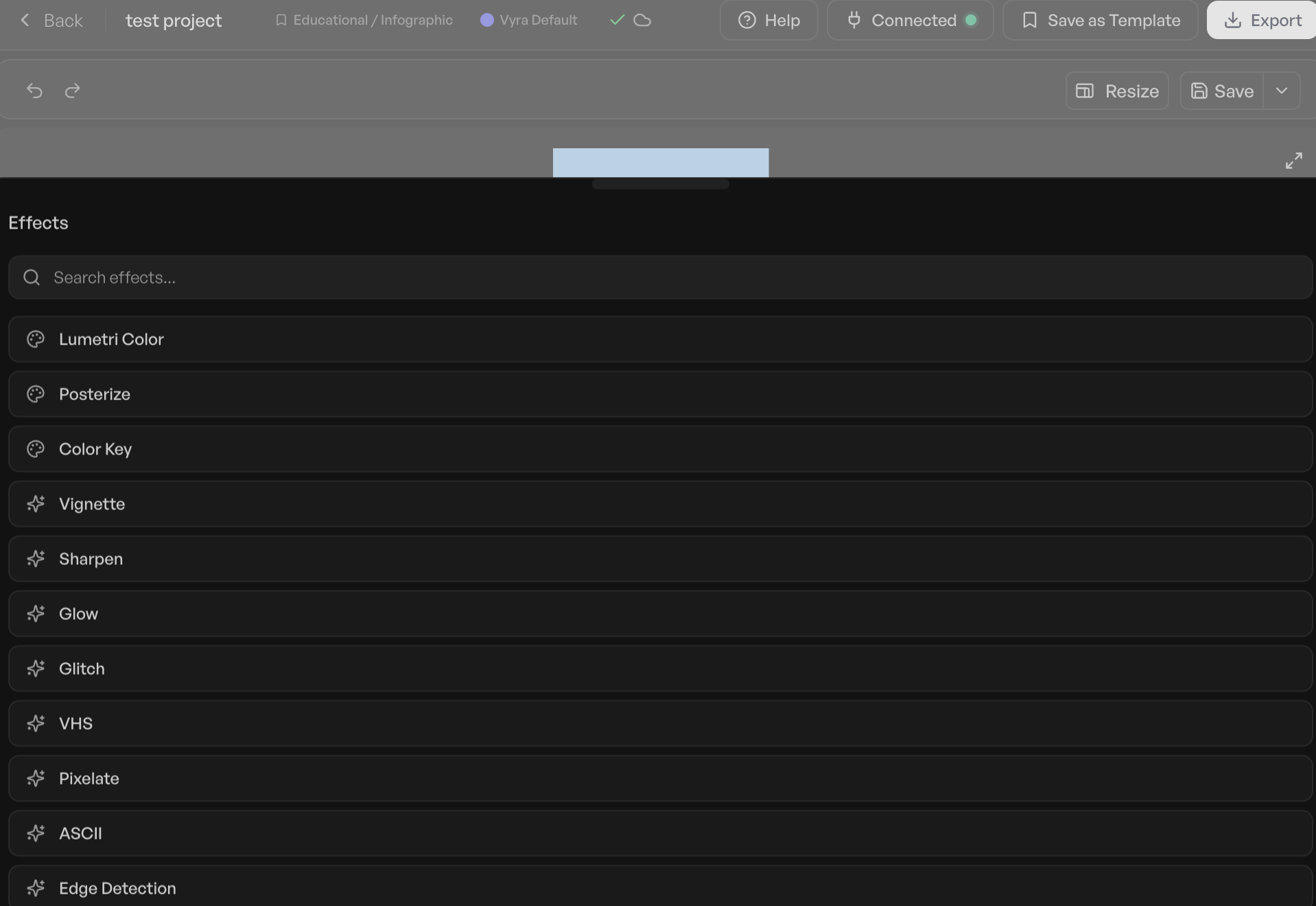
Vyra distinguishes itself as a platform built from the ground up with AI at its core, rather than retrofitting AI features onto an existing editor. Its interface largely functions as a chat window, allowing users to converse with the AI to direct the editing process. Upon footage upload, Vyra’s AI meticulously analyzes each clip, identifying scenes, transcribing speech, and recognizing objects within the frame. This pre-analysis allows the AI to execute edits with an informed understanding of the source material. A standout feature is the ability to upload reference videos, enabling the AI to model the desired editing style, a significant advantage for creators seeking to replicate specific aesthetics. Vyra’s support for the Model Context Protocol (MCP) further enhances its flexibility, allowing users to connect their preferred large language models (LLMs) like Claude or ChatGPT to manage edits. In testing, an 81-second talking-head video, paired with a simple brief and a reference video via Claude’s MCP connection, resulted in a well-cut, captioned video within approximately 20 minutes. While this did not include b-roll or music, the core cuts and captions were solid, proving its efficiency for initial stages or final polishing. A current limitation is the time required for cloud-based file processing, which could be reduced with local folder access. Vyra offers a free trial, with paid plans starting at $24/month for connecting one’s own AI and $54/month for using Vyra’s integrated AI. -
Stanley Studio: Rapid Ingestion, Evolving Intelligence
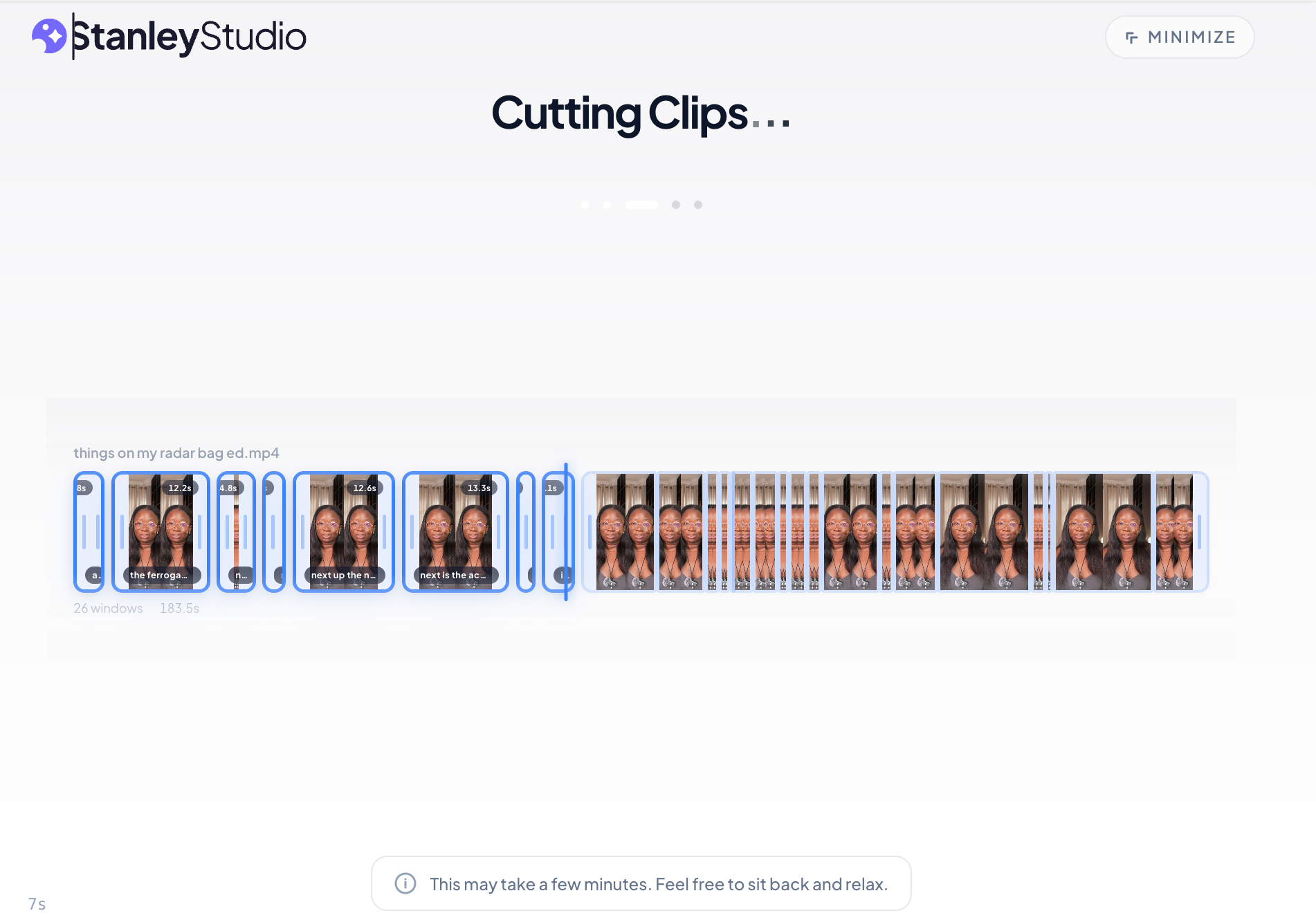
Stanley Studio, a recent launch from the creators of Stan Store, embodies a pure AI-led philosophy: users upload clips, brief the AI, and ideally, never touch a timeline. Its most striking feature in testing was its unparalleled upload speed, processing a 350-megabyte file in about 5 minutes. However, the editing capabilities, particularly for complex requests, showed room for growth. When presented with a reference video for text and caption style, Stanley Studio captured stylistic elements like colors and fonts but struggled to replicate the overall pacing and specific cutting style. It also failed to remove repeated takes and generated AI images instead of incorporating provided screenshots and cutouts, suggesting it currently performs better with simpler talking-head content. As a newer platform, its capabilities are expected to evolve rapidly. Currently, Stanley Studio operates with an in-tool chatbot and lacks MCP support, meaning users are limited to its proprietary AI. A free tier is available for one project, with paid plans at $19/month. -
Descript: Speech-Centric Powerhouse with Hybrid Capabilities
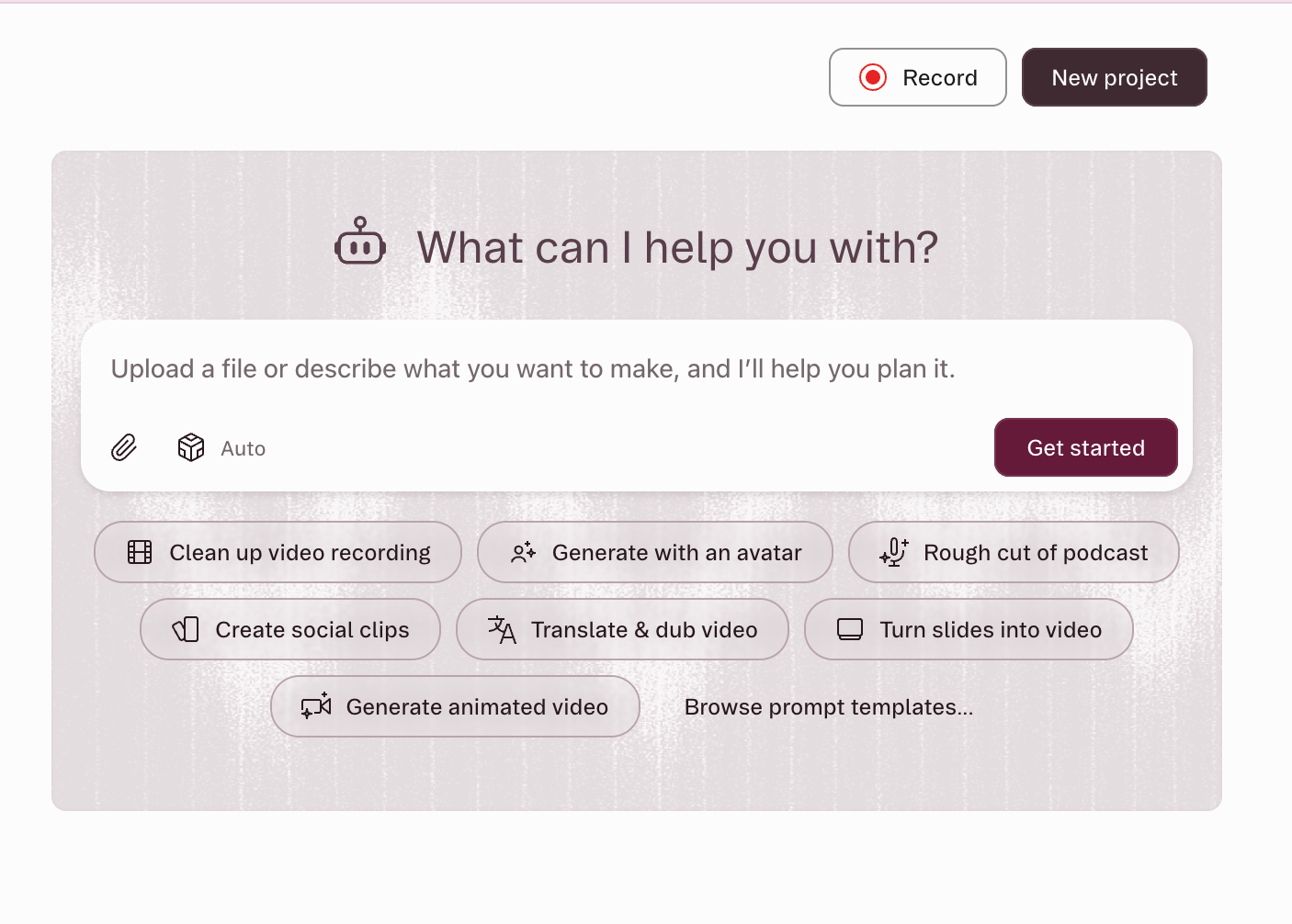
Descript offers a unique blend of AI-enabled and AI-led functionalities, making it a versatile tool, especially for speech-heavy content. Its core is a transcript-based editor, where deleting text directly removes corresponding audio and video segments. The in-app AI co-editor, Underlord, efficiently handles tasks like filler word removal, audio clean-up (Studio Sound), and generating social media clips. The recent integration of Descript’s hosted MCP server (as of recent updates) allows external AI models to directly import media, run Underlord edits, and export finished videos via a shareable link without opening the application. In a test using the same footage as other AI-led tools, an MCP prompt delivered a video 64 seconds shorter, eliminating false starts, compressing pauses, adding Instagram Reels-native captions, and even generating a hook line. While Descript excels at the initial, often tedious, stages of cutting and trimming, it lacks the ability to incorporate reference videos, making it challenging to achieve specific stylistic edits without manual tweaking. It achieved about 40% of the complete video, making it an excellent starting point for spoken-word content but requiring further manual intervention for highly stylized or visually complex edits. Descript offers a free plan with limited credits, with paid plans starting at $35/month.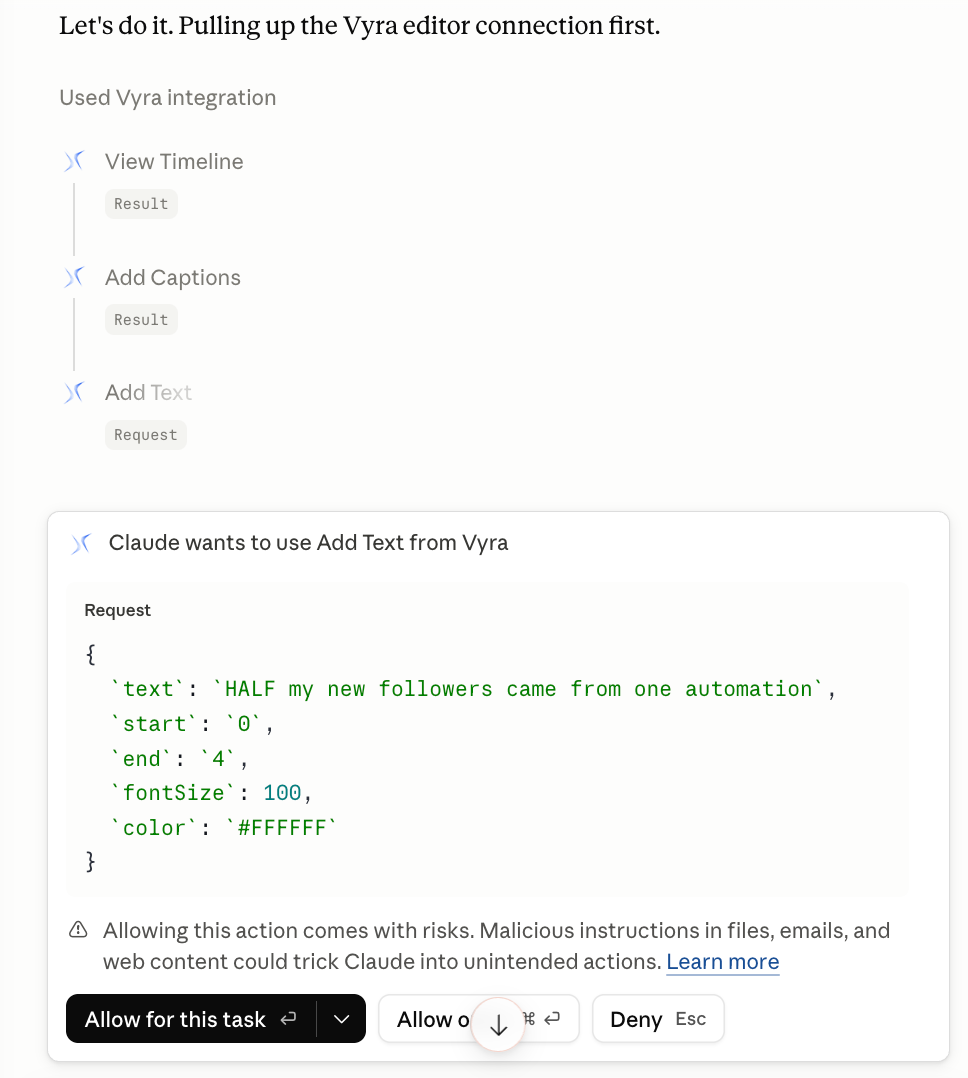
-
OpusClip: The Repurposing Specialist
OpusClip is an AI-led tool dedicated to a singular, highly valuable task: repurposing long-form video into multiple short-form clips. Users upload a lengthy video, and its proprietary ClipAnything model analyzes visual cues, audio sentiment, facial expressions, and narrative structure to identify and extract the most engaging moments. Each generated clip comes with a suggested hook, automatic captions, and a "virality score" predicting its performance on platforms like TikTok, Instagram Reels, and YouTube Shorts. OpusClip prioritizes volume and efficiency in repurposing over granular editing control. While it won’t execute detailed editing instructions like Vyra or Descript, it offers extensive customization options on its paid plans to fine-tune the output style. It’s important to note that similar repurposing features are increasingly found within robust AI-enabled editors like CapCut Pro or Adobe Express. OpusClip provides a free plan with 60 processing minutes per month, and paid plans begin at $15/month.
AI-Enabled Enhancers:
-
CapCut: The Accessible All-Rounder
CapCut has emerged as a dominant force in AI-enabled video editing, particularly popular among mobile-first creators due to its intuitive interface and robust feature set. It functions as a timeline editor with an extensive AI toolkit seamlessly integrated. Key AI features include speaker-ID captions, camera tracking, vocal isolation, background removal, and a powerful script-to-video feature that can generate scripts, source stock footage, add captions, and sync to trending audio from a single prompt. CapCut also includes EditPilot, an AI editor feature for requesting cuts or transitions. Its ease of use and the abundance of online tutorials make it an ideal choice for beginners seeking AI capabilities within a familiar editing environment. However, its AI features are dispersed across various menus, requiring users to know their existence to utilize them fully. CapCut offers a free plan, with paid plans starting at $9.99/month.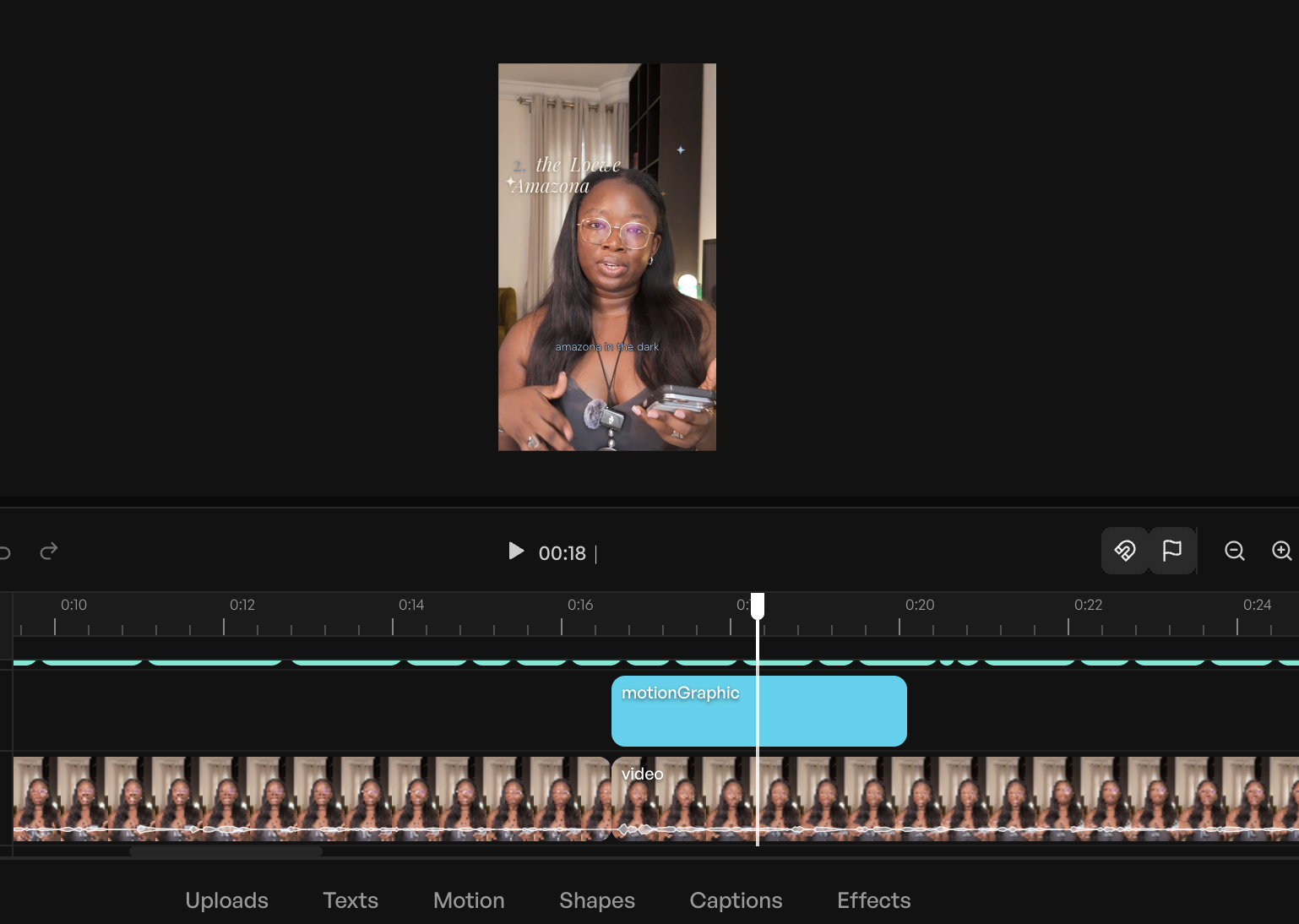
-
Canva: Design Ecosystem Integration
Canva, renowned for its graphic design prowess, extends its capabilities into AI-enabled video editing, offering a significant advantage for users already embedded in its ecosystem. For creators whose carousels, covers, and graphics are already managed within Canva, editing video in the same environment—with instant access to brand kits, fonts, and templates—provides unparalleled convenience. As an AI-enabled editor, Canva’s "Magic Video" feature can assemble a 60-second cut from clips and photos, incorporating templates, transitions, and music, with all elements remaining editable. Standard AI features like auto-captions, background removal, and beat sync are also present. Additionally, its generative AI capabilities (Magic Media, powered by Google’s Veo 3) allow for text-to-image and text-to-video generation. While functional, the video editing experience might not match dedicated video editing applications. AI features in Canva draw from a monthly credit pool, which heavy users report can deplete quickly. Canva offers a free plan with limited AI credits, and paid plans start at $14.99/month. -
Adobe Express: Bridging the Adobe Creative Cloud
Adobe Express mirrors Canva’s approach by prioritizing design tools first, then layering on social media-specific video editing capabilities. As an AI-enabled editor, it operates within a template-and-canvas environment, with AI handling specific tasks upon command. It generates captions from audio, offering extensive customization options for fonts, colors, and shapes to align with branding. The "Clip maker" feature provides a lightweight version of what OpusClip offers, splicing longer videos into short, captioned clips of key moments. Express benefits from its integration within the broader Adobe ecosystem, featuring Firefly for generative AI tasks and offering seamless hand-off to more professional tools like Adobe Premiere Pro for advanced timelines or Adobe Podcast for audio refinement. This makes it an attractive option for users already invested in Adobe’s suite. Adobe Express provides a free plan, with paid plans starting at $9.99/month. -
Riverside: Podcaster’s AI Companion
Riverside is primarily known as a remote recording studio, specializing in high-quality audio and video capture for podcasts and interviews. Its AI-driven "Co-Creator" editor is designed to work synergistically with footage recorded on the platform, leveraging separate speaker tracks, local recording quality, and initial transcripts. Users can prompt Co-Creator in plain language to clean audio, remove filler words and silences, add AI-generated b-roll, or extract social media clips. A notable feature is its ability to dub videos into other languages with lip-sync matching. Co-Creator is bundled with paid plans, though certain advanced features like AI translation and AI b-roll draw from a monthly credit allowance. For creators not using Riverside for recording, importing footage into this platform might be less efficient than using more general-purpose AI-enabled editors like Descript or CapCut. Riverside offers a free plan, with paid plans starting at $29/month.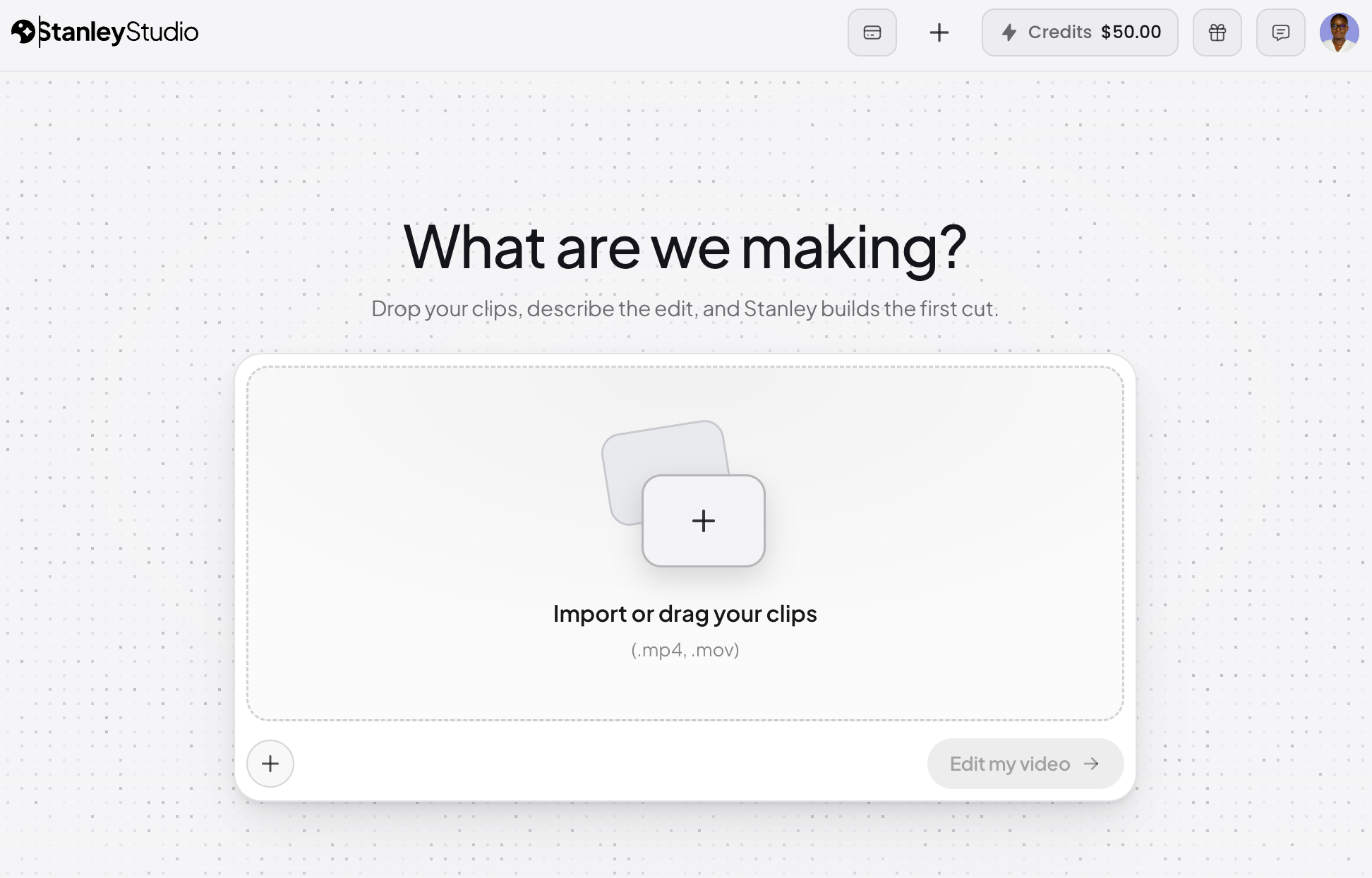
-
Veed AI: Browser-Based Efficiency
Veed is a comprehensive, browser-based, AI-enabled all-rounder. It offers strong core features such as transcription, multi-language captions with translation, and even eye-contact correction for scripted reads, enhancing presenter engagement. Its transcription service is notably accurate compared to other tools in this review. The platform aims to cover the entire video editing job without a steep learning curve, making it accessible for a wide range of users. Veed’s free plan caps exports at 10 minutes per month and includes a watermark, serving primarily as a trial. Like many other tools, its AI features operate on a credit allowance, which can limit heavy usage even on paid plans. Paid plans for Veed start at $12/month.
Beyond Editing: A Glimpse into AI Video Generation
It is important to distinguish between AI video editing and AI video generation. While this review focuses on tools that assist in editing existing footage, the broader AI landscape also includes tools capable of generating video content from text prompts, creating AI avatars that speak scripts, or generating b-roll footage. Some tools mentioned, like CapCut and Riverside, include generative features. However, for creators whose workflows prioritize authentic, human-shot footage and who do not rely on synthetic media for their primary content, these generative aspects represent a separate category of tools. Their utility depends entirely on the specific content strategy and ethical considerations of the creator.
Implications for the Creative Industry and Future Outlook
The rapid evolution of AI video editors carries significant implications for content creators, the creative industry, and the very nature of video production.
Democratizing Content Creation
Perhaps the most profound impact of these tools is the democratization of video content creation. By automating complex and time-consuming tasks, AI editors lower the barrier to entry for individuals and small businesses that previously lacked the resources, skills, or budget for professional video production. This empowers a new wave of creators to participate in the digital economy, fostering greater diversity in content and voices across platforms. The ability to quickly turn raw footage into polished, engaging content means more frequent posting and a more consistent online presence, which is crucial for audience growth and engagement in today’s fast-paced digital environment.
Evolving Skill Sets for Editors
Far from replacing human editors, AI tools are fundamentally reshaping their roles and required skill sets. The focus is shifting from the manual, technical execution of cuts, transitions, and effects to higher-level creative direction, strategic thinking, and "prompt engineering." Editors are becoming curators and directors of AI, leveraging their aesthetic judgment and understanding of storytelling to guide the AI towards the desired outcome. This transition frees up time for more conceptual work, experimentation, and focusing on the narrative impact, rather than getting bogged down in repetitive tasks. Industry analysts increasingly suggest that future success in creative fields will depend on effective human-AI collaboration, where the human provides the vision and the AI provides the efficient execution.
The Indispensable Human Element
Despite the impressive capabilities of AI, this review consistently highlights that "taste" and creative vision remain distinctly human attributes. AI excels at mechanical tasks—cutting silences, generating captions, reframing footage—but it cannot inherently understand nuance, emotional impact, or the subtle artistic choices that differentiate good content from great content. The decision of which take is superior, when a pause serves as dramatic effect rather than dead air, or how to evoke a specific emotional response through editing, are all judgments that currently require human intuition and experience. Therefore, while AI streamlines the process, the human editor’s role as the arbiter of quality and creative intent remains indispensable.
Conclusion: Empowering Creators, Not Replacing Them
The journey into AI video editing, though still in its early stages for many creators, reveals a clear path towards significantly reducing the time and effort traditionally associated with video production. The testing demonstrated that many of these tools can shave considerable time off workflows—from pre-trimming clips and removing filler words to generating captions and applying stylistic flairs. This allows creators to reallocate their energy to the more enjoyable and creatively fulfilling aspects, such as selecting compelling text overlays or identifying the perfect meme for a specific moment.
For those embarking on their video creation journey, the recommendation is straightforward: identify whether an AI-led or AI-enabled approach aligns better with current needs and desired control, then select one tool from that category and commit to editing a single video with it. Practical, hands-on experience will yield more valuable insights than any extensive review. The ultimate promise of AI video editors is not to replace human creativity, but to augment it, making the process of bringing visual stories to life more efficient, accessible, and ultimately, more enjoyable.
Frequently Asked Questions (FAQs)
What is the best AI video editor?
Based on comprehensive testing across consistent footage and editing briefs, Vyra emerged as a highly consistent performer, particularly for those seeking an AI-led approach. However, the "best" editor is subjective and depends on individual needs. AI-enabled editors like CapCut and Veed accelerate traditional timeline work, while AI-led editors like Vyra and Descript’s Underlord execute edits based on natural language instructions. The initial decision should be whether you prefer to maintain direct control over the timeline or delegate most of the editing to AI.
What’s the difference between AI-enabled and AI-led video editors?
AI-enabled editors are traditional video editing software enhanced with AI features to automate specific tasks (e.g., captions, filler-word removal, reframing), with the user still managing the timeline. AI-led editors, conversely, reverse this dynamic: the user provides plain-language instructions, and an AI agent performs the editing, with the user reviewing and adjusting the output. Some tools, like Descript, offer a hybrid model, combining manual editing with in-app AI assistance and external AI control via MCP.
Can AI edit a video from a text prompt?
Yes, AI-led tools such as Vyra and Descript’s Underlord are designed to accept plain-language instructions (e.g., "remove filler words, add captions, reframe to 9:16") and execute these edits directly on your footage. The quality of the outcome largely depends on the precision of the prompt; knowing specific editing terminology like "jump cut," "b-roll," or "safe zones" significantly improves the accuracy and efficiency of the AI’s first pass.
What is MCP, and what does it have to do with video editing?
MCP, or Model Context Protocol, is a standard that facilitates direct communication and integration between AI assistants (like Claude or ChatGPT) and other software applications. In video editing, MCP allows an AI assistant to connect to tools such as Descript or Vyra, enabling it to import projects, analyze footage, run editing commands, and export results directly from a chat interface, without requiring the user to open the video editor itself. This capability was tested, demonstrating an AI’s ability to execute complex editing briefs from a chat window.
Are AI video editors free?
Most AI video editors offer a free tier, but the limitations vary significantly. CapCut and Riverside provide reasonably functional free plans. Veed’s free tier restricts exports to 10 minutes per month and includes a watermark, while OpusClip’s free clips expire after a few days. For robust AI features that genuinely save time and enhance workflow, users should anticipate subscribing to a paid plan, typically ranging from $10 to $29 per month.
Will AI replace video editors?
Based on current capabilities and extensive testing, AI is not expected to replace human video editors. Instead, AI tools automate the mechanical and repetitive aspects of editing, such as cutting silences, generating captions, and reframing. The indispensable human element remains in the creative vision, artistic taste, and nuanced decision-making—knowing which take is best, understanding emotional impact, and discerning when a pause is deliberate rather than simply dead air. AI serves as a powerful co-pilot, making the editor’s job more efficient and creatively focused, rather than redundant.