The digital landscape of WordPress website development is evolving at an unprecedented pace, with developers continually integrating a complex tapestry of plugins, custom code, and, increasingly, artificial intelligence. This escalating complexity, while offering enhanced functionality and innovative user experiences, introduces a critical need for rigorous testing. Deploying new features, updates, or experimental AI integrations directly onto a live production website without thorough validation poses significant risks, potentially leading to downtime, data loss, and a degraded user experience. Consequently, the establishment and diligent use of a staging environment have transitioned from a best practice to an absolute necessity for safeguarding the integrity and performance of any mission-critical WordPress site.
A staging site functions as a virtual replica of a live website, housed in a separate environment. This allows developers and site administrators to implement changes, test new functionalities, and troubleshoot issues without impacting the actual, publicly accessible version of the site. The primary objective is to create an "apples-to-apples" comparison, ensuring that the staging environment mirrors the production site’s theme and plugins as closely as possible, even if the content itself doesn’t require exact replication. This guide delves into the mechanics of staging sites, explores various implementation strategies, and highlights the indispensable tools available for their creation and management, ultimately empowering users to construct a robust testing framework.

The Advantage of Hosting Provider Staging Environments
Many reputable web hosting providers now offer integrated staging environments, a feature that significantly simplifies the testing and deployment workflow. These solutions often provide a one-click cloning process, transforming what could be a technically intricate setup into a remarkably straightforward procedure. The benefits extend beyond mere convenience.
One of the most significant advantages of utilizing a host-provided staging environment is the inherent consistency of the underlying infrastructure. The staging site operates within the same server architecture as the production site, typically running identical versions of essential software like PHP and MySQL (or its derivative, MariaDB). This ensures that performance characteristics and potential compatibility issues are accurately reflected. Furthermore, many hosts allow for dynamic adjustments of these versions, enabling developers to proactively test the impact of upcoming PHP upgrades or database migrations before they are applied to the live site. This foresight is invaluable in preventing unexpected disruptions.
Another compelling benefit is the potential for seamless synchronization between staging and production environments. This capability is particularly advantageous when launching a comprehensive website redesign or deploying a suite of new features simultaneously. The ability to push tested changes from staging to production with minimal manual intervention streamlines the launch process and reduces the margin for error.
Crucially, web hosts typically manage the technical intricacies of staging environments, including the assignment of temporary URLs. This eliminates the need for complex and error-prone search-and-replace operations within the database, a common stumbling block when manually configuring staging sites. In essence, a host-based staging site often represents the most efficient and feature-rich option for most users, providing a pre-configured and supported testing ground.
Exploring Local Hosting Tools for Development
For developers who prefer a greater degree of control or require offline development capabilities, local hosting provides a powerful alternative. By running WordPress on one’s own device, users can achieve unparalleled speed and privacy. The advent of sophisticated local development tools has made the process of spinning up new WordPress installations and replicating existing sites remarkably efficient.
These tools typically facilitate the creation of a local server environment, allowing for the installation of WordPress. Once a local WordPress instance is established, a reliable backup plugin can be employed to transfer the content, themes, and plugins from the production site to this local replica. This creates an isolated sandbox for experimentation and development.
Several prominent tools stand out in this category:
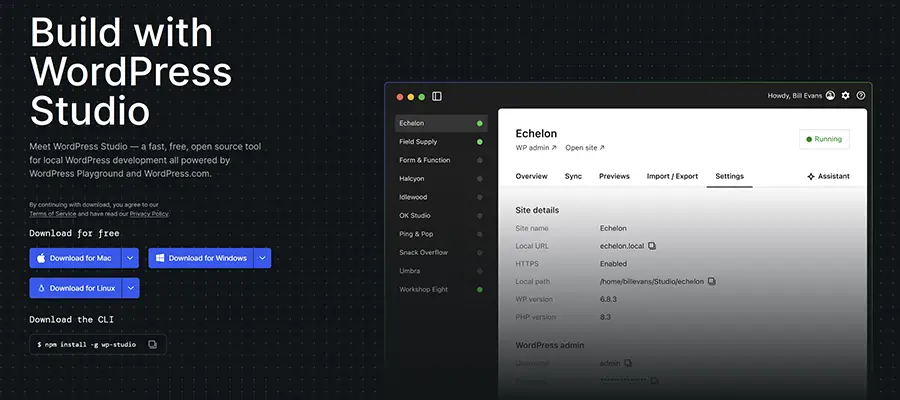
Studio by WordPress.com
Studio, a free and open-source local development environment developed by WordPress.com, leverages the power of WordPress Playground. This innovative technology enables the on-demand creation of new WordPress sites without requiring any local dependencies. For users who host their websites with WordPress.com or Pressable, Studio offers the added advantage of direct site synchronization, further streamlining the workflow between local development and live deployment. The visual interface of Studio is designed for ease of use, making it an accessible option for a broad range of users.
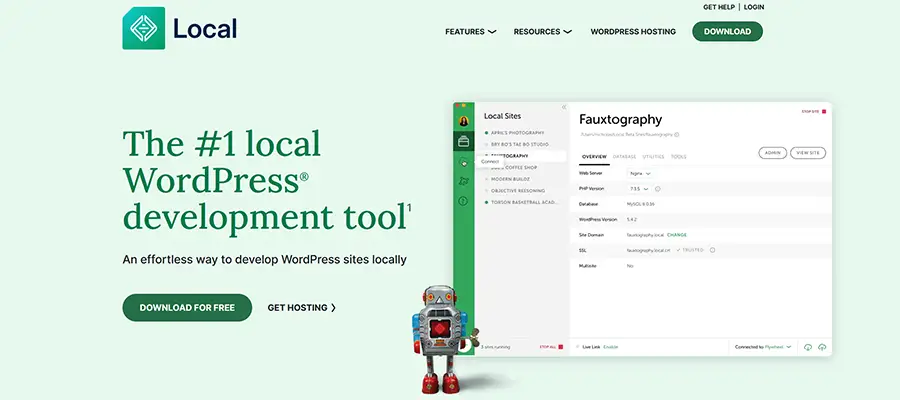
Local by WP Engine
Local, developed by WP Engine, is another robust solution for local WordPress development. It simplifies the process with one-click WordPress installations and a comprehensive suite of management tools. Users can interact with their local sites via SSH or WP-CLI (WordPress Command Line Interface) for advanced control. Local also offers the ability to generate live links, allowing for easy sharing of work-in-progress with clients or collaborators. A particularly useful feature for testing compatibility is its hot-swapping capability for PHP versions. Moreover, Local provides seamless integration and synchronization with sites hosted on WP Engine and Flywheel, two popular managed WordPress hosting platforms.
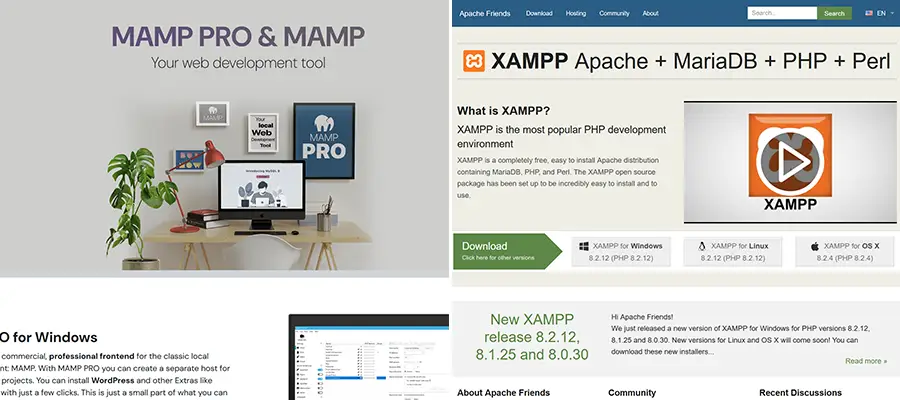
MAMP and XAMPP: Foundational Local Server Environments
MAMP and XAMPP represent foundational, albeit more hands-on, approaches to establishing local server environments. These applications provide a complete stack of necessary software, including web servers (Apache or Nginx), databases (MySQL or MariaDB), and scripting languages (PHP).
XAMPP, an acronym for Cross-Platform Apache, MariaDB, PHP, and Perl, installs a comprehensive Apache distribution package. MAMP (Macintosh, Apache, MySQL, PHP) offers a similar suite of tools, allowing users to choose between Apache or Nginx for their web server and providing extensive options for PHP and MySQL configurations. While these tools offer immense flexibility, they typically require a greater degree of technical understanding and manual configuration compared to more specialized WordPress development tools like Studio and Local. They serve as excellent starting points for those who wish to gain a deeper understanding of server configurations.
Leveraging WordPress Staging Plugins for Versatile Testing
Beyond hosting provider solutions and local development tools, a diverse array of WordPress plugins offers sophisticated capabilities for creating and managing staging environments. These plugins provide varying approaches, from creating separate WordPress installations on existing hosting accounts to facilitating the packaging of sites for transfer to third-party services.
WP STAGING
WP STAGING is a highly versatile plugin that offers significant flexibility in how and where staging environments are created. It can clone a website to a subdirectory on the current web host, creating an isolated testing space. Alternatively, it allows users to download a packaged version of their site, which can then be used for local development or deployed to a remote server. Beyond its staging functionality, WP STAGING also includes a daily backup feature, adding another layer of utility and data protection.
WPvivid Backup Plugin
WPvivid Backup Plugin is a comprehensive solution for site backups, migration, and staging. It enables users to create custom site backups and migrate them to a subdirectory on their web host or to any other remote server. A particularly powerful feature is its ability to send site files to popular cloud storage services, including Amazon S3, DigitalOcean Spaces, Dropbox, and Google Drive. This facilitates off-site backups and easy restoration to staging or new environments. WPvivid also boasts a convenient one-click restore function, simplifying the process of rolling back to a previous stable version of the site.
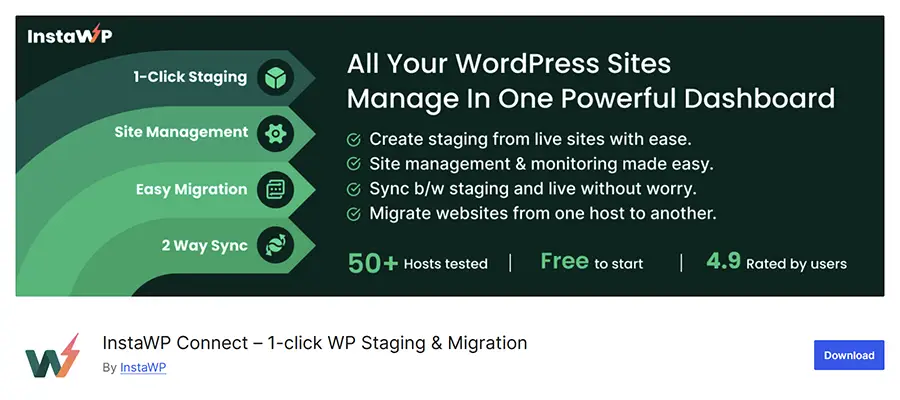
InstaWP Connect
InstaWP is a cloud-based platform designed for rapid WordPress site building and deployment. The InstaWP Connect plugin acts as the bridge, allowing users to seamlessly copy their production website to the InstaWP cloud service. Once on the platform, users can efficiently sync content between their staging and production environments. This is invaluable for testing new content, themes, or plugins before they are made public. It is important to note that utilizing InstaWP’s services requires an active InstaWP account.
BlogVault
BlogVault offers a robust solution for creating staging backups within its cloud service. Users can make extensive modifications and test changes on the staging environment before merging them back to the live production site. BlogVault also excels in site migration capabilities, simplifying the process of moving a WordPress site to a different hosting provider. The plugin further provides incremental backups, capturing changes as they are made, thus ensuring a comprehensive and up-to-date backup history. BlogVault operates on a subscription model, offering a 7-day free trial for users to evaluate its features.
The Broader Implications of Staging Environments
The adoption of staging environments is no longer a matter of preference but a fundamental requirement for maintaining the stability, security, and ongoing development of any significant WordPress website. These dedicated testing grounds provide a secure and isolated space for developers and site administrators to engage in critical activities such as testing new features, diagnosing and resolving bugs, and experimenting with innovative integrations, including those powered by artificial intelligence. The overarching benefit is the assurance that all development and testing activities will not negatively impact the live user experience, thereby preserving user trust and operational continuity.
The array of tools and plugins discussed above offers a solid foundation for establishing effective staging workflows. However, certain advanced features, such as automated site synchronization and simplified backup restoration processes, significantly enhance efficiency and reduce the manual effort involved. The more automation that can be integrated into the staging and deployment pipeline, the more streamlined and reliable the entire development lifecycle becomes.
In an era where website uptime and performance are directly correlated with business success, taking unnecessary risks with live production sites is an untenable strategy. The accessibility and ease of use of staging environments have dramatically improved, making them an indispensable component of a modern WordPress development strategy. By identifying the solution that best aligns with individual needs and technical proficiencies, website owners and developers can create a vital safety net, ensuring that innovation and maintenance can proceed with confidence and security. The proactive implementation of staging environments is a testament to a commitment to quality, reliability, and a superior end-user experience in the ever-evolving digital ecosystem.