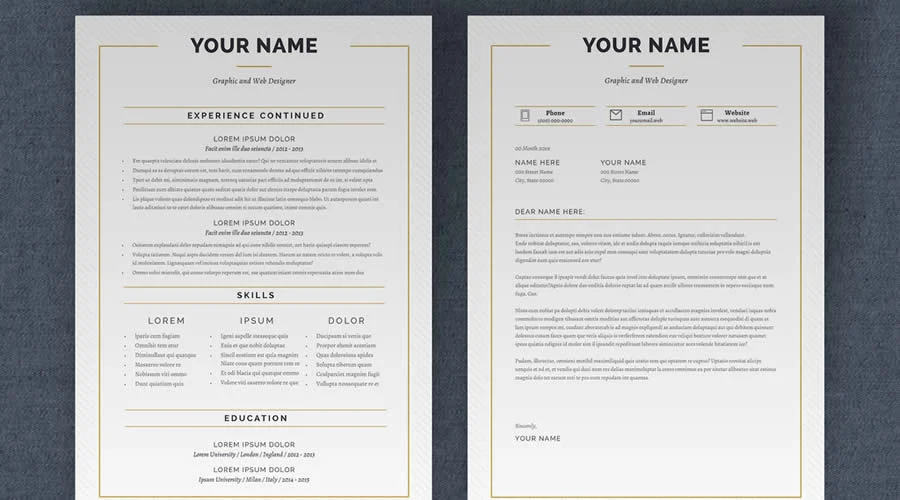
Adobe InDesign has cemented its position as the industry standard for professional document design, offering unparalleled control over typography, spatial alignment, and grid systems. For job seekers, particularly those in creative, academic, or corporate sectors, the ability to produce a high-fidelity, polished resume is often the deciding factor in securing an interview. Unlike standard word processing software, which often struggles with complex formatting, InDesign allows for precise management of page dimensions and visual hierarchy, ensuring that a candidate’s career history is not only scannable but aesthetically compelling.

The Evolution of Resume Presentation
The professional resume has evolved significantly over the past two decades. In the early 2000s, basic text documents sufficed; however, the saturation of the job market has necessitated a shift toward visual differentiation. Data from recent recruitment surveys indicates that hiring managers spend an average of six to eight seconds reviewing a resume before making an initial determination on a candidate’s suitability. This rapid-fire evaluation process underscores the necessity of a well-structured, easy-to-read layout that utilizes effective whitespace and logical, clean typography.
By employing a pre-built InDesign template, job seekers can bypass the technical hurdles of grid construction while maintaining the flexibility to customize their own content. These templates function as the architectural framework for a career narrative, allowing the user to focus on distilling their professional achievements, skills, and educational background into a cohesive, high-impact document.
Chronology and Technical Considerations
The adoption of professional desktop publishing software for resumes began in the design sector before bleeding into mainstream business applications. Today, the availability of high-quality templates in formats such as INDD (InDesign Document) and IDML (InDesign Markup Language) has democratized professional-grade design.
Before initiating the design process, candidates must perform a technical audit of their chosen assets. Key considerations include:
- File Compatibility: Ensure the package includes IDML files, which offer backward compatibility with older versions of Adobe Creative Cloud.
- Typography Licensing: Many premium templates utilize third-party fonts. Verify whether these fonts are included in the package or if they require a separate license.
- Submission Format: The visual style must align with the submission medium. For instance, an online recruitment portal—often parsed by Applicant Tracking Systems (ATS)—requires a simpler, linear structure to ensure data is correctly extracted. Conversely, a direct submission to a design studio or a creative agency rewards bold, innovative layouts.
An Analysis of Top-Tier InDesign Templates
The following templates represent the current market standard for functional, aesthetically refined resumes:
Simple Resume & CV Template Vol. 6
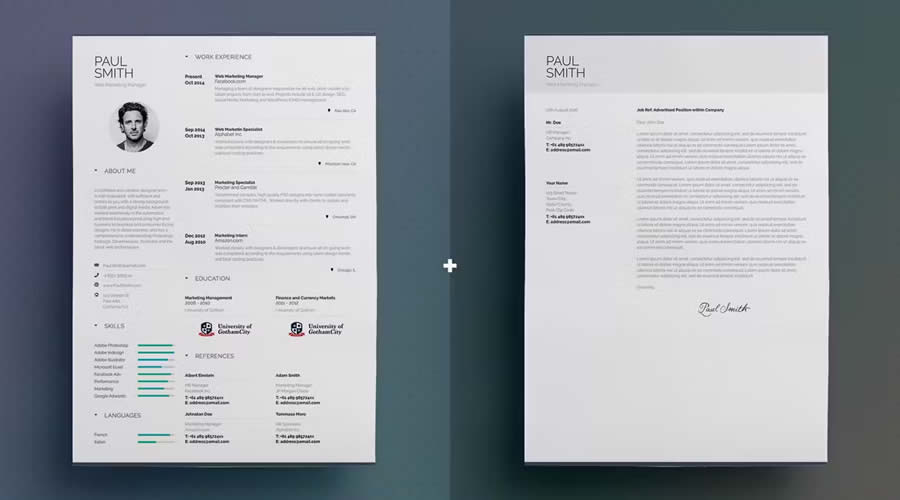
Designed for the minimalist, this template focuses on clarity. It provides a structured one-page layout and a corresponding cover letter, making it an ideal choice for professionals who need to communicate their value proposition quickly.
Free Linear Resume Layout Template
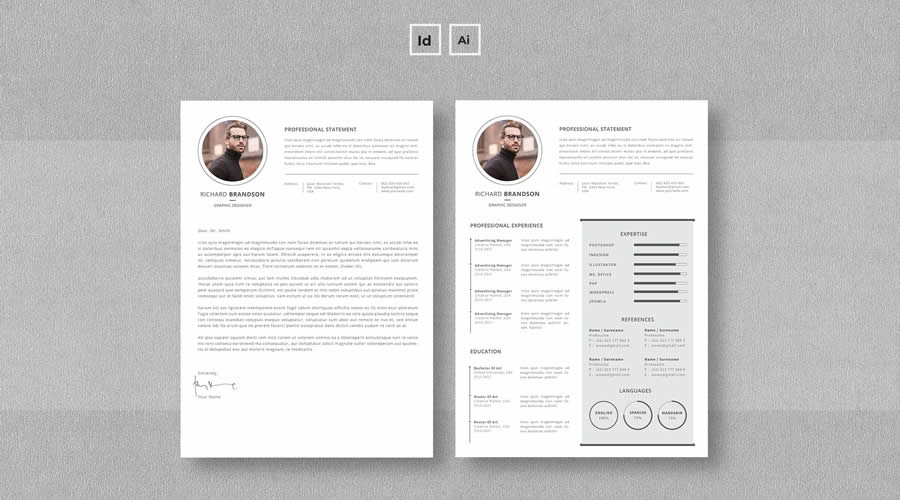
This three-page layout is particularly useful for senior-level candidates who require more space to document extensive career histories. Its linear design utilizes bold, modern typography to guide the reader through specific qualifications.
Minimalist InDesign Resume Layout
Versatility is the primary advantage of this template, which is sized for both A4 and US Letter formats. The inclusion of both INDD and IDML files ensures that users can easily adapt the document for different global standards.
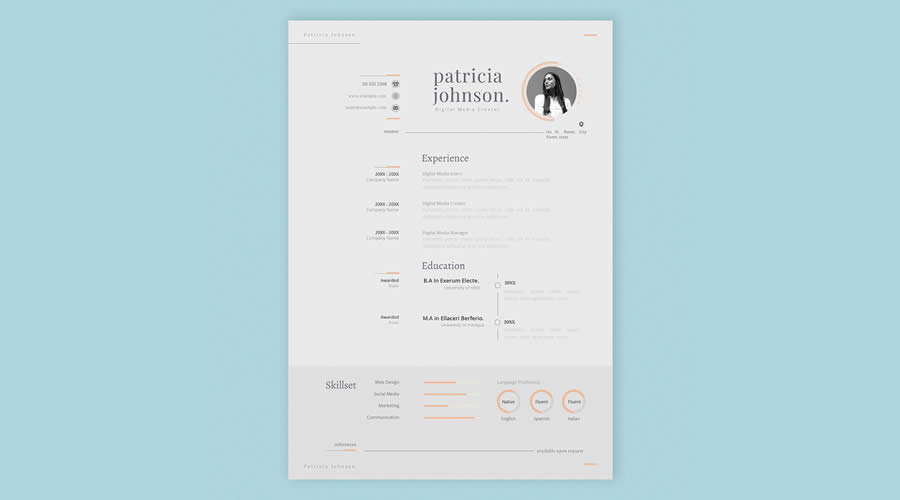
Clean & Elegant Serif Layout
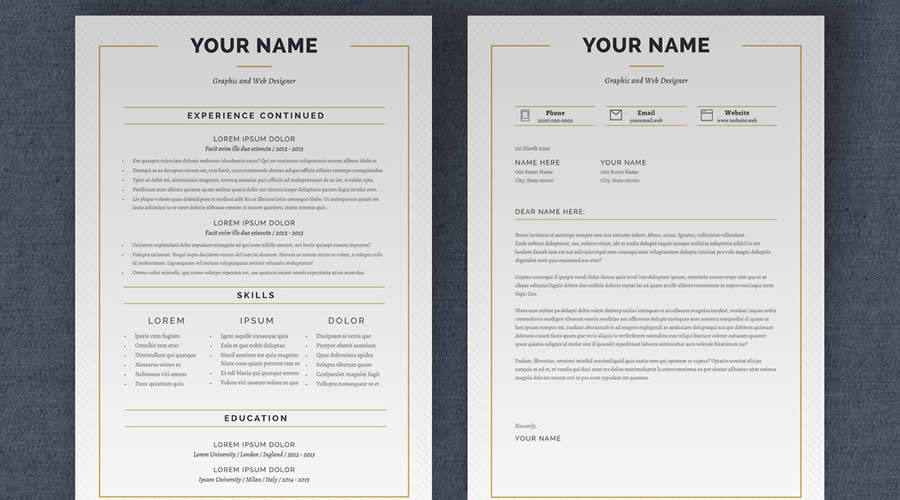
Leveraging the timeless nature of serif typefaces, this template is suited for the legal, academic, or financial sectors. It emphasizes professionalism and readability, providing a conservative yet polished appearance.
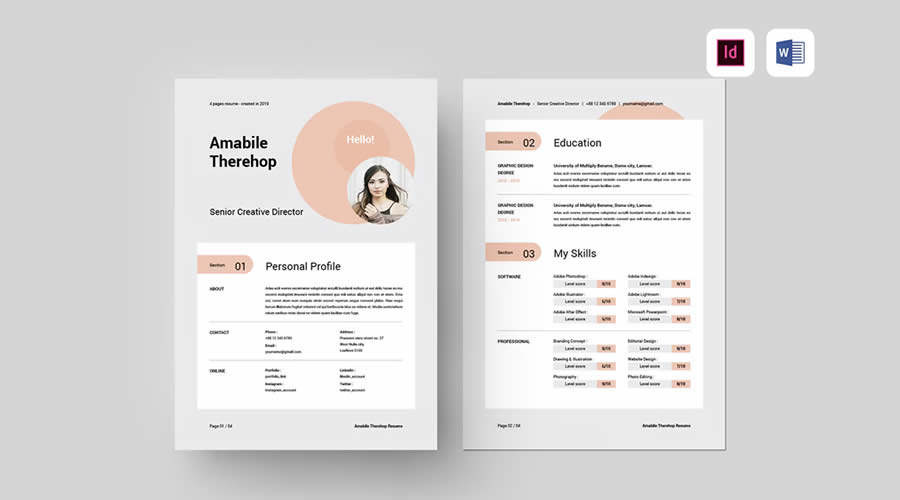
Modern & Professional Four-Page Set
For those with a substantial portfolio or long-term employment history, this four-page template offers a spacious, airy design that prevents the common "cluttered" look often found in denser resumes.
Strategic Implications of Document Design
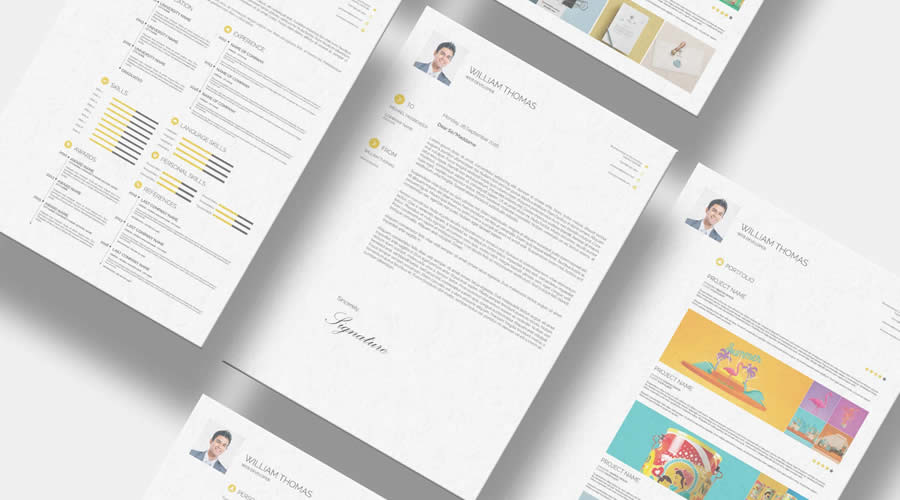
The decision to use a specific template carries broader implications for a candidate’s personal brand. A 2024 analysis of hiring trends suggests that candidates who submit documents with consistent design language—matching fonts, color palettes, and margin alignments across their resume, cover letter, and business cards—are perceived as having a higher degree of professional maturity and attention to detail.
Furthermore, the integration of "Parent Pages" within InDesign allows for the automated application of headers, footers, and page numbers across multi-page documents. This not only saves time but also ensures that branding remains uniform throughout the entire submission package.
Best Practices for Editing and Exporting
To maintain the integrity of a template, users should follow a rigid workflow. First, keep the original downloaded folder intact, as many templates rely on "linked" assets (images or specific external files). Breaking these links during the migration of files can lead to missing graphics or rendering errors in the final PDF.
Step-by-Step Optimization Workflow:
- Preparation: Store all original files in a dedicated folder. Install required fonts before opening the document to prevent automatic font replacement by the software.
- Content Migration: Use the "Place" command in InDesign to import text from your draft, ensuring it adheres to the established paragraph styles.
- Refinement: Utilize the "Glyphs" and "Character" panels to ensure proper kerning and ligatures, which distinguish a professional document from an amateur one.
- Verification: Export the document using the "Smallest File Size" or "High Quality Print" preset, depending on the submission method. Always perform a final inspection of the PDF in a viewer to ensure that hyperlinks and fonts are correctly embedded.
- Versioning: Create a unique filename for every application (e.g.,
FirstName_LastName_Role_Company.pdf). This practice reflects organizational discipline.
The Human Resource Perspective
Recruiters and hiring managers have consistently noted that the "readability" of a document is paramount. When a candidate uses an InDesign template that creates a clear, logical flow, it reduces the cognitive load on the reviewer. Statements from HR professionals often highlight that while visual flair can be an asset, it must never come at the expense of accessibility. Templates that utilize excessive decorative elements, unreadable scripts, or complex, non-standard layouts often face rejection by automated systems.
The most effective approach, therefore, is one of "constrained creativity." The template should serve the content, not dictate it. If a candidate finds that a section on their resume is being squeezed to fit a designer’s aesthetic choice, the layout should be adjusted. The content—your experience, skills, and achievements—must always remain the focal point.

Final Recommendations for the Modern Applicant
In the current competitive landscape, the resume remains the primary instrument of professional communication. Adobe InDesign provides the necessary tools to elevate this instrument from a standard document to a strategic marketing asset. By selecting a template that balances visual appeal with structural rigor, job seekers can ensure their career history is presented in the best possible light.
Ultimately, the goal is to facilitate an immediate, positive connection with the reader. Whether you are a creative professional or a corporate executive, the consistency, typography, and layout provided by InDesign templates allow you to present your credentials with confidence. Remember to treat your resume as a living document: maintain a master template, tailor the content for every specific role you pursue, and always export with the final medium—whether it be a digital portal or a physical printout—in mind. Through meticulous attention to these details, you demonstrate not just your experience, but your ability to execute professional tasks with the precision the modern workforce demands.