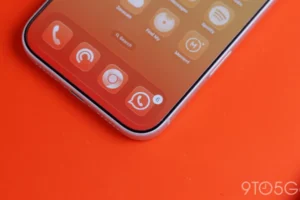
Google is continuing its iterative refinement of the Pixel Weather application, rolling out a modest but highly requested feature for its home screen widget. Following the aesthetic adjustments made to the app icon just last month, the latest update, version 1.1.20260716.x, introduces a dedicated refresh button to the Forecasted Weather widget. This change marks a shift toward a more user-centric design philosophy for Google’s native utilities, prioritizing speed and accessibility over a purely static experience.
The implementation is straightforward: users will now see a refresh icon positioned in the top-right corner of the widget. When triggered, the app initiates an immediate network fetch, signaled by a brief loading spinner. This functionality addresses a common pain point for users who previously had to launch the full application—or wait for the system’s background sync interval—to verify if the weather data currently displayed was up to the minute.
A Chronology of Pixel Weather Evolution
The Pixel Weather app has undergone a significant transformation since its inception as a standalone entity distinct from the broader Google Search app. Historically, weather information on Android was delivered via the "At a Glance" widget or the Google app’s integrated weather cards. In recent years, Google moved toward a dedicated, standalone application, allowing for more granular control over design language, data visualization, and widget interactivity.
The timeline of recent updates reflects a clear strategic path:
- Mid-2024: Google begins moving away from the "Google Weather" integrated experience toward a standalone Pixel Weather app.
- Early 2026: The company implements Material You design principles, integrating deeper system-level animations and dynamic color support.
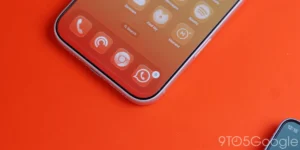
- August 2026: A visual refresh of the app icon is deployed, modernizing the brand mark to align with the evolving Android aesthetic.
- September 2026: Version 1.1.20260716.x arrives, introducing functional UI elements such as the home screen refresh button and adjusting navigation gestures within the city feed.
These incremental updates serve as a barometer for how Google manages its first-party software ecosystem. By decoupling the app from the primary Google Search package, the developers have gained the agility to push feature updates through the Play Store, bypassing the slower, full-system update cycles that historically plagued Android device maintenance.
UX Adjustments and Navigation Tweaks
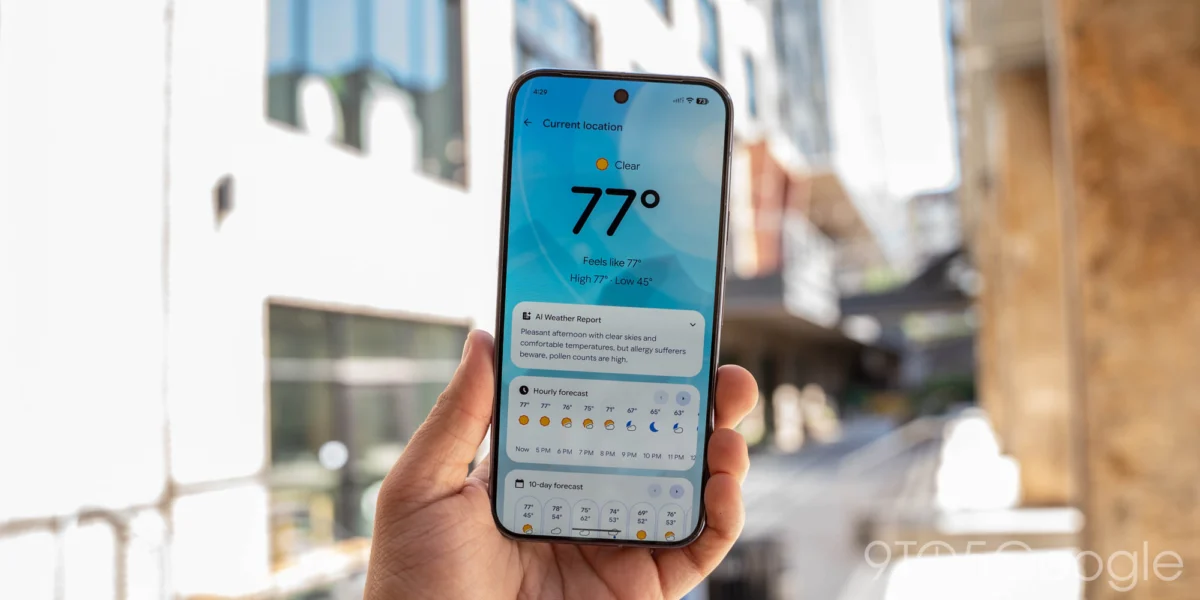
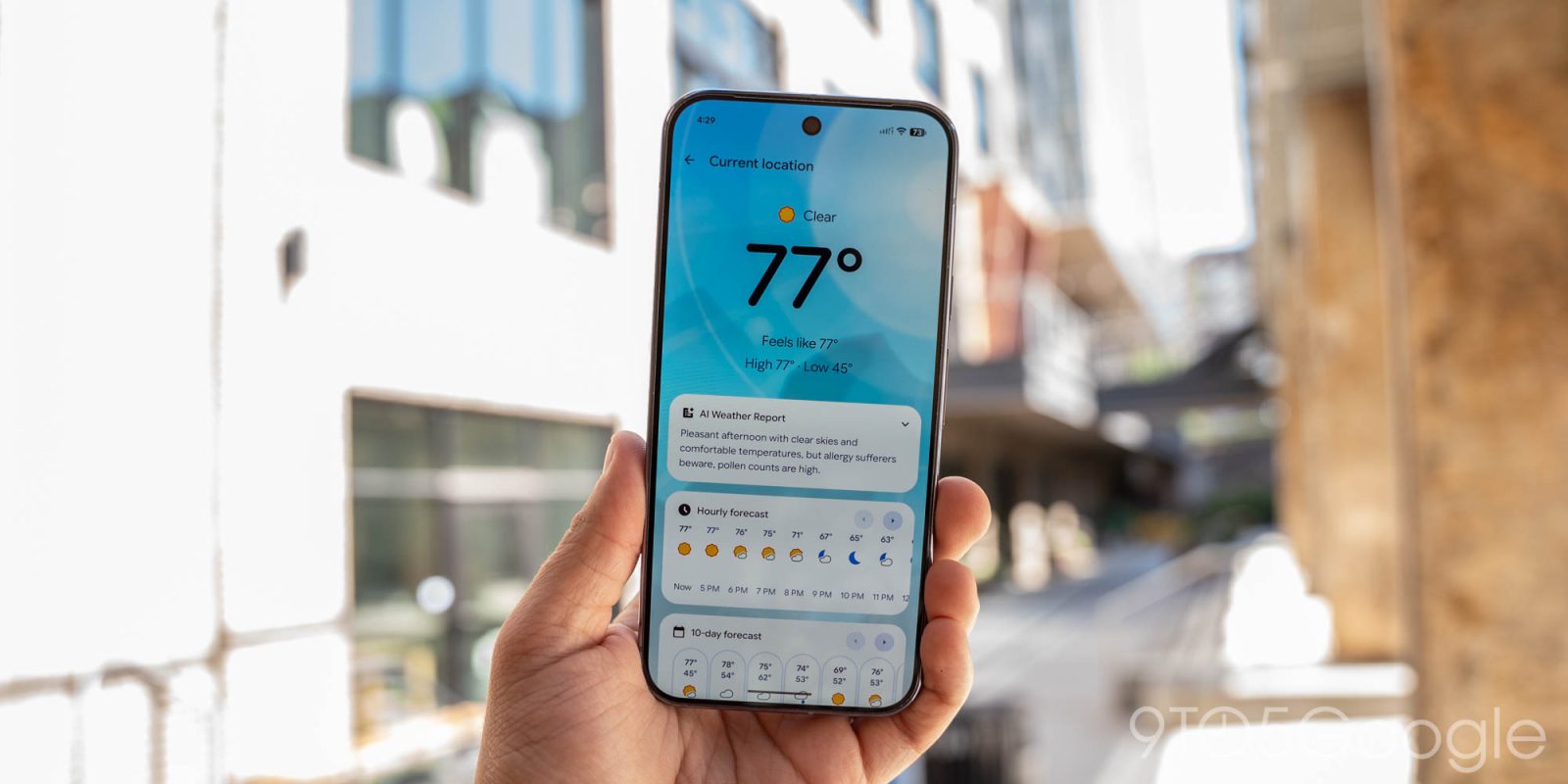
Beyond the addition of the refresh button, the latest version also streamlines the navigation within the app’s main feed. Users familiar with previous iterations may notice that the dedicated left/right scroll buttons previously present on the Hourly and 10-day forecast cards have been removed.
This decision reflects a broader trend in mobile interface design: the deprecation of explicit navigation controls in favor of natural gesture-based interaction. By removing the buttons, Google is encouraging users to swipe through data cards, reducing visual clutter and creating a cleaner, more minimalist dashboard. While some power users may initially find the removal of buttons jarring, it aligns the application with the standard "Material 3" guidelines that prioritize touch-based fluid movement over legacy interface elements.
The Expansion to Googlebooks and Broader Ecosystems
Perhaps the most significant development accompanying this update is the broader policy shift regarding app exclusivity. Historically, the Pixel Weather app—along with the Pixel Recorder app—was restricted to the Pixel hardware lineup. This served as a key differentiator for the Pixel brand, providing value-add software that could not be easily replicated on competing Android devices.
However, Google has confirmed that these applications will now be available for "Googlebooks"—the company’s expanding line of specialized tablet and hybrid devices. This move suggests that Google is viewing its proprietary apps less as "Pixel-exclusive" perks and more as core components of a unified Google software suite.
Industry analysts suggest this move is a strategic reaction to the maturation of the Android tablet market. As Google seeks to compete more aggressively with the iPad and Windows-based hybrids, the standardization of high-quality software experiences across all "Google-branded" hardware becomes a necessity for brand loyalty.
Technical Implications and Data Efficiency
The inclusion of a manual refresh button has implications beyond user convenience; it also touches on battery efficiency and data management. Automated weather widgets often rely on periodic synchronization, which can consume background data and battery life if the sync interval is too frequent. By placing the onus of the "refresh" on the user, the app allows for a more passive data strategy. Users who check the weather infrequently can let the widget sit idle, while those who require real-time updates—perhaps during inclement weather events—can manually trigger a sync without forcing the system to consume power for background refreshes.

From a development perspective, this update also highlights the stability of the Pixel Weather backend. To support a manual refresh, the application must be able to handle high-frequency API calls from a large user base without service degradation. The fact that Google is confident enough in its backend infrastructure to roll this out to a wider range of devices suggests that the underlying weather forecasting engine is robust and scalable.
Industry Context and Competitive Landscape
When compared to third-party weather applications like The Weather Channel, AccuWeather, or Carrot Weather, Google’s offering is notably more minimalist. While third-party competitors often pack their interfaces with radar maps, hyper-local wind speed charts, and complex data visualizations, Google has opted for a focus on clarity and integration.
The addition of the refresh button brings the app closer to the functionality of its rivals without sacrificing the simplicity that defines the Pixel user experience. The challenge for Google moving forward will be maintaining this balance. As users request more features—such as radar overlays or push notifications for severe weather—the interface risks becoming bloated. The removal of the navigation buttons, as seen in this latest update, is a clear signal that Google intends to keep the UI as lean as possible, even as it adds functional capabilities.
Future Outlook and User Reception
The reception to these changes has been largely positive among the early-adopter community. On forums and social media, users have praised the "refresh" functionality as a common-sense addition that makes the widget feel like a true utility rather than a static information pane.
Looking ahead, the integration of these apps into the broader Googlebooks ecosystem hints at a future where the distinction between "Pixel" software and "Google" software continues to dissolve. If Google remains committed to this path, we may see further exclusives, such as the Google Camera app or advanced AI editing tools, making their way to a wider array of hardware.
For now, the version 1.1.20260716.x update stands as a prime example of Google’s current software strategy: iterative, responsive to user feedback, and focused on enhancing the utility of its existing application suite. By refining the touch points between the user and the data, Google is not just providing a weather report; it is refining the daily digital interactions that define the Android experience. As the rollout continues across the global user base, the company will likely monitor engagement metrics to determine if further interface simplifications—or, conversely, more detailed data displays—are necessary to remain competitive in an increasingly crowded app market.