In the highly competitive landscape of modern recruitment, the visual presentation of a professional background has become as critical as the substance of the experience itself. Adobe InDesign has emerged as the industry-standard tool for job seekers aiming to distinguish their credentials through precise typographic control, grid-based alignment, and sophisticated page architecture. Unlike word processing software, which often struggles with complex layout shifts, InDesign offers absolute authority over document elements, ensuring that a career history is not only scannable but aesthetically resonant. As hiring managers and automated systems continue to evolve, the demand for high-quality, ATS-friendly, yet visually compelling resume templates has reached an all-time high, prompting a surge in professional-grade design resources.

The Architectural Advantage of InDesign
The transition from standard document templates to professional InDesign files represents a significant shift in career branding. Adobe InDesign allows designers to leverage advanced features such as master pages, paragraph styles, and character styles. These technical capabilities ensure consistency across multi-page documents, a feature frequently missing in static templates. When a candidate uses an InDesign template, they are utilizing an underlying grid system that facilitates a balanced visual hierarchy, ensuring that the most vital information—such as core competencies and recent career milestones—is prioritized through size, weight, and spatial placement.
Industry data suggests that recruiters spend an average of six to ten seconds on an initial scan of a resume. Consequently, the structural integrity provided by an InDesign layout is not merely an aesthetic choice; it is a functional necessity. By utilizing professional templates, candidates can present their data in a clean, legible format that reduces cognitive load for the reader, thereby increasing the likelihood of the document progressing to a formal interview stage.
A Curated Selection of Professional Templates
The market for InDesign resume templates is vast, ranging from minimalist, single-page layouts to complex, multi-asset branding packages. The following selection represents the current gold standard in template design, categorized by their intended utility.
Minimalist and Professional Layouts
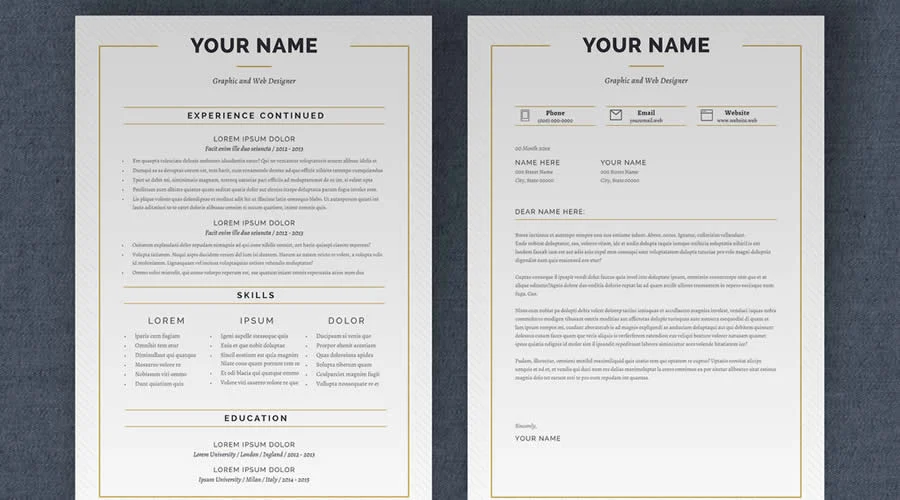
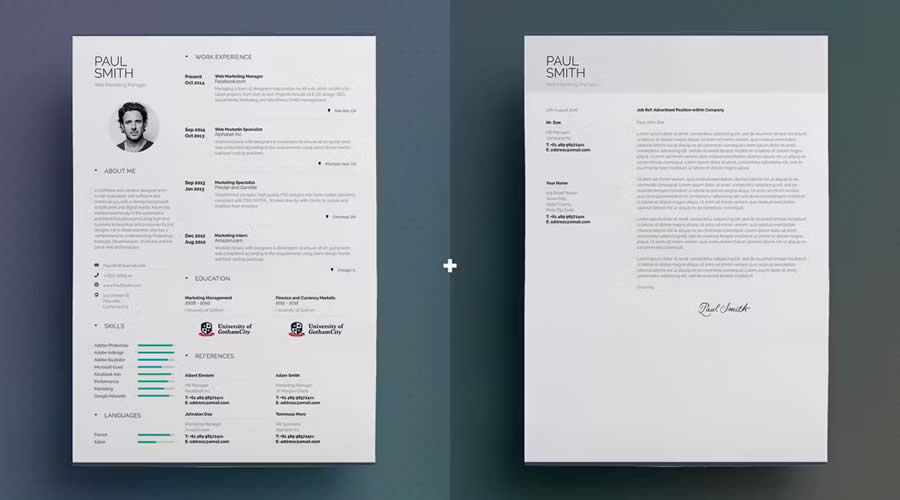
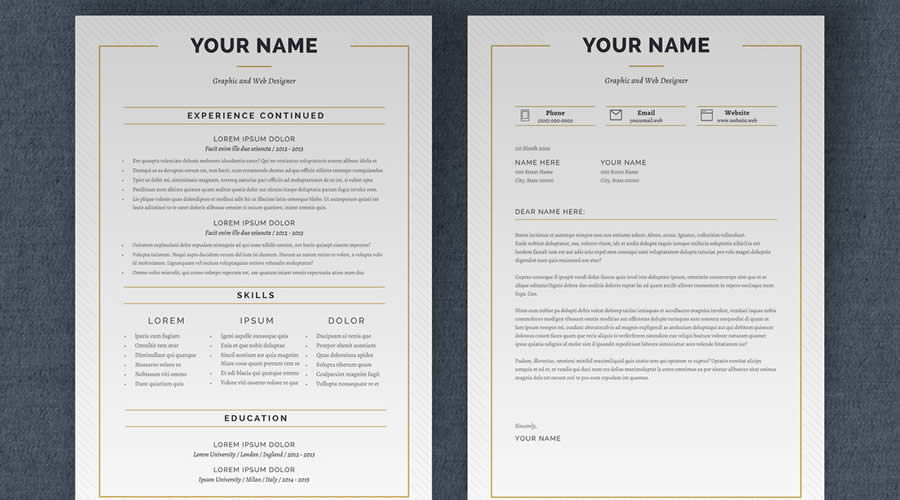
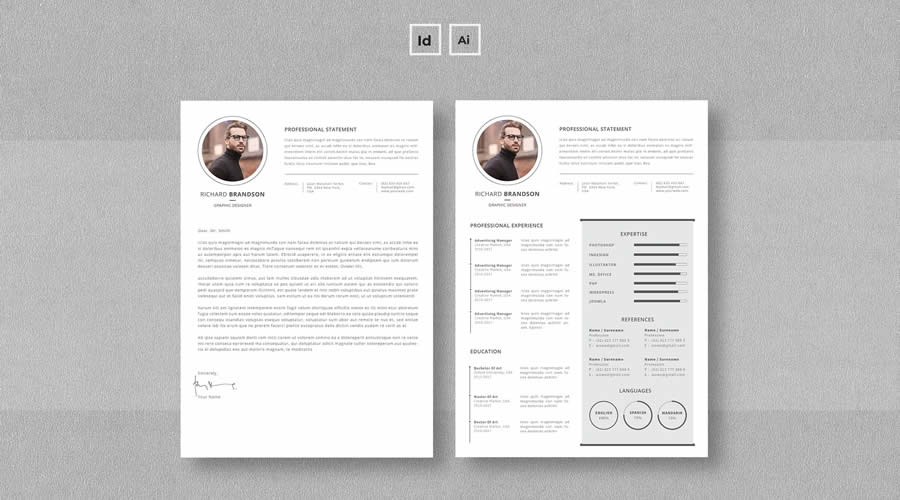
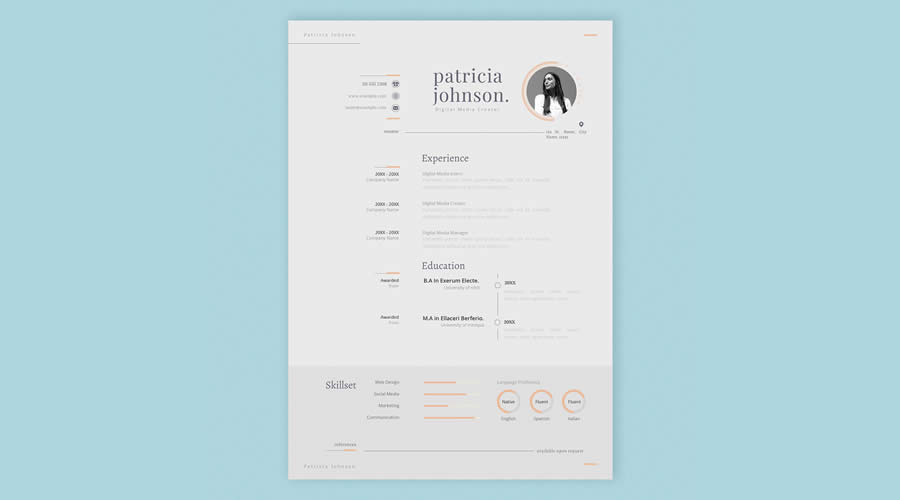
For candidates in conservative sectors such as finance, law, or corporate management, the "Minimalist InDesign Resume Layout Template" remains a top choice. These designs prioritize negative space and classic serif typography, reflecting a disciplined and refined professional identity. Similarly, the "Simple Resume & CV Template Vol.6" offers a balanced approach, providing a one-page layout that seamlessly integrates a matching cover letter, maintaining brand consistency across the entire application packet.
Creative and Portfolio-Integrated Designs
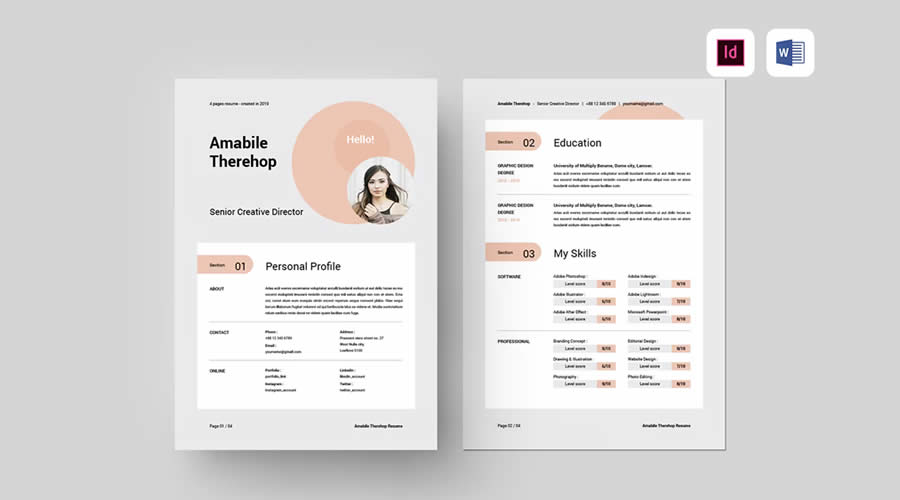
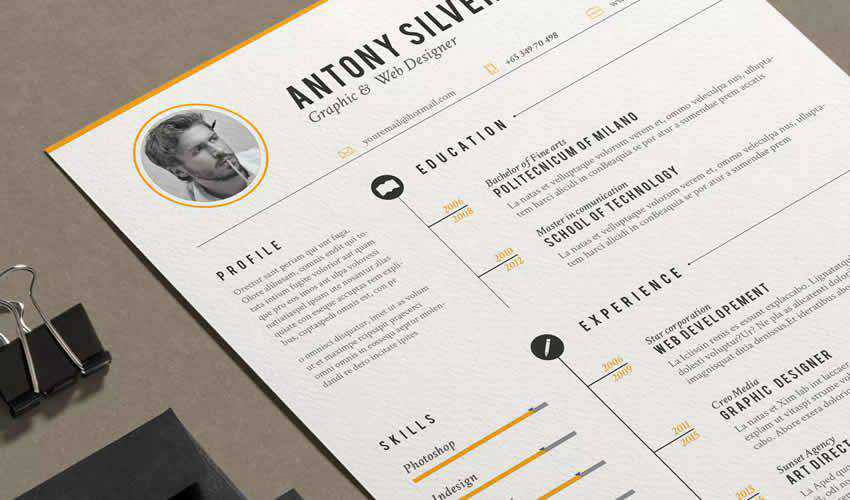
Designers, architects, and creative directors often require more than a standard text-heavy document. The "Free Resume Template for UX Designers" is specifically engineered to demonstrate an understanding of visual hierarchy. These templates often incorporate grid systems that allow for the inclusion of case study summaries or portfolio links, bridging the gap between a traditional CV and a visual resume. The "Vintage Resume Template," while more niche, offers a stylized alternative for those in creative industries looking to establish a distinct, memorable brand voice.
Comprehensive Branding Sets
Efficiency in the job search process is often improved by "all-in-one" assets. The "Free Resume & Business Card Template Set" provides a cohesive visual identity for candidates attending networking events or in-person interviews. By aligning the typography and color scheme of a business card with the resume, a candidate creates a unified professional image that significantly enhances recall value among potential employers.
Technical Considerations for Implementation
Before committing to a specific template, applicants must perform a technical audit of the file package. Most professional-grade templates are provided in INDD (InDesign Document) or IDML (InDesign Markup Language) formats. The IDML format is particularly important for users who may be operating on older versions of the Adobe Creative Cloud suite, as it ensures backward compatibility.
Furthermore, applicants should investigate the following technical parameters:
- Font Licensing: Many templates utilize third-party fonts. Users must verify whether the fonts are included in the download or if they require a separate license or a subscription to services like Adobe Fonts.
- Linked Graphics: If a template includes high-resolution icons or photography, these elements are often linked rather than embedded. It is essential to keep the entire folder structure intact to avoid broken links during the export process.
- Page Dimensions: While A4 is the international standard, many US-based roles require US Letter dimensions. The most robust templates provide files for both, preventing layout distortion during printing or digital conversion.
Strategic Application and Customization
The process of editing an InDesign template should be treated with the same rigor as the content creation itself. The first step for any user is to create a "master" version of the template, leaving the original files untouched. Every subsequent job application should be saved as a unique file, allowing for granular adjustments tailored to specific job descriptions.
Paragraph styles are the most powerful tool for customization. By modifying the master paragraph style, a user can instantly change the font, size, or leading of every header across a multi-page document, ensuring that formatting remains uniform without the need for manual, error-prone adjustments. Additionally, the use of "Parent Pages" (formerly known as Master Pages) allows users to set static elements—such as contact headers or page numbers—that appear on every page, significantly streamlining the update process.
The Intersection of Design and ATS
A common concern among job seekers is whether high-design templates can be processed by Applicant Tracking Systems (ATS). While it is true that some ATS platforms struggle with complex, multi-column layouts or heavy graphic elements, the modern standard is to export the final file as a "Smallest File Size" PDF. This process flattens the document while retaining vector-based text data, which most modern parsers can effectively read.
However, for roles in highly automated, large-scale recruitment environments, it is recommended to maintain two versions of a resume: a "design-forward" version for direct email or manual submission, and a "text-optimized" version for automated portals.
Broader Implications for Career Mobility
The adoption of professional design tools in the job search process reflects a broader trend toward the "consumerization" of personal branding. As the digital economy grows, the barrier to entry for high-quality design has lowered, yet the expectation for professional presentation has risen. Candidates who utilize InDesign are signaling a level of technical proficiency and attention to detail that is highly valued in the modern workforce.
In conclusion, the choice of a resume template is a strategic decision that extends beyond mere aesthetics. By selecting a layout that aligns with the specific requirements of the target industry—whether that be a clean, conservative grid for legal professionals or a dynamic, whitespace-heavy layout for creative directors—the applicant demonstrates a mastery of communication. When combined with meticulous editing, appropriate file management, and a focus on readable information architecture, an InDesign-based resume serves as a powerful instrument for career progression in a crowded and competitive marketplace.