In the dynamic and increasingly competitive landscape of digital marketing, the strategic deployment of a social media content calendar has transitioned from a mere organizational tool to an indispensable component for businesses, content creators, and personal brands alike. Far from a tedious chore, these calendars serve as the backbone of consistent, impactful, and data-driven social media engagement, ensuring that digital efforts translate into tangible results.
The Evolving Landscape of Social Media Management
The proliferation of social media platforms over the past two decades has fundamentally reshaped how entities communicate with their audiences. What began as simple sharing mechanisms has evolved into complex ecosystems demanding tailored content strategies, precise timing, and continuous engagement. Managing a presence across diverse platforms such as Instagram, TikTok, Facebook, X (formerly Twitter), LinkedIn, YouTube, Pinterest, Threads, Bluesky, Mastodon, and Google Business Profile presents significant challenges. Each platform operates with its own algorithm, audience demographics, and preferred content formats, making a haphazard approach unsustainable.
Historically, social media posting was often reactive and ad-hoc. However, as the digital space matured, the need for structured planning became evident. Early adopters quickly realized that consistency was key to algorithm favorability and audience retention. This realization spurred the development and adoption of social media content calendars, initially as simple spreadsheets, evolving into sophisticated integrated platforms.
The Indispensable Role of Content Calendars
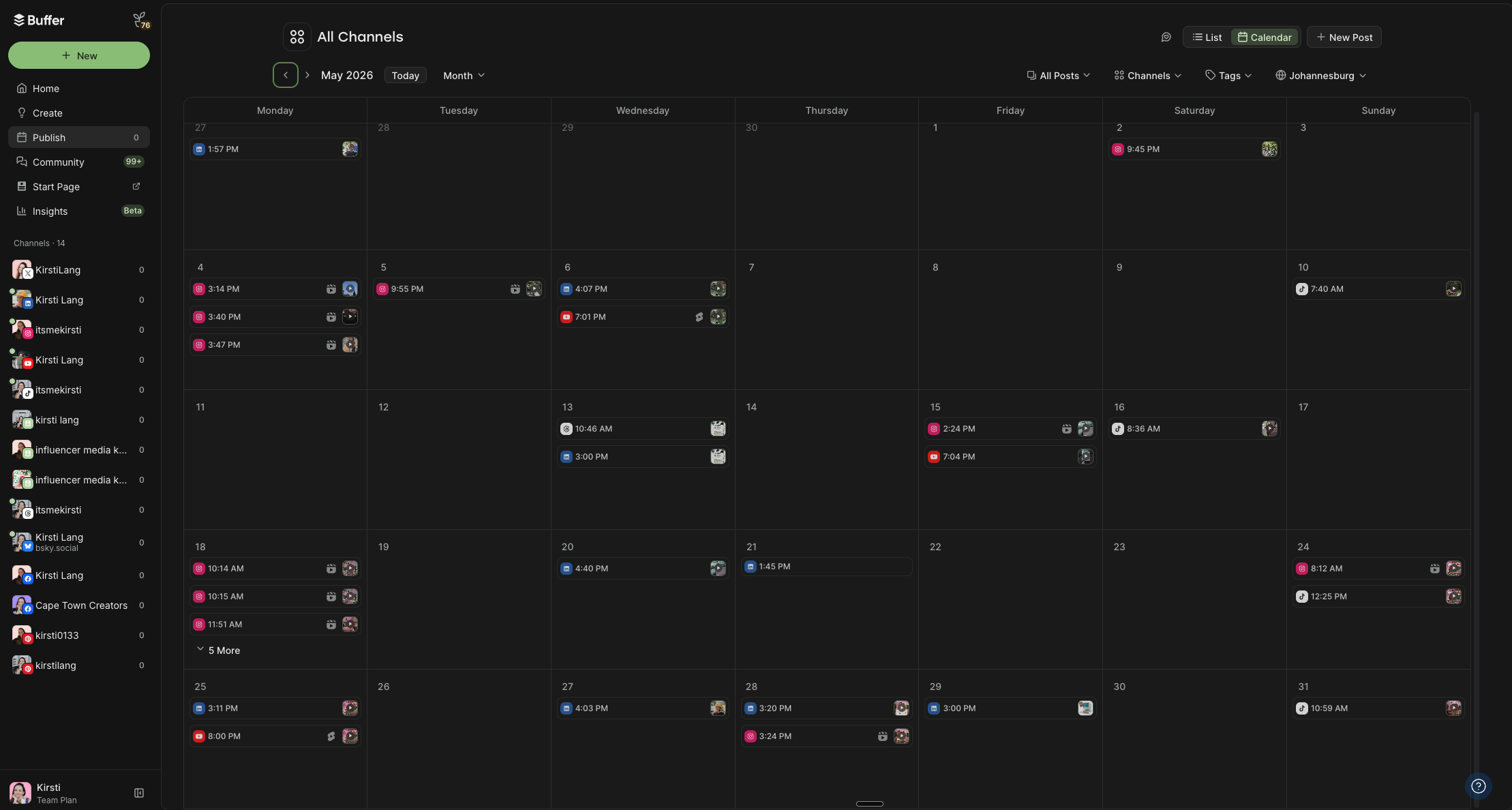
A social media content calendar provides a ready-made structure for planning what content will be posted, on which platform, and precisely when. Its benefits extend far beyond basic organization:
- Enhanced Efficiency: By pre-planning content, marketers and creators eliminate the daily scramble for ideas, saving considerable time and reducing stress. Studies consistently show that businesses utilizing content calendars can streamline their workflow by up to 30-40%, freeing up resources for content creation and engagement.
- Strategic Alignment: Calendars ensure that all social media efforts align with broader marketing goals and content pillars. This prevents off-message posts and reinforces brand identity, leading to a more cohesive and impactful online presence.
- Consistency and Reach: Social media algorithms heavily favor consistent posting. A well-maintained calendar ensures a steady stream of content, which can significantly boost organic reach and engagement. Data from millions of posts indicates that consistent posting schedules correlate with higher visibility and audience interaction.
- Optimized Timing: Effective calendars allow for the scheduling of posts at optimal times, leveraging insights into audience activity patterns. This precision can dramatically improve engagement rates, ensuring content reaches its target audience when they are most receptive.
- Improved Content Quality: With a planned approach, there is ample time for brainstorming, drafting, reviewing, and refining content, leading to higher quality posts that resonate more deeply with the audience.
- Facilitated Collaboration: For teams, a shared content calendar serves as a central hub for collaboration, allowing multiple stakeholders to contribute, review, and approve content seamlessly. This is particularly crucial for larger organizations or agencies managing numerous client accounts.
Diverse Solutions for Content Planning: A Comprehensive Overview
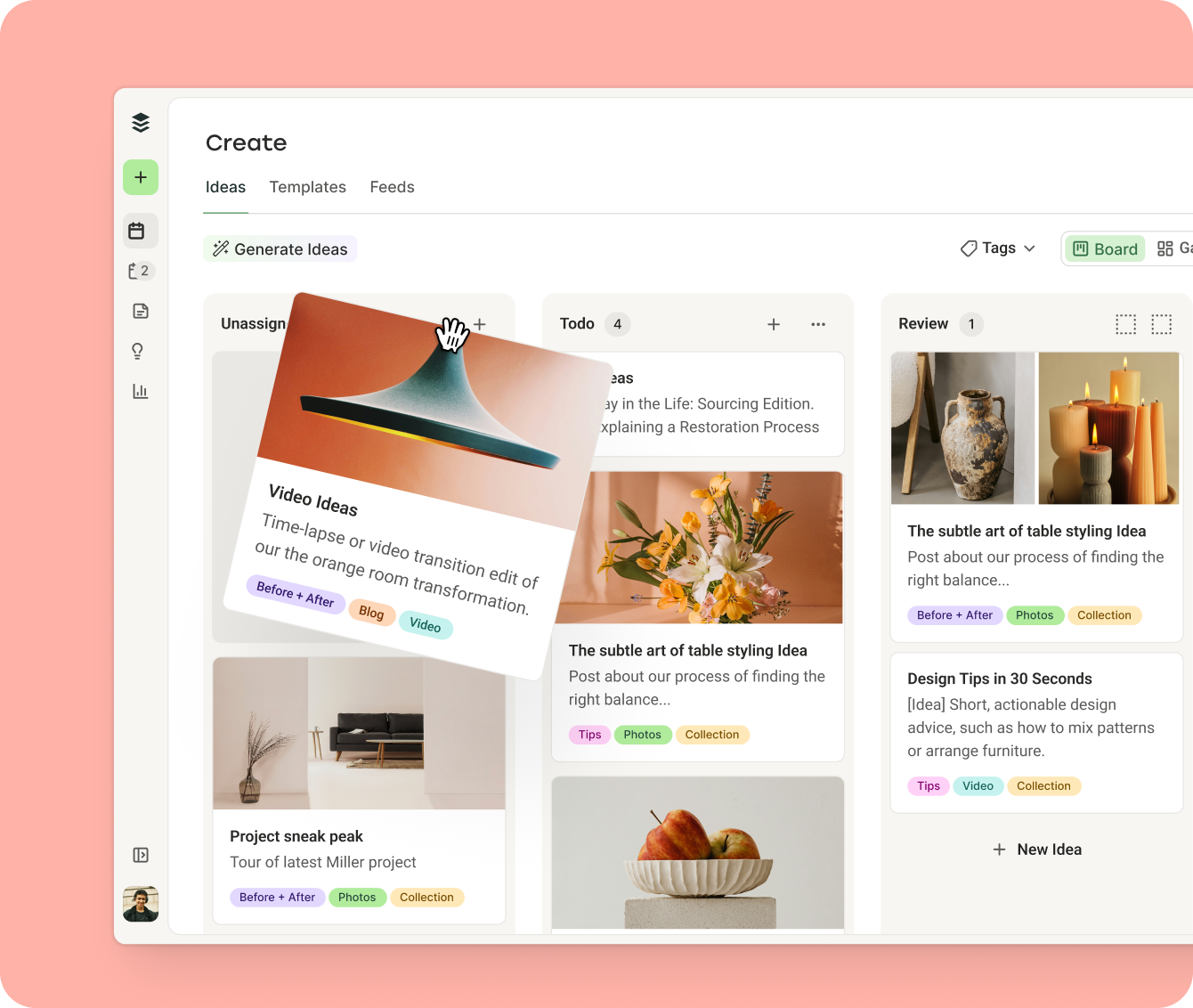
The market offers a wide array of tools and templates catering to various needs, from simple, low-fidelity options to comprehensive, integrated scheduling platforms. The optimal choice often depends on an individual’s or team’s preferred workflow, budget, and the complexity of their social media strategy.
Integrated Scheduling Platforms: The All-in-One Solution
For many, an integrated scheduling tool represents the pinnacle of social media content management. Platforms like Buffer offer not just calendar functionality but also auto-publishing capabilities, analytics, and collaboration features.
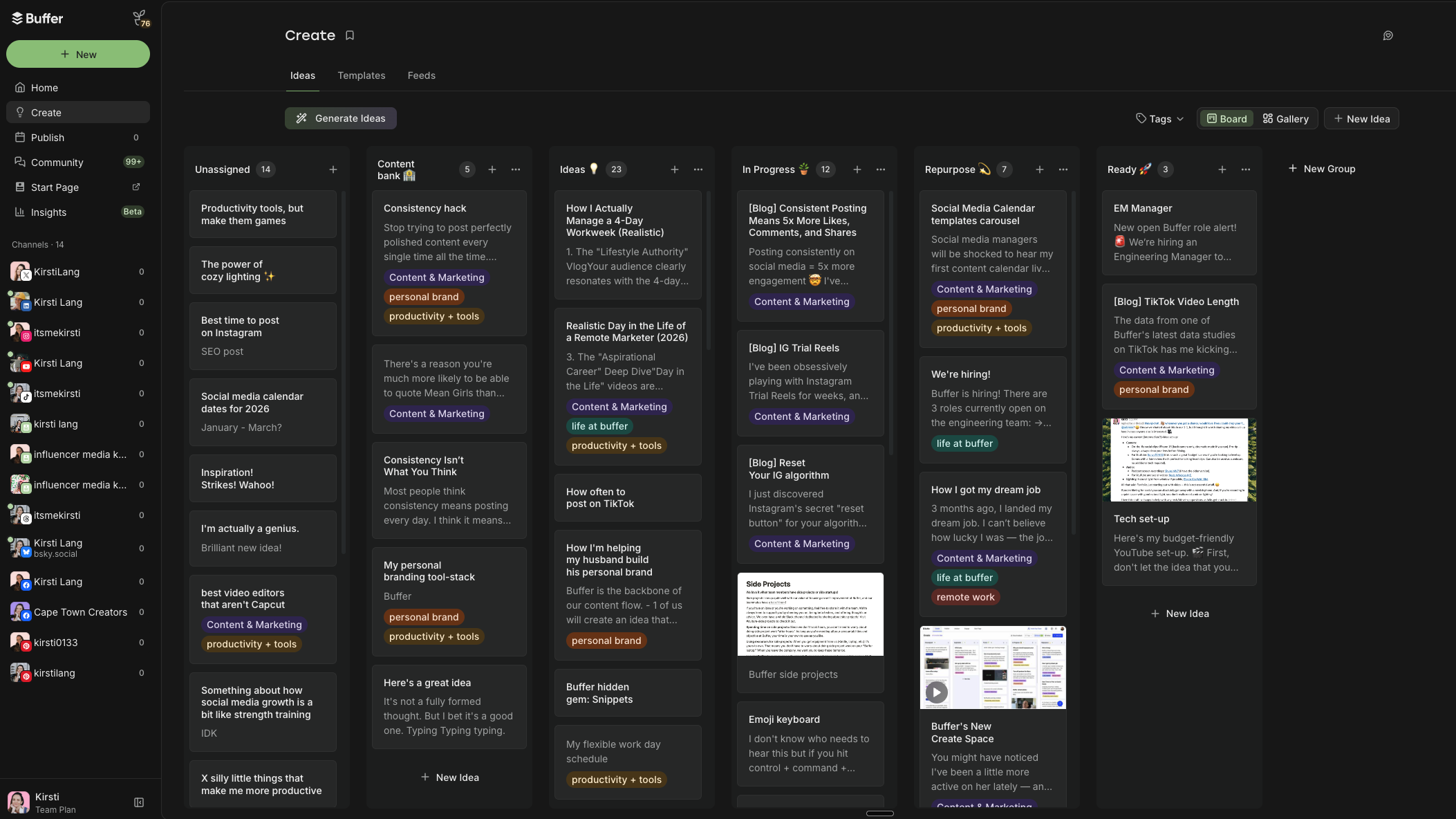
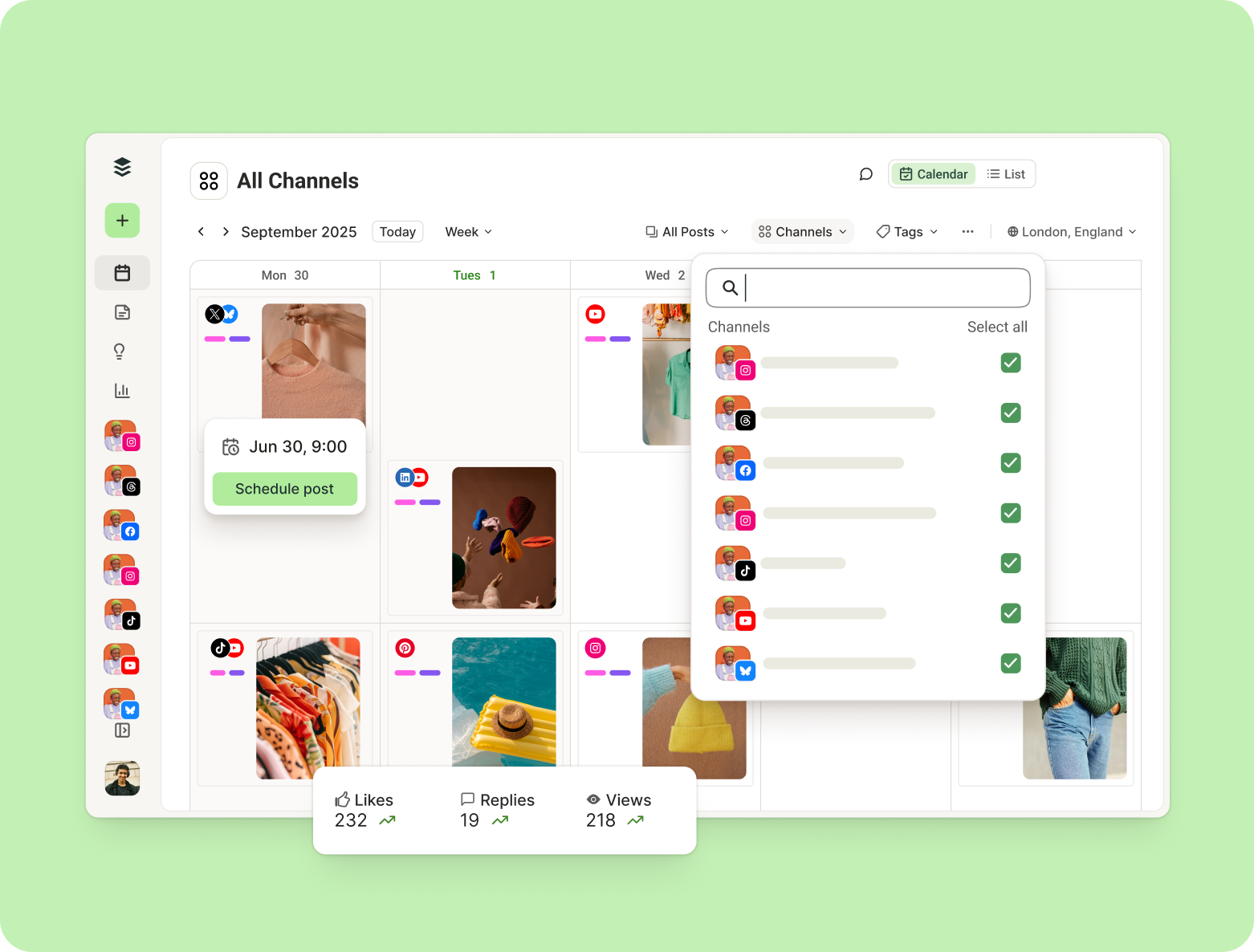
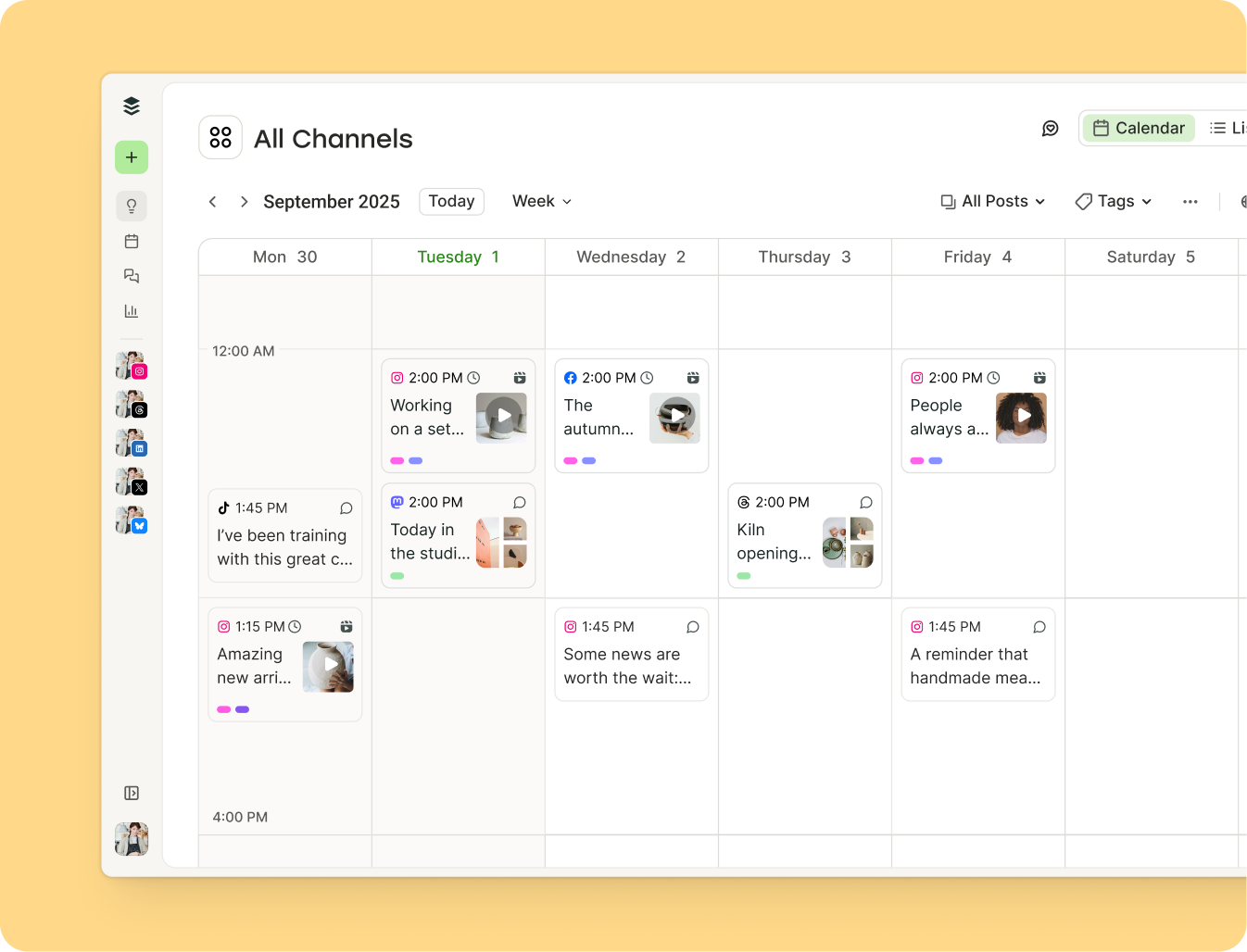
- Buffer Social Media Calendar: Positioned as a leading solution, Buffer provides a robust content calendar that allows users to plan and auto-publish posts across an extensive list of platforms, including Facebook, Instagram, TikTok, YouTube, LinkedIn, X, Pinterest, Threads, Bluesky, Mastodon, and Google Business Profile. Its features include weekly and monthly calendar views with drag-and-drop functionality for easy rescheduling. Users can filter views by platform, optimize posting schedules based on data-driven insights into "best times to post," and utilize custom tags for content categorization and color-coding. This tagging system aids in organizing posts by status, content pillars, target audience, or marketing goals. Beyond scheduling, Buffer integrates "Create Space" for brainstorming, "engagement tools" for managing replies, and "Insights" for performance monitoring. This comprehensive approach streamlines content creation, scheduling, and analysis, making it a powerful tool for both solo creators and large social media teams, complete with approval workflows and smart permissions.
Lo-Fi and Manual Planning Options: Accessibility and Simplicity
For those seeking a straightforward, cost-effective, or highly customizable approach, simpler templates remain popular.
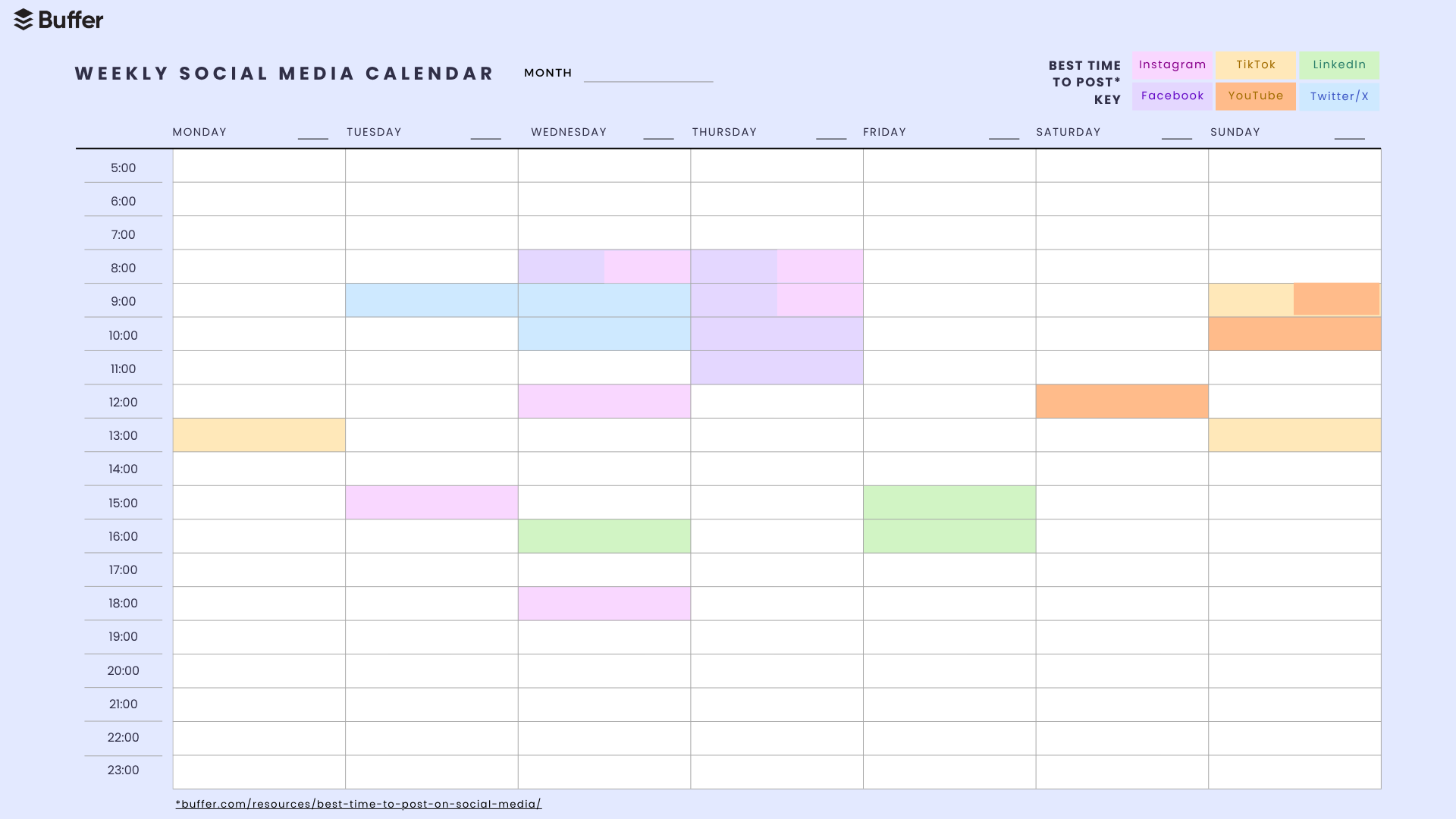
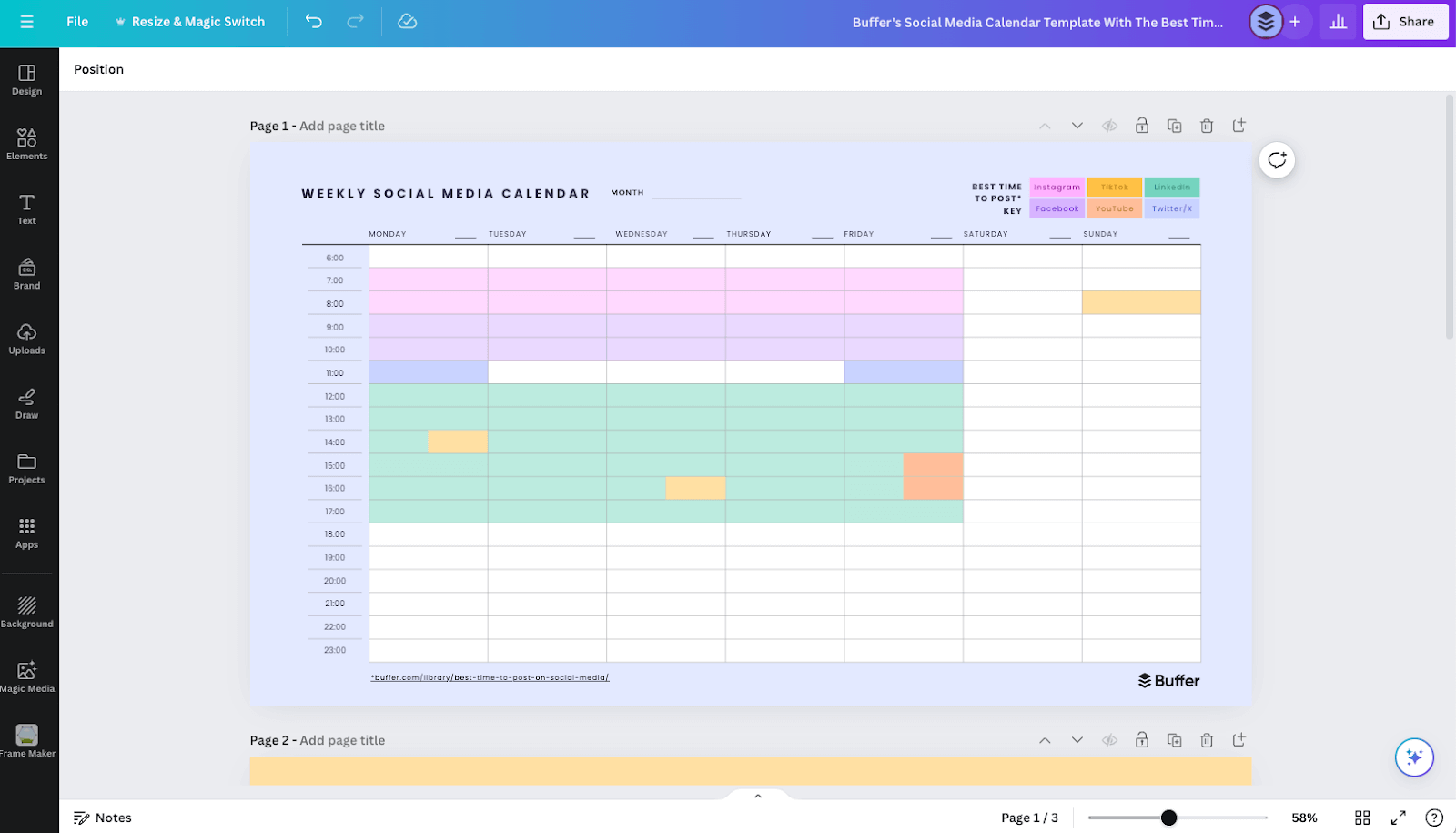
- Best Times to Post Calendar (PDF): Derived from extensive data analysis of millions of social media posts, this PDF template highlights optimal posting times for key platforms like Facebook, Instagram, TikTok, LinkedIn, YouTube, and X. It serves as a valuable reference for maximizing reach and engagement.
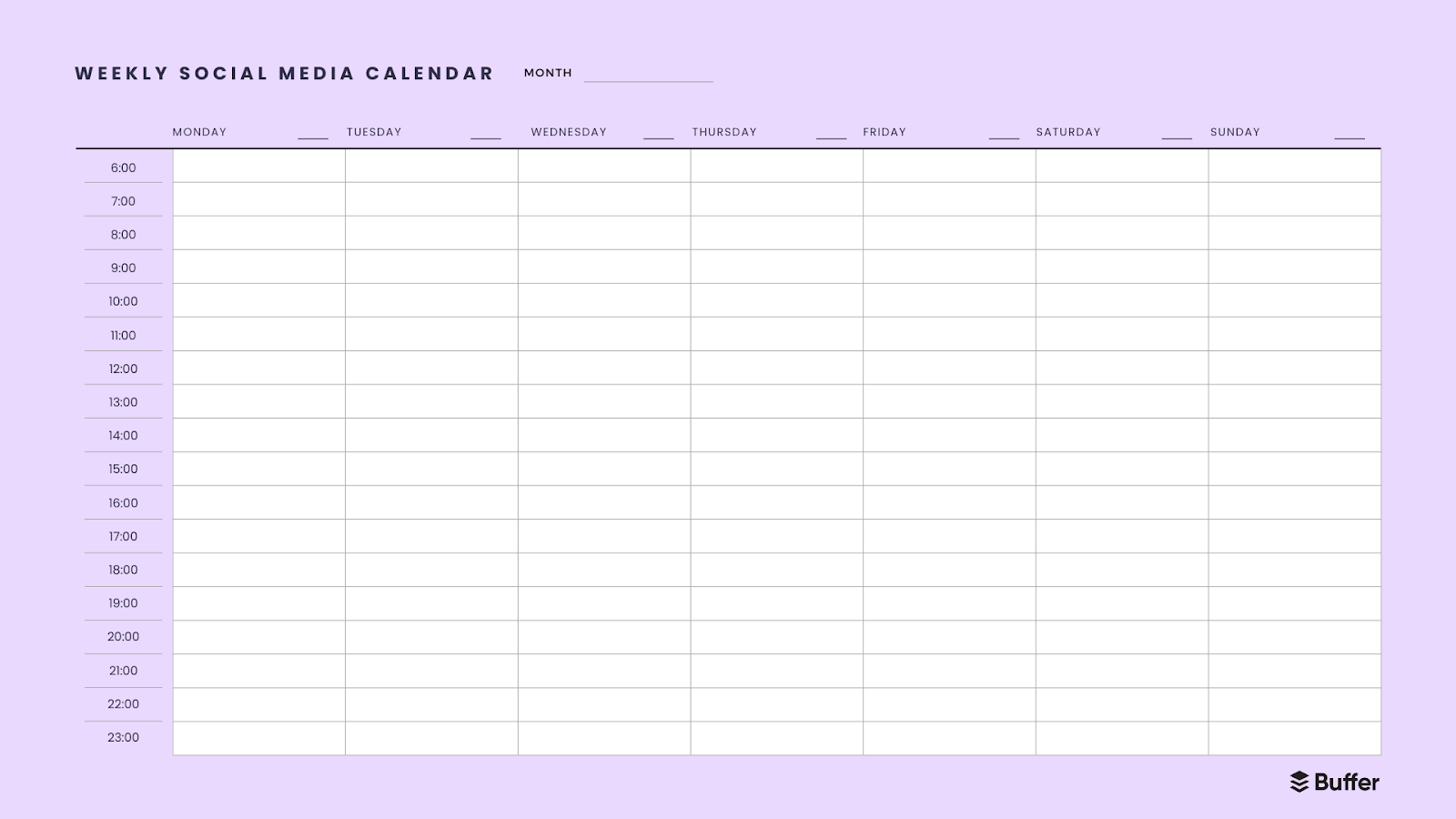
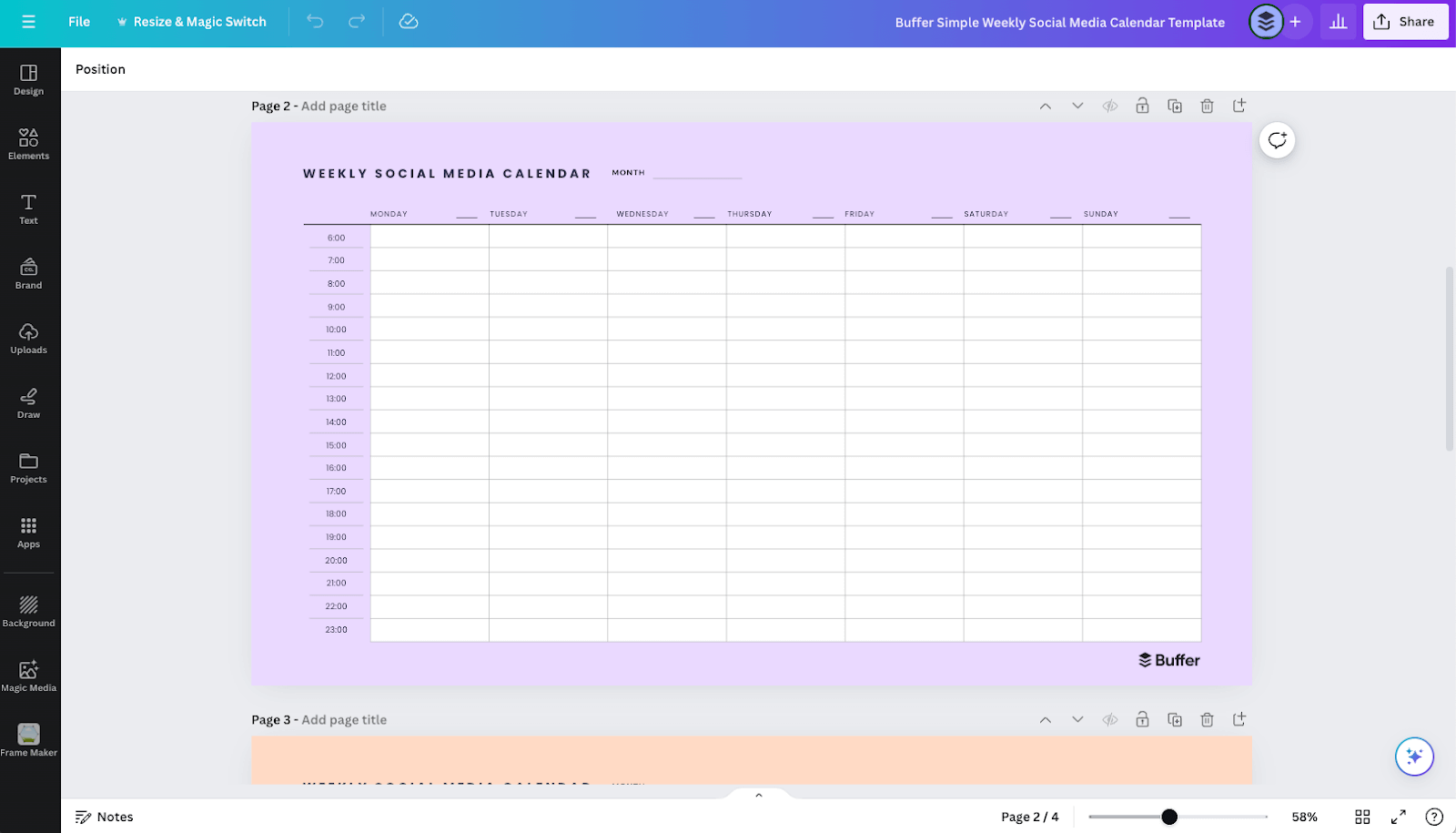
- Simple Weekly Calendar (PDF): A basic PDF template providing a clear layout for mapping out a single week’s worth of content, with time slots from 6 a.m. to 11 p.m. It offers a clean slate for those who prefer manual planning.
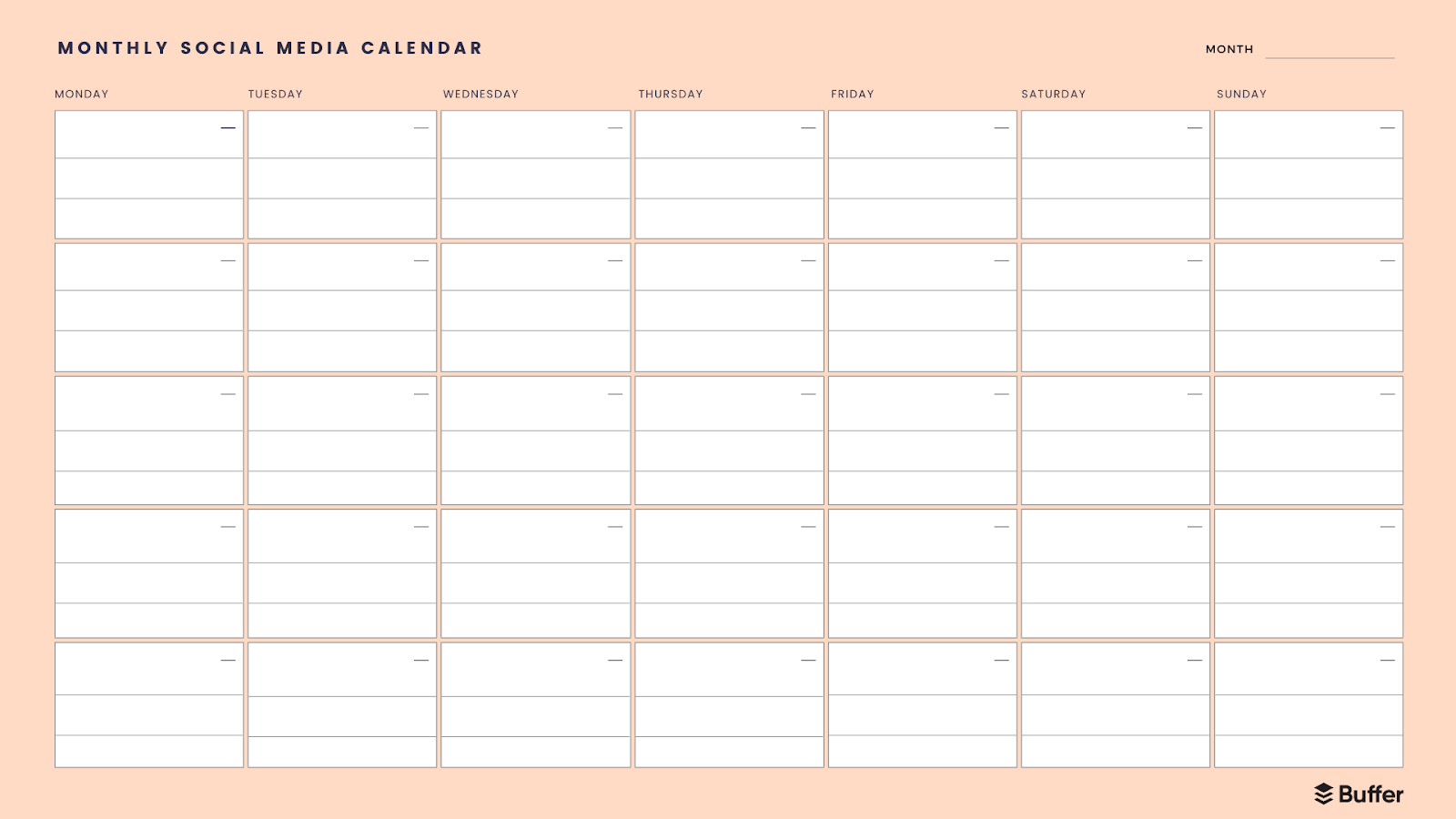
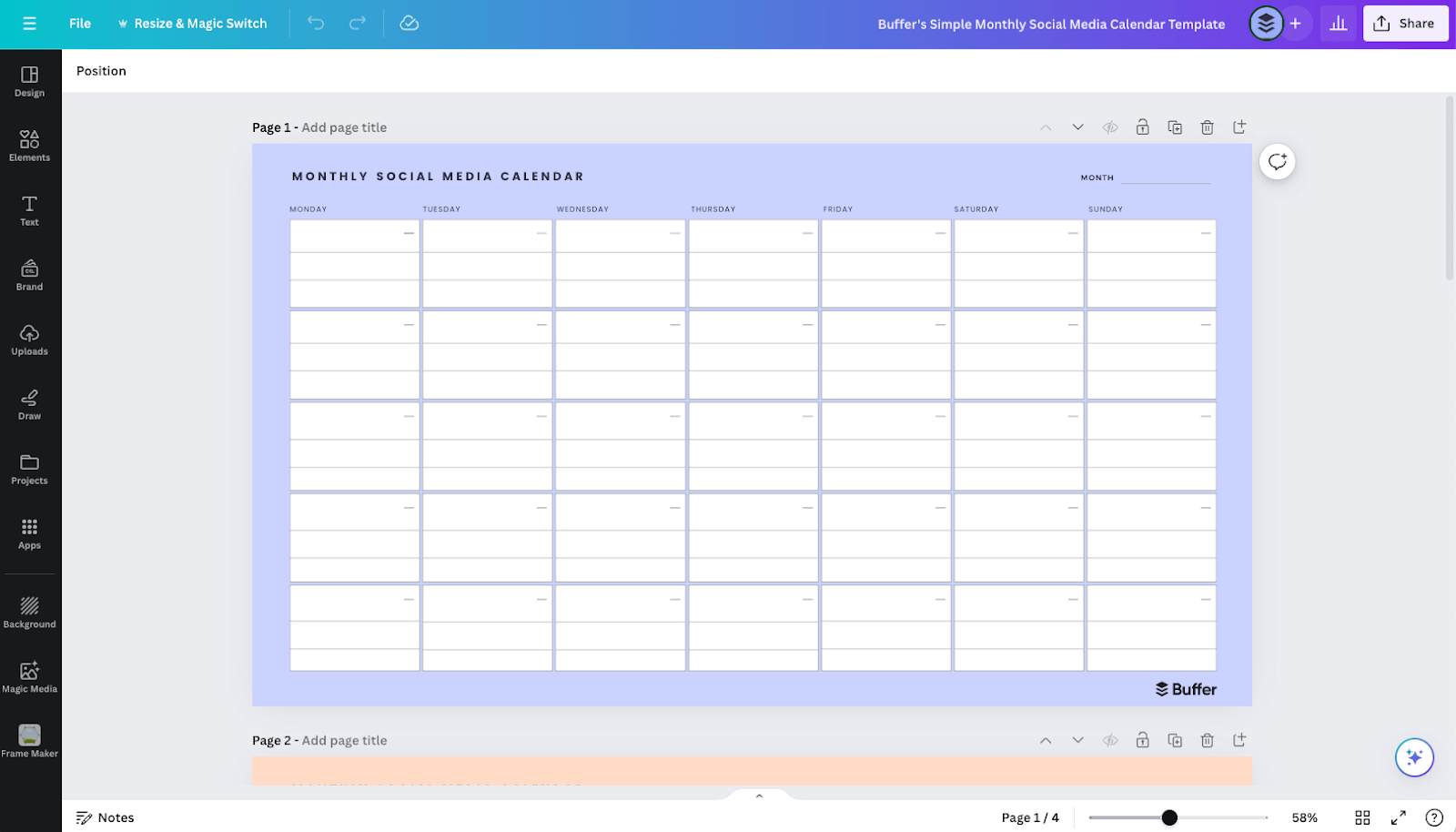
- Simple Monthly Calendar (PDF): This template offers a bird’s-eye view of an entire month, ideal for big-picture planning and prioritizing tasks across a longer timeframe.
- Canva Calendars: For users who appreciate visual customization, Canva offers editable versions of the simple PDF calendars. These templates allow for personalization of design elements, making the planning process more engaging and visually aligned with brand aesthetics. A free Canva account is required for editing.
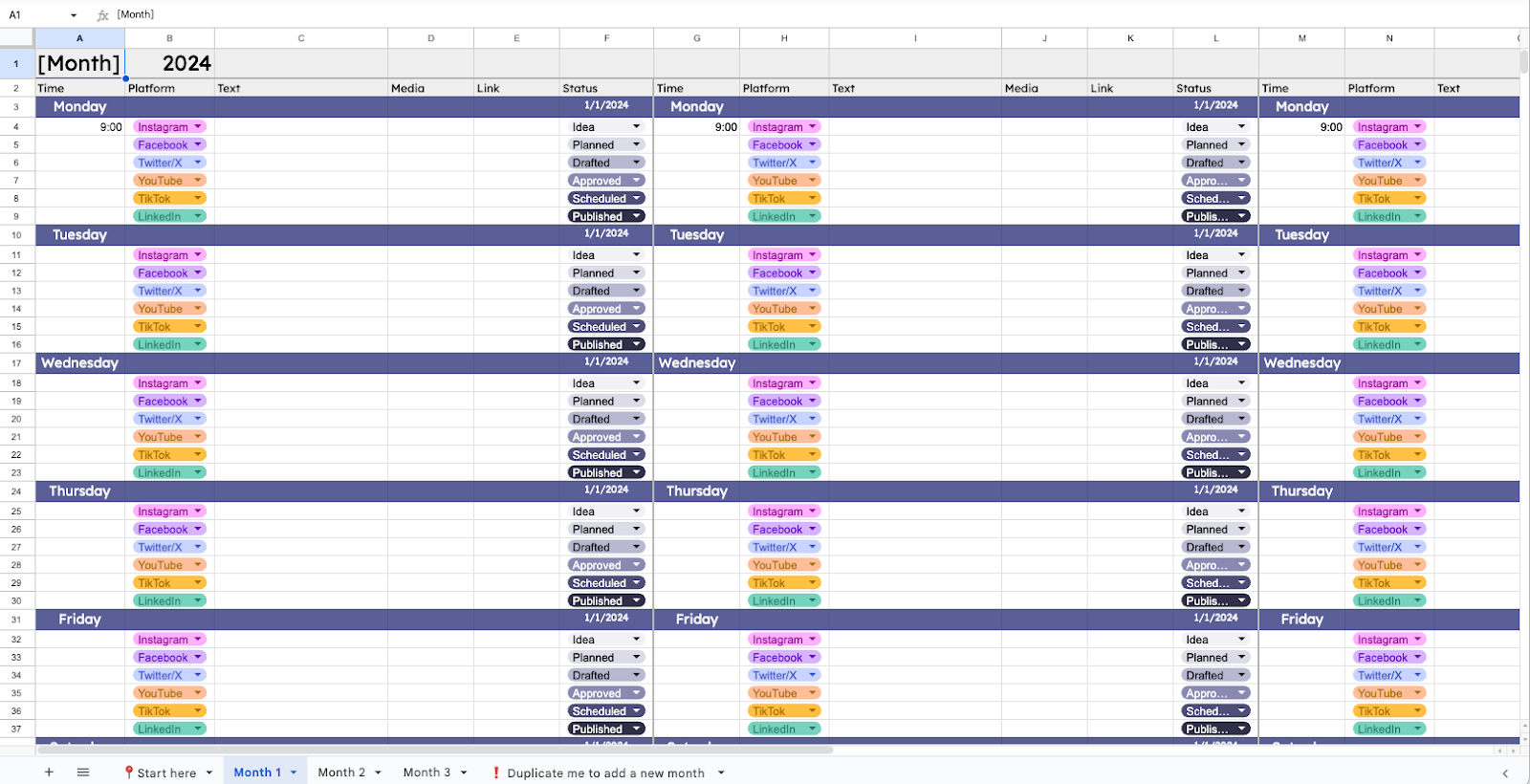
- Google Sheets Calendar: A favorite among spreadsheet enthusiasts, Google Sheets provides a highly customizable, cloud-based solution. It allows for detailed planning, tracking of post statuses, media links, and even full captions. The addition of dropdown lists with custom color-coding enhances its utility as an organizational tool. Its convertibility to Microsoft Excel further broadens its appeal.
Flexible Workspace Solutions: Versatility for Complex Needs
Platforms designed for project management can be adapted into powerful social media calendars, offering greater flexibility and integration with other workflows.
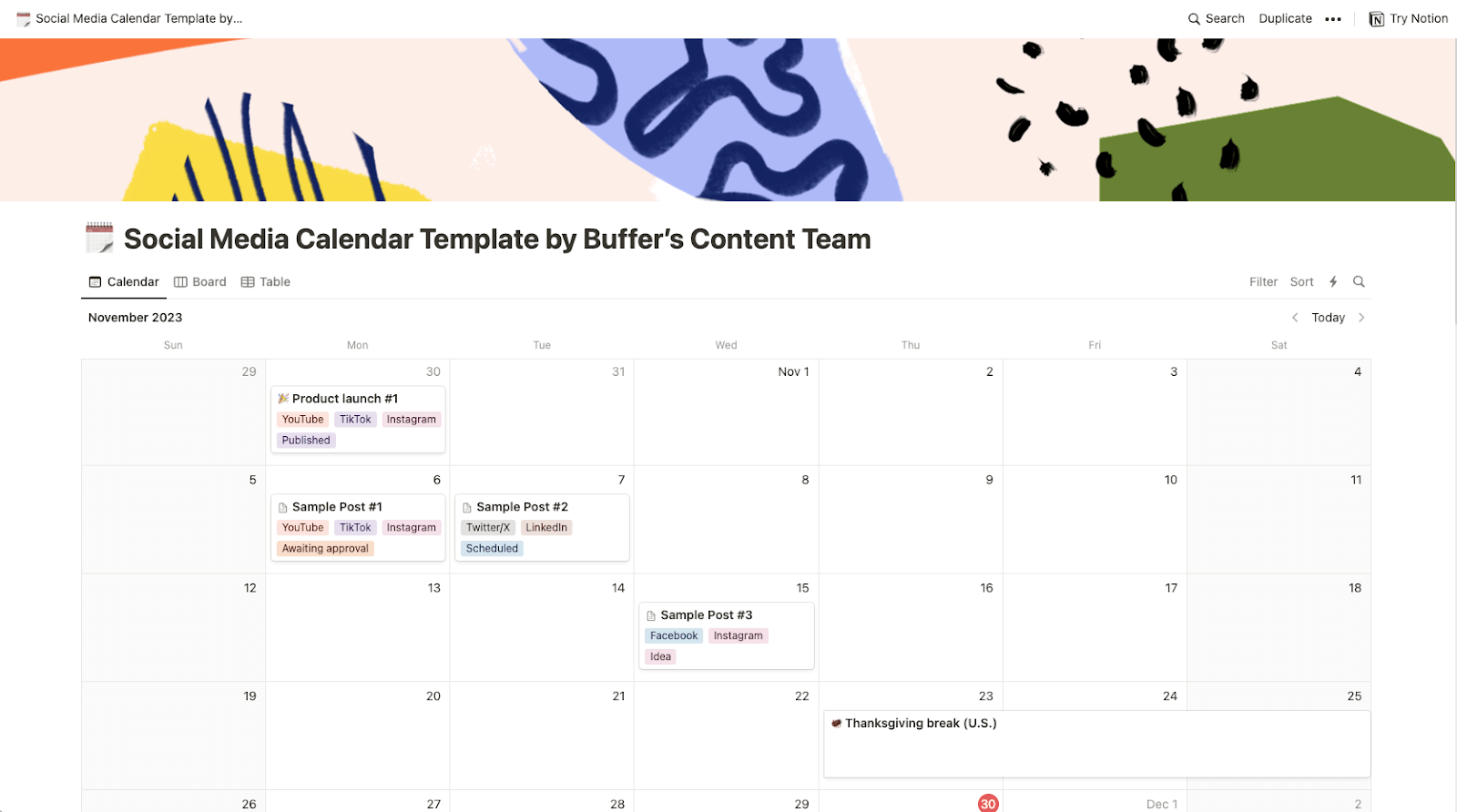
- Notion Calendar: Notion, a versatile project management tool, excels as a social media calendar by allowing users to store captions, media, and other relevant assets directly within the calendar entries. Its multiple viewing options (list, table, Kanban board, Gantt chart) make it suitable for various planning styles. It’s particularly effective for broader content marketing or editorial calendars, capable of mapping newsletters, blog posts, and other digital campaigns alongside social media content.
Innovative Approaches: AI-Powered Content Generation
The integration of Artificial Intelligence is beginning to revolutionize content ideation and scheduling.
- Aiza Coronado’s Email x ChatGPT Calendar: Marketer Aiza Coronado employs a unique system where ChatGPT generates content ideas based on past conversations and sends them directly to her email inbox as daily reminders. This AI-powered approach helps overcome creative blocks and ensures a continuous flow of fresh content concepts, demonstrating the potential for AI tools to enhance content planning efficiency.
Niche and Personal Brand Calendars: Tailored Strategies
Individual creators and personal brands often develop highly specific calendar systems optimized for their unique goals and platforms.
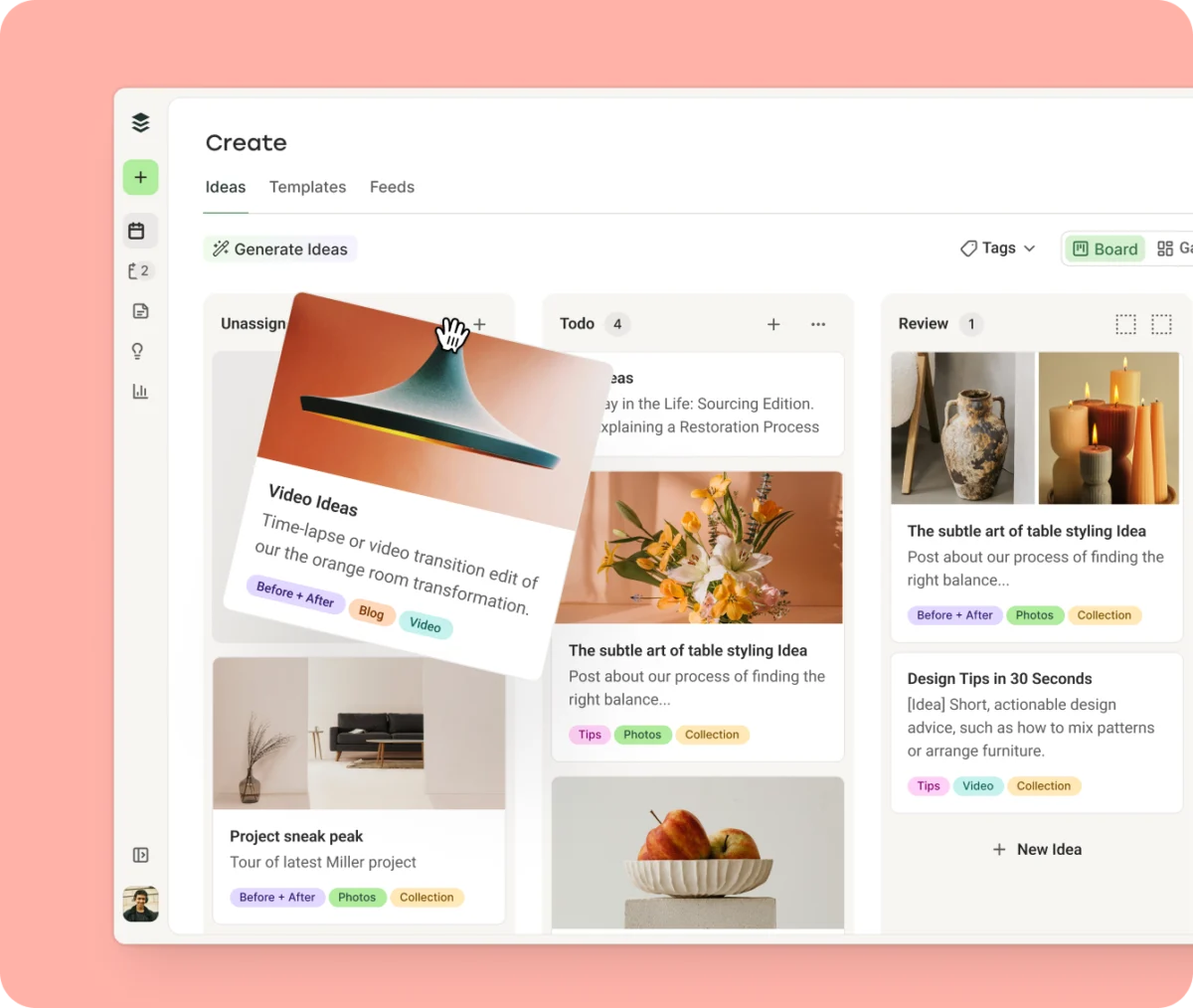
- Simon Heaton’s Kanban Calendar (Buffer): Simon Heaton, Buffer’s Director of Growth Marketing, leverages Buffer’s Create Space as a Kanban board to organize content by status (e.g., "In progress," "Actual in progress"). He further utilizes Buffer’s tagging feature to categorize posts by content pillars (e.g., Buffer Promo, General Growth Tips, Growth @ Buffer, Remote Job Postings, Posts with Data, Posts about Social Media), providing a visual representation of his content strategy on his publish calendar.
- Author’s TikTok Consistency Calendar (Buffer): Emphasizing consistency, the author details a system using Buffer to maintain a regular posting schedule on TikTok. By identifying high-performing time slots through platform data and personal analytics, a predefined schedule is established, reducing friction in the posting process and ensuring daily flexibility for three weekly posts. This approach is adaptable for any social channel.
- Kiran Shahid’s Calendar for Personal Brand-Building (Notion): Kiran Shahid, known for her LinkedIn personal brand, utilizes Notion to manage her content bank. This robust system allows her to capture ideas, develop them later, and easily repurpose content across platforms. It ensures a consistent presence and serves as a strategic asset for intentional personal brand development, making the expansion to new platforms like Instagram smoother.
Crafting a Bespoke Social Media Strategy: Key Steps
While templates offer a head start, building a customized social media calendar from scratch ensures it perfectly aligns with specific objectives. This process is structured and strategic:
- Start with Your Strategy: Before selecting any tool, define your "why" – your goals, target audience, and core content pillars. A clear, single-page social media strategy outlining these elements makes all subsequent decisions more straightforward and effective.
- Pick Your Tool and Format: Choose a platform that complements your workflow. Options range from spreadsheets (Google Sheets, Excel) to flexible workspaces (Notion) and integrated schedulers (Buffer). The most effective system is one that will be consistently used.
- Set Your Cadence: Determine a realistic posting frequency for each platform. Consistency outweighs volume; three sustainable posts a week are more beneficial than seven abandoned by Thursday. This rhythm is crucial for algorithm favorability.
- Build the Skeleton (Posting Slots): Map out specific days and times for publishing. Utilize research on "best times to post" (such as Buffer’s aggregated data) as a starting point, then refine with your own audience performance data. In platforms like Buffer, this translates to setting up a "Queue" with predetermined time slots.
- Get Your Content Ideas Down: Initiate a brainstorming session. Platforms like Buffer’s "Create Space" can serve as a hub for all content ideas, from fully formed posts to brief notes about product launches. AI assistants can also aid in generating initial concepts.
- Organize in a Way That Makes Sense to You: Implement organizational methods like color-coding or tagging. This allows for quick visual assessment of content pillars, status, or format, helping to identify gaps or imbalances in the content mix. Tags are particularly valuable as they often integrate with analytics tools, allowing for performance measurement by category.
- Start Planning: Slot your prepared content ideas into the calendar. With integrated tools, this involves selecting an idea from your content bank, tailoring it for specific platforms, and then scheduling, queuing, or publishing it.
- Review and Adjust: A calendar is a living document. Continuously review and refine your schedule based on performance metrics, audience feedback, and evolving goals. Flexibility is key to optimizing your social media presence.
Expert Perspectives on Consistency and Strategic Planning
Industry leaders consistently underscore the importance of planned, consistent social media engagement. Vikki Tokarz, Head of Community at Scribe, articulates this sentiment: "Write timely, viral content when you have it, and schedule your ‘bread and butter’ (evergreen) content to cultivate a persistent, relatable social presence." This dual approach—leveraging spontaneous opportunities while maintaining a steady flow of foundational content—is precisely what a robust content calendar enables.
The core message from social media strategists and platform algorithms alike is clear: consistency is paramount. Whether a content creator, social media marketer, or small business owner, maintaining an active presence on chosen social networks is the most reliable path to success. A social media content calendar is the definitive tool to ensure this consistency, providing the structure needed to navigate the complexities of digital communication and achieve strategic objectives.
Implications for Digital Success
The adoption of a strategic social media content calendar carries significant implications for digital success. For businesses, it translates into a stronger brand presence, improved customer engagement, and a measurable return on investment from marketing efforts. Content creators benefit from sustained audience growth and enhanced credibility. Personal brands can cultivate a distinct online identity, fostering professional opportunities and influence. In an era where digital presence is synonymous with relevance, a well-managed content calendar is not just an advantage; it is a fundamental requirement for thriving in the online ecosystem.
Social Media Content Calendar FAQs
Why is a social media content calendar necessary?
A social media content calendar is crucial for building and executing an effective social media strategy. It helps to maintain consistency, save time, align content with marketing goals, improve post quality, and optimize posting times for maximum reach and engagement. It transforms ad-hoc posting into a strategic, organized effort.
What are the key components of an effective social media calendar?
While calendars can be customized, most effective ones include:
- Platform: Which social network (e.g., Instagram, LinkedIn).
- Date and Time: When the post will go live.
- Content Type: (e.g., image, video, text, Reel, Story).
- Caption/Text: The accompanying written content.
- Media Link: Link to the image, video, or external content.
- Status: (e.g., Draft, Scheduled, Published, Needs Approval).
- Content Pillar/Category: What theme or topic the post addresses.
Some advanced calendars might also include hashtags, calls to action (CTAs), audience segments, and campaign labels.
How do I get started with a social media content calendar?
Begin by selecting a tool or template that suits your workflow – whether it’s a simple PDF, a Google Sheet, Notion, or an integrated scheduler like Buffer. Block dedicated time each week or month to map out your content. Even planning just a few posts in advance can significantly improve your workflow and consistency. Remember, the calendar should work for you, not the other way around.
Can I customize a social media calendar template?
Absolutely. A template is a starting point, not a rigid framework. You should tailor the layout, add color-coding, rename columns, or remove sections that aren’t relevant to your specific strategy, goals, audience, and capacity. Adjust suggested posting times to match your audience’s activity patterns and prioritize platforms where you are most active. The calendar should be a reflection of your unique social media strategy.
What features should I look for in a social media content calendar template?
Look for templates that offer flexibility and clarity. Key features include:
- Easy-to-use Interface: Intuitive navigation and content input.
- Customizable Fields: Ability to add or modify columns for specific data points.
- Visual Appeal: Clear layout, potentially with color-coding options.
- Scalability: Ability to manage content for single or multiple platforms.
Bonus features like filtering by platform, tracking post status, or integrating media files directly within the calendar can further enhance efficiency.