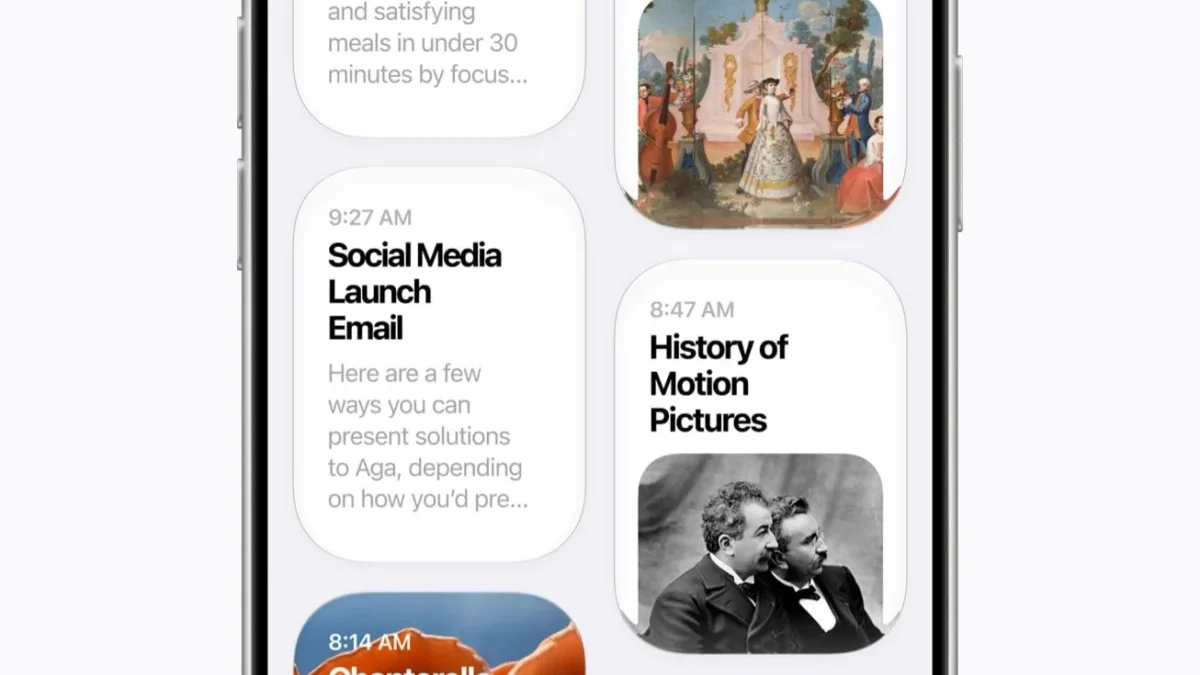
Apple has officially begun rolling out its latest generation of mobile and tablet operating systems, iOS 27 and iPadOS 27. While last year’s cycle was defined by the sweeping aesthetic overhaul known as Liquid Glass, the 2026 software release focuses heavily on everyday utility, platform stability, and deep artificial intelligence integration. Spearheaded by a modernized version of Siri powered by advanced foundation models, the new update aims to refine the user experience across both hardware platforms while extending critical optimizations to older device tiers.
The global rollout commenced following a rigorous multi-month beta testing phase that began earlier in the summer at Apple’s Worldwide Developers Conference (WWDC). As millions of users begin downloading the firmware, industry analysts are closely examining how Apple’s hardware-software ecosystem adapts to an increasingly competitive generative AI landscape, particularly regarding on-device privacy versus cloud-based computing tasks.
Compatibility, System Requirements, and Installation Guidelines

A common concern among Apple consumers with every major operating system upgrade is device obsolescence. Apple typically maintains hardware support cycles for six to seven years, and iOS 27 adheres closely to this precedent. The software is compatible with iPhone models dating back to 2019, meaning the iPhone 11 lineup, subsequent generations, and the second-generation iPhone SE can successfully run iOS 27. Any device that previously supported iOS 26 remains eligible for the latest iteration.
iPadOS 27 presents a slightly more fragmented compatibility matrix due to Apple’s transition away from traditional generational naming conventions in favor of chipset identifiers. However, the update drops support for a select number of legacy units, most notably the eighth-generation iPad released in 2020 and the fifth-generation iPad Mini.
To initiate the update, users are strongly advised to perform a comprehensive iCloud or local backup via Settings. Once secured, the installation package can be accessed under Settings, General, and Software Update. Following the system reboot, users utilizing compatible hardware will experience an automated background indexing process. This procedure allows the newly integrated Siri AI assistant to map personal contexts, applications, and stored media, a task that can consume anywhere from a few hours to two days depending on the volume of data stored on the device.
Crucially, industry observers note a persistent hardware divide regarding Apple Intelligence. While older supported devices receive iOS 27 for security patches and general utility improvements, advanced generative AI features remain strictly restricted to the iPhone 15 Pro and newer iterations, alongside select M-series and A-series iPads equipped with the necessary neural engine architecture.

The Evolution of Siri AI and Contextual Intelligence
The centerpiece of the iOS 27 and iPadOS 27 launch is the long-awaited transformation of Siri. Historically critiqued for lagging behind competing voice assistants in contextual comprehension, Siri has been rebuilt from the ground up using third-party foundation models developed in collaboration with Google’s Gemini architecture. Despite utilizing this foundational framework, Apple has emphasized that no user data is routed through Google’s servers, maintaining the company’s strict privacy standards via its proprietary Private Cloud Compute infrastructure.
Visually, activating the assistant summons a dynamic glass orb interface. Users can seamlessly transition between natural voice commands and typed inputs within a dedicated Siri application designed to retain conversation history across multiple Apple devices. Furthermore, Siri integration has been embedded directly into the native Camera app. Users can now invoke visual search functions akin to Google Lens by pointing their device at physical objects, landmarks, or documents—such as restaurant bills that require automated split-payment calculations among groups.
By leveraging personal context, the assistant can now autonomously parse through localized emails, messages, and photo libraries to field complex, multi-layered queries. Whether drafting correspondence in a specific tone or cross-referencing dietary restrictions with localized recipe databases, Siri executes tasks with heightened autonomy. Audio responses feature a more expressive, natural cadence, with customizable pace and voice profile settings available to the user.

Performance Optimization and Hardware Efficiency
Beyond artificial intelligence, Apple has directed significant engineering resources toward under-the-hood performance metrics. According to company benchmarks, iOS 27 improves application launch speeds by up to 30 percent. Additionally, newly captured media loads within the Photos application up to 70 percent faster, while AirDrop data transfer rates have seen an 80 percent increase in efficiency.
These speed enhancements are not exclusive to flagship hardware. Through a newly optimized CPU scheduler, legacy devices such as the iPhone 11 experience tangible performance gains and extended battery longevity. Network handoff protocols have also been refined, ensuring smoother transitions between Wi-Fi networks and cellular data bands without prolonged connectivity dropouts.
Design Adjustments and Liquid Glass Refinements

The controversial Liquid Glass design language introduced in iOS 26 has received constructive modifications based on consumer feedback. While the overarching transparent aesthetics remain, Apple has adjusted contrast ratios and sharpness parameters to enhance text legibility and icon definition.
Addressing user preferences directly, iOS 27 introduces a dedicated intensity slider located within Settings under Appearance and Liquid Glass. This control allows users to scale the transparency effect from hyper-clear to a more traditional opaque finish, catering to accessibility needs and personal visual preferences.
Expanded Parental Controls and Child Safety Architecture
Child safety features received prominent positioning during Apple’s introductory keynotes, reflecting growing regulatory scrutiny over minor safety in digital spaces. iOS 27 introduces a streamlined Setup Assistant that allows parents to pre-select essential system applications during initial device configuration.

A new Ask to Browse function routes web requests encountered in Safari directly to a parent’s device for real-time approval. Concurrently, updated Communication Safety protocols automatically blur explicit imagery or violent content across Messages and FaceTime by default.
To manage screen time more effectively, parents can now implement Time Allowances tailored to specific application categories, governed by age-appropriate guidelines provided by Apple. Coupled with rigid weekly scheduling tools and a redesigned parental dashboard, the ecosystem provides granular oversight over minor device consumption.
Generative Imaging and Advanced Photos Tools
The Photos application integrates several powerful Apple Intelligence features, though these remain tethered to the iPhone 15 Pro and newer hardware tiers. The Clean Up tool has been upgraded via superior foundation models, executing complex background object removals locally or via Private Cloud Compute depending on processing demands.

New additions include the Extend tool, which utilizes generative cloud diffusion models to expand the borders of a photograph, granting subjects additional visual space. Spatial Reframing allows users to alter the apparent perspective of an image post-capture, employing generative AI to fill in spatial gaps while algorithmically preserving facial structures and pets to prevent artificial distortion. These editing features are accessible via the native editing suite, though heavy usage may require upgraded iCloud storage subscriptions once free tier limits are exceeded.
Similarly, the Image Playground application has adopted a more powerful generation model capable of rendering photorealistic imagery by default when specific artistic styles are omitted from text prompts.
Productivity, Shortcuts, and Safari Enhancements
Workflow automation has been simplified via a revamped Shortcuts application. Rather than configuring complex logical chains and manual triggers, users can communicate automation intent in natural language. For instance, stating an intent to text a spouse an estimated time of arrival upon leaving the workplace prompts the system to automatically synthesize location data, Apple Maps traffic conditions, and the Messages app into a singular, executable task.

Safari browser updates focus on intelligent organization, automatically sorting open tabs into categorical topics. Furthermore, web page monitoring alerts users to significant structural changes, such as price drops or inventory restocks. The introduction of Custom Extensions allows users to describe bespoke browser features in plain text, prompting Safari to generate tailored extensions that sync seamlessly across macOS and iOS platforms.
Market Implications and Industry Outlook
The release of iOS 27 and iPadOS 27 underscores Apple’s dual-pronged strategy: securing user retention through essential quality-of-life updates and older-device optimizations, while aggressively pushing its ecosystem toward a generative AI future. By blending localized utility improvements with advanced cloud-backed intelligence, Apple aims to solidify its competitive standing against Android counterparts while maintaining its traditional emphasis on data privacy and hardware longevity. As the rollout expands globally, adoption rates and consumer response to Siri’s new architecture will likely dictate the trajectory of Apple’s software development for the remainder of the decade.